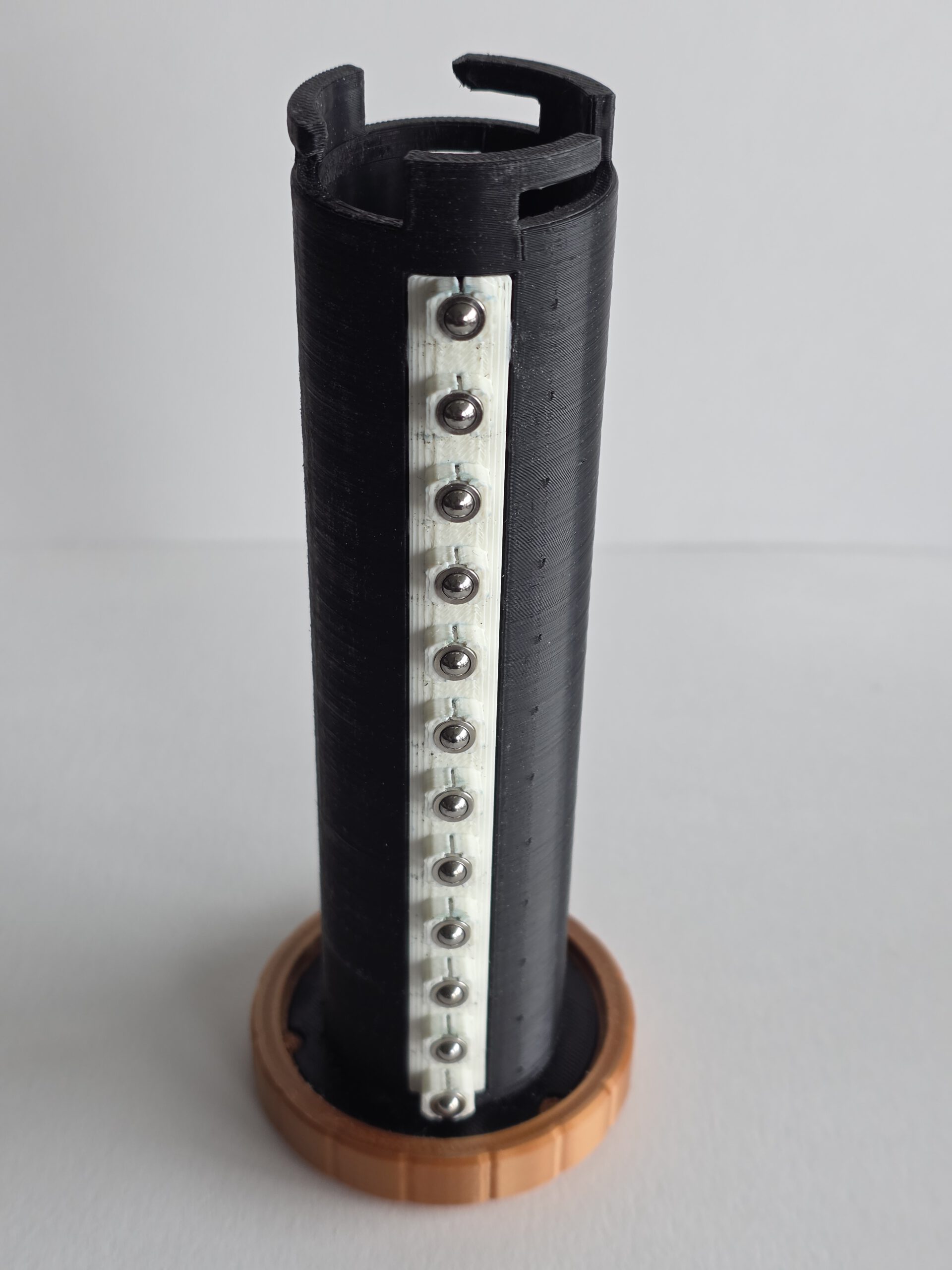
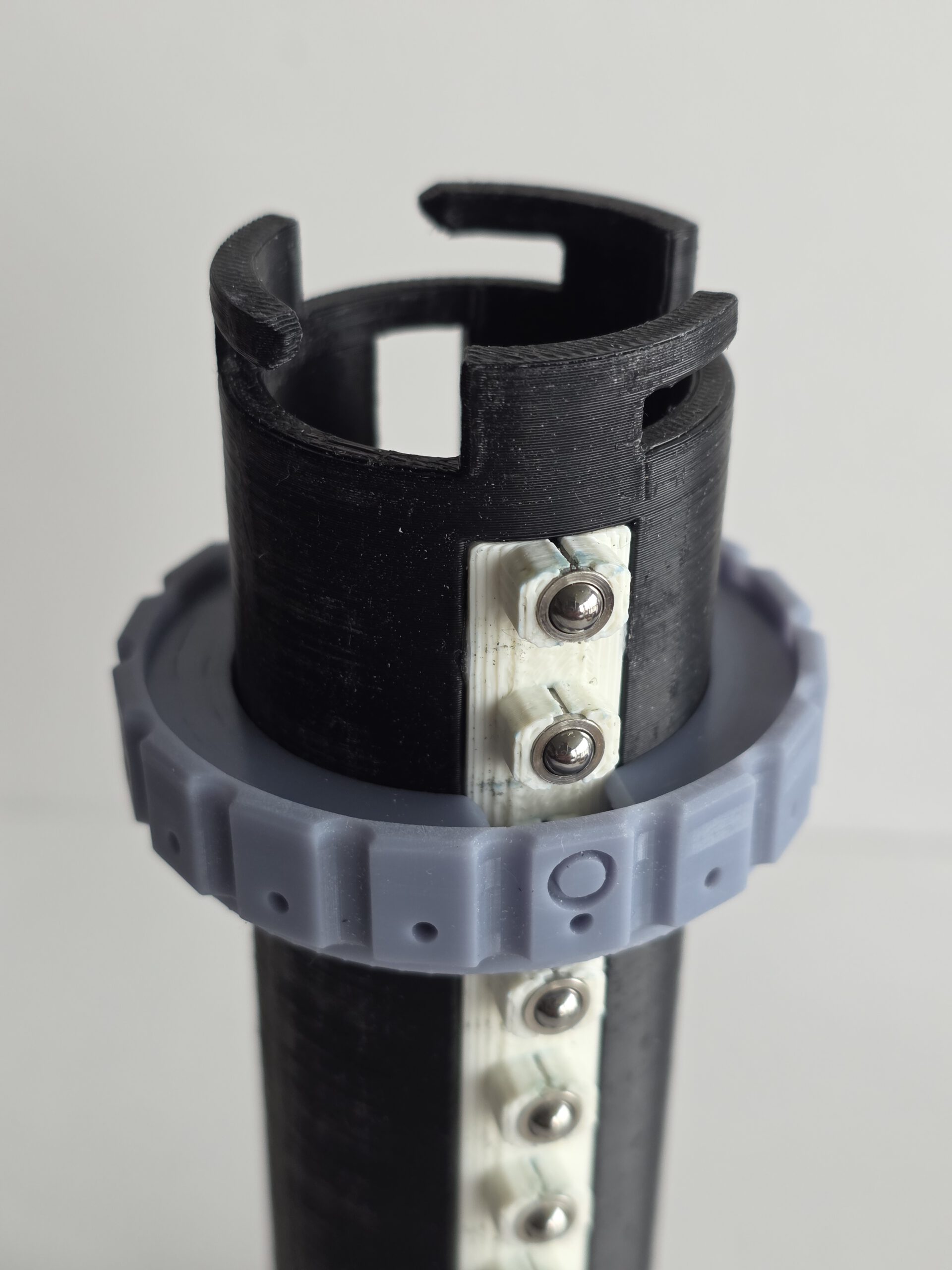
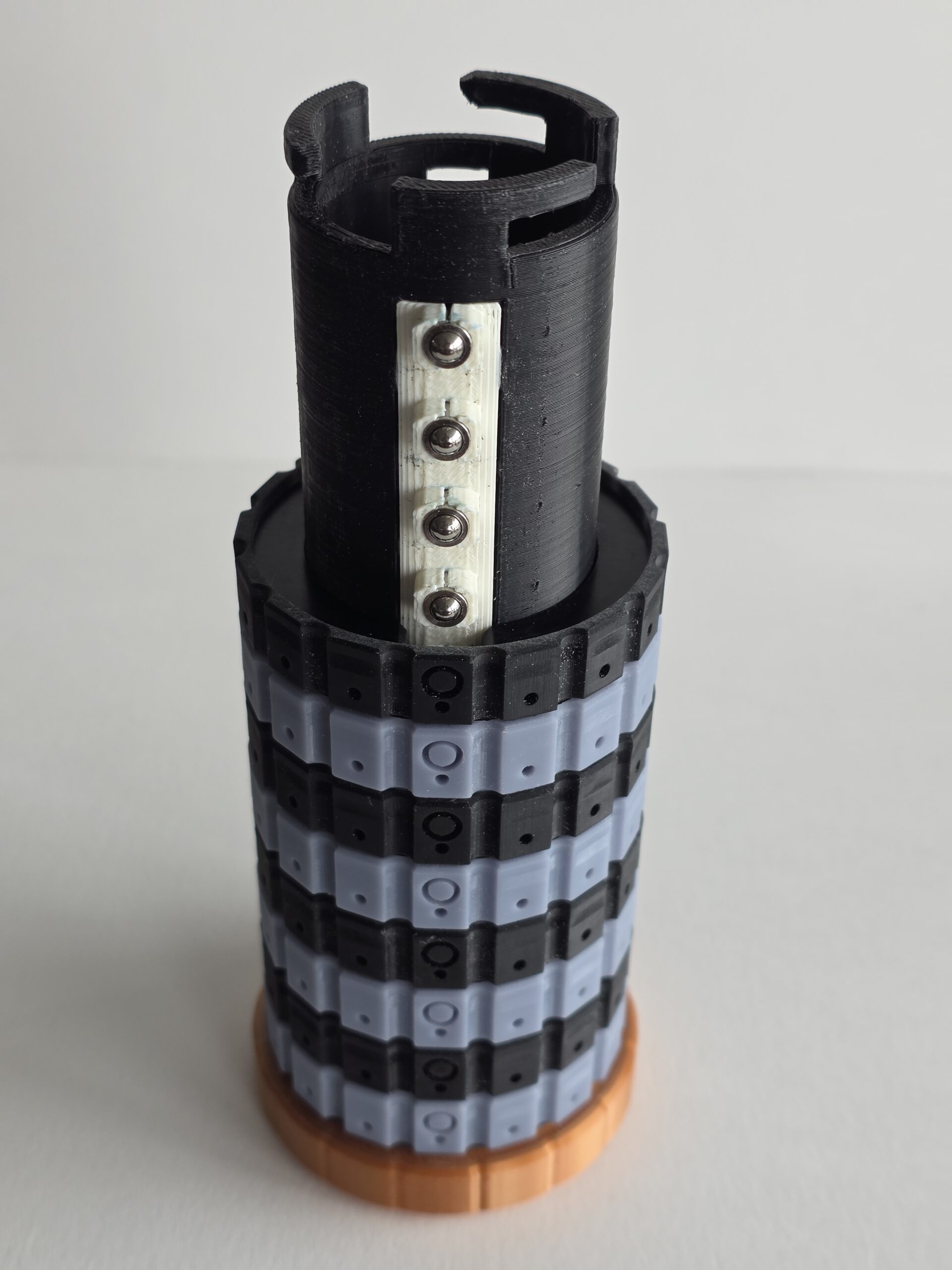
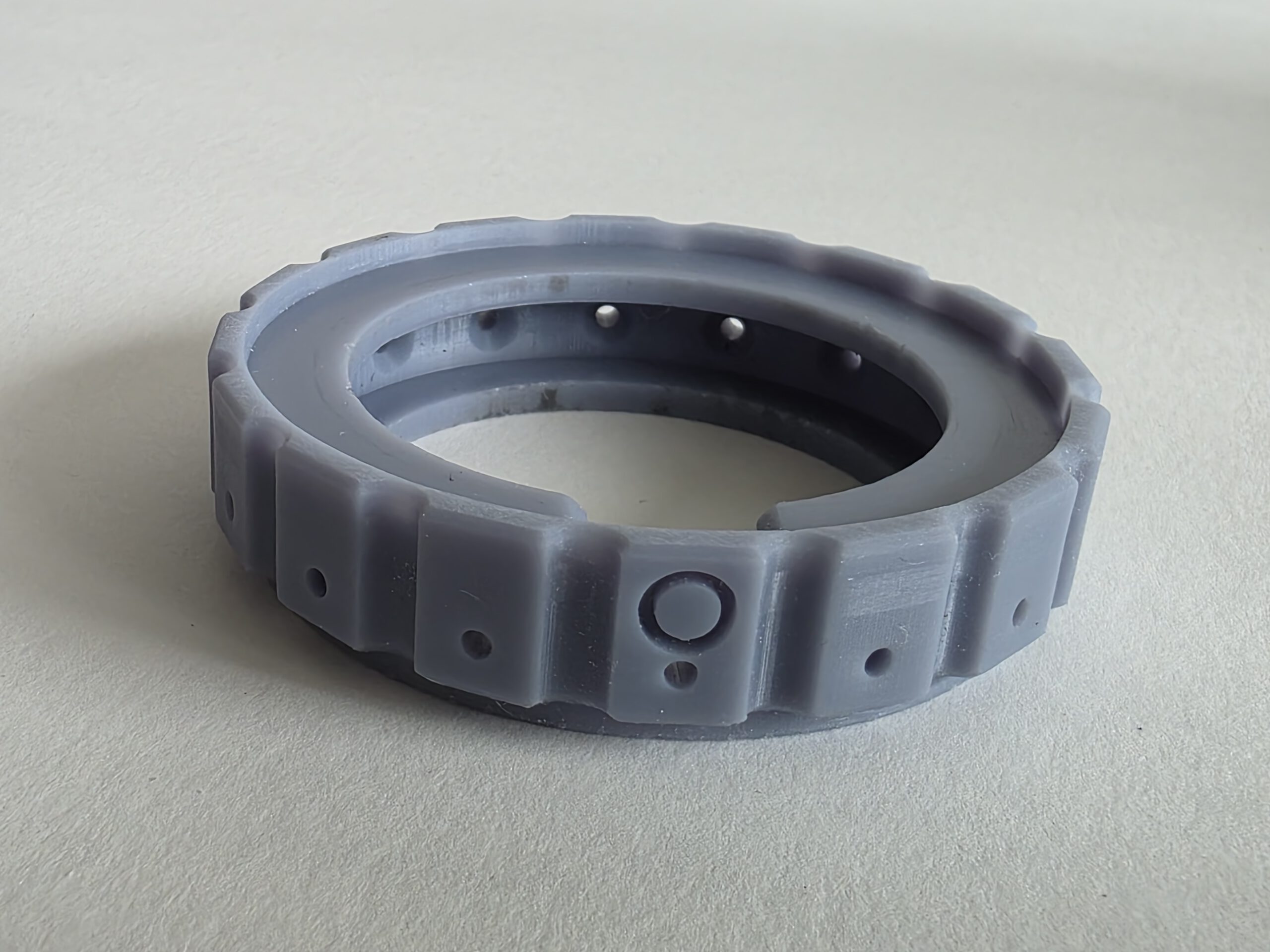
The CryptHEX (9SQM) — A fully mechanical 3D-printed cryptex I designed for a Cyber Security CTF (Capture The Flag). Twelve independently rotating rings each have 16 hexadecimal positions (0–9, A–F), creating a 48-bit combination space. Solving one of the CTF challenges revealed the code needed to open the CryptHEX; inside was the code required to continue with the next challenge. Flexible TPU locking pins make the correct ring positions deliberately difficult to detect by feel. Forget the code and there is no reset button, recovery procedure or password hint. There is, however, a saw.
Using the CryptHEX
1. CryptHEX — Assembly, Code Setup and Locking
Before You Start
The CryptHEX uses twelve code rings, each with 16 positions: 0–9 and A–F. The combination therefore consists of twelve hexadecimal characters.
Each code ring works together with a click ring, providing 16 distinct rotational positions.
The inner tube carries twelve flexible lock pins. For the inner tube to be inserted or removed, the openings in all twelve rings must be aligned with these lock pins.
The O markings are used during assembly to indicate the position of the lock pins. The arrows at the top and bottom of the CryptHEX indicate the code-reading position.
Important: Make sure you know the intended 12-character code before locking the CryptHEX. Once locked, it cannot be opened without the correct code. If you forget it, mechanical persuasion involving a saw may be required.
Step 1 — Install the Click Rings
Slide the first click ring onto the outer tube.
Each click ring has a clearance slot that allows it to pass over the click mechanism. Align this slot with the click mechanism and slide the ring down into position.
Repeat this procedure until all 12 click rings have been installed.
Step 2 — Move the Click Rings to the Open Position
Once all twelve click rings are installed, rotate each click ring 180 degrees.
The clearance slots should now be positioned on the opposite side of the click mechanism, creating a continuous vertical clearance for the twelve lock pins on the inner tube.
The O markings indicate this lock-pin position. and should now align with the arrow on the fixed ring of the outer tube.
The CryptHEX is now in its open position.
Step 3 — Install the Code Rings and Set the Combination
Fit the twelve hexadecimal code rings onto their corresponding click rings.
The physical position of each code ring relative to its click ring determines which character will appear at the code-reading position when the lock-pin openings are aligned.
Position each code ring so that the desired hexadecimal character appears along the code-reading line indicated by the arrows at the top and bottom of the CryptHEX.
Repeat this for all twelve rings.
The twelve characters between the arrows now form the opening code.
Step 4 — Install the Locking Lid
Before inserting the inner tube, place the locking lid onto the CryptHEX and rotate it fully into its locked position.
This must be done before inserting the inner tube.
Once the inner tube has been installed, it mechanically prevents the locking lid from being rotated and removed.
Step 5 — Insert the Inner Tube
Check once more that all twelve code rings are correctly positioned.
The arrows at the top and bottom of the CryptHEX indicate the code-reading position. The twelve hexadecimal characters aligned between these arrows must show the intended combination.
Carefully slide the inner tube into the outer tube.
The twelve flexible lock pins should pass through the aligned openings without requiring significant force.
Do not force the inner tube. If it does not slide in freely, check that all twelve rings are correctly positioned.
Push the inner tube fully into position.
Step 6 — Lock the CryptHEX
Rotate several or all of the code rings away from the programmed combination.
The openings are now moved away from the lock pins, preventing the inner tube from being removed.
Because the inner tube also blocks the locking lid, the complete assembly is now mechanically locked.
The CryptHEX is now locked.
To open it again, rotate all twelve rings until the correct hexadecimal combination appears between the two arrows. This realigns all twelve openings with the lock pins, allowing the inner tube to be removed.
2. CryptHEX — Disassembly, Changing the Code and Reassembly
Before You Start
To change the combination, the CryptHEX must first be opened using its current 12-character hexadecimal code.
There is no externally accessible reset mechanism while the CryptHEX is locked.
Important: Do not start changing the code unless you know the current combination and can successfully remove the inner tube.
Step 1 — Enter the Current Code
Rotate each of the twelve code rings until the correct hexadecimal combination appears along the code-reading line indicated by the arrows at the top and bottom of the CryptHEX.
Check the complete 12-character code carefully.
When all twelve positions are correct, the internal openings will be aligned with the lock pins on the inner tube.
Step 2 — Remove the Inner Tube
Carefully pull the inner tube straight out of the CryptHEX.
The twelve flexible lock pins should pass through the aligned openings.
Only light resistance should be present.
Do not force it. If the inner tube will not slide out, check all twelve code positions again. A single incorrectly positioned ring is enough to prevent removal.
Once the inner tube has been removed, leave all rings in this position. The CryptHEX is now in its open position, and there is no need to rotate the rings by 180 degrees.
Step 3 — Remove the Locking Lid
With the inner tube removed, the locking lid is no longer mechanically blocked.
Step 4 — Remove the Code Rings
Keep the CryptHEX in its open position.
The twelve code rings can now be slid off the outer tube. Their clearance slots are already correctly aligned with the click mechanism, so there is no need to rotate the rings first. The “O” markings now should align with the arrow on the Fixed Ring on the outer tube.
Remove all twelve code rings.
Step 5 — Reinstall the Code Rings
With the CryptHEX still in its open position, slide the twelve code rings back onto the outer tube.
Each ring can be installed in a different rotational orientation. This is how the combination is mechanically programmed. DO NOT ROTATE the inner rings during this process.
Install each ring so that the hexadecimal character required for the new combination will appear at the code-reading position indicated by the arrows.
Repeat this for all twelve positions.
Step 6 — Set and Verify the New Code
Check the characters displayed along the code-reading line between the top and bottom arrows.
They should show your new 12-character hexadecimal combination.
Valid characters are:
0 1 2 3 4 5 6 7 8 9 A B C D E F
Check the entire code carefully before continuing.
At this point, the physical relationship between the code rings and their click positions defines the new combination. No additional programming or adjustment is required.
Write down the new code before continuing. The CryptHEX does not have a Forgot password? button.
Step 7 — Reinstall the Locking Lid
Place the locking lid onto the CryptHEX and rotate it fully into its locked position.
This must be done before inserting the inner tube.
Step 8 — Insert the Inner Tube
Keep the newly programmed code aligned between the arrows.
Carefully slide the inner tube into the CryptHEX.
The twelve flexible lock pins should pass freely through the aligned openings.
Do not force it. If the inner tube does not slide in easily, stop and check the position of all twelve rings.
Push the inner tube fully into position.
Step 9 — Lock the CryptHEX
Rotate several or all of the code rings away from the new combination.
The lock pins are now trapped behind the rings, preventing the inner tube from being removed.
Because the inner tube also prevents the locking lid from being released, the CryptHEX is now fully locked.
Step 10 — Test the New Combination
Before putting anything important inside the CryptHEX, test the new combination at least once.
Enter the new code between the arrows and verify that the inner tube can be removed.
Reinsert the inner tube and scramble the code rings again.
Verify that the inner tube and locking lid are both securely locked.
Your new combination is now ready for use.
And REMEMBER the code. There is no master key, backdoor or recovery code. There is however… the saw…
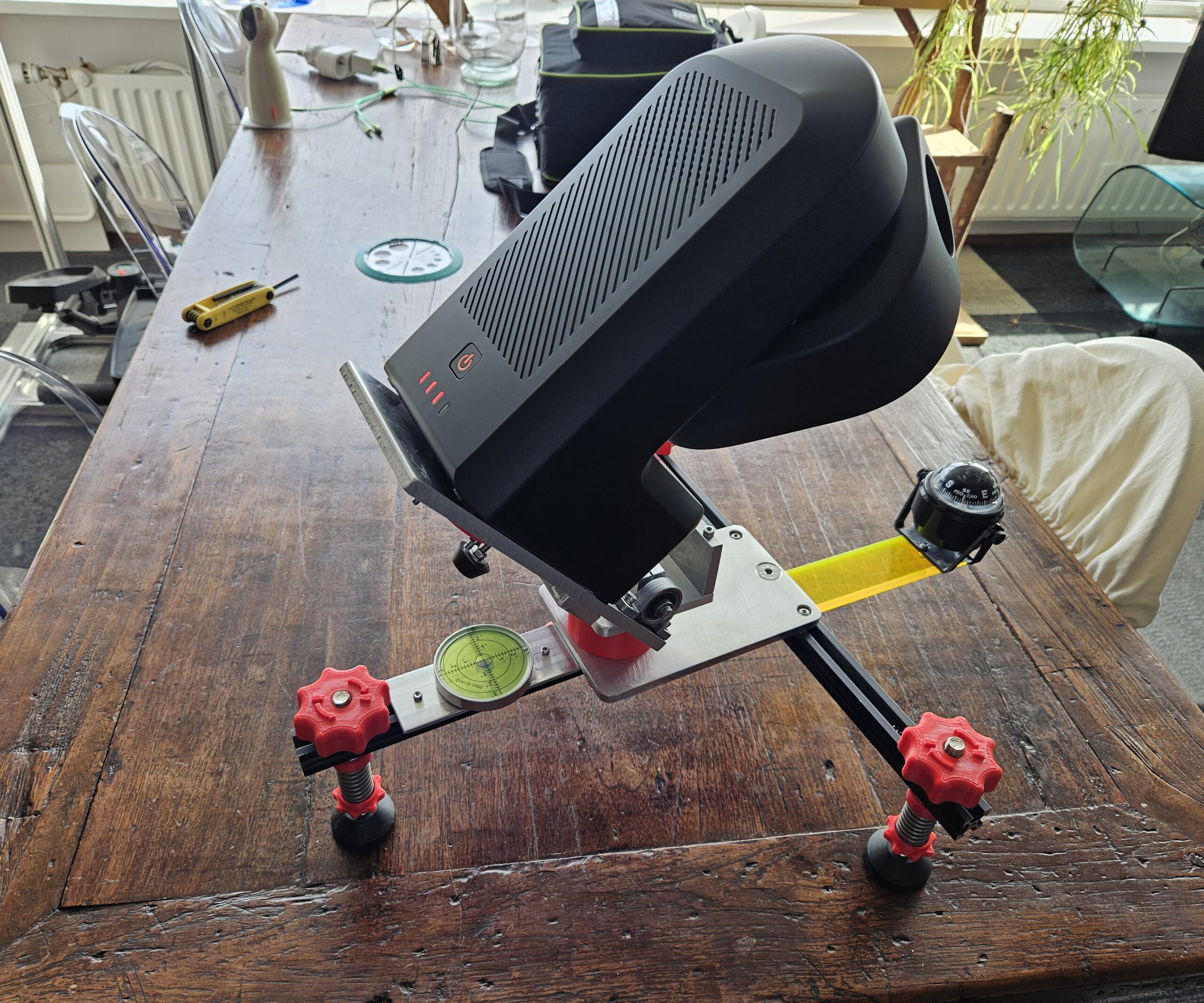
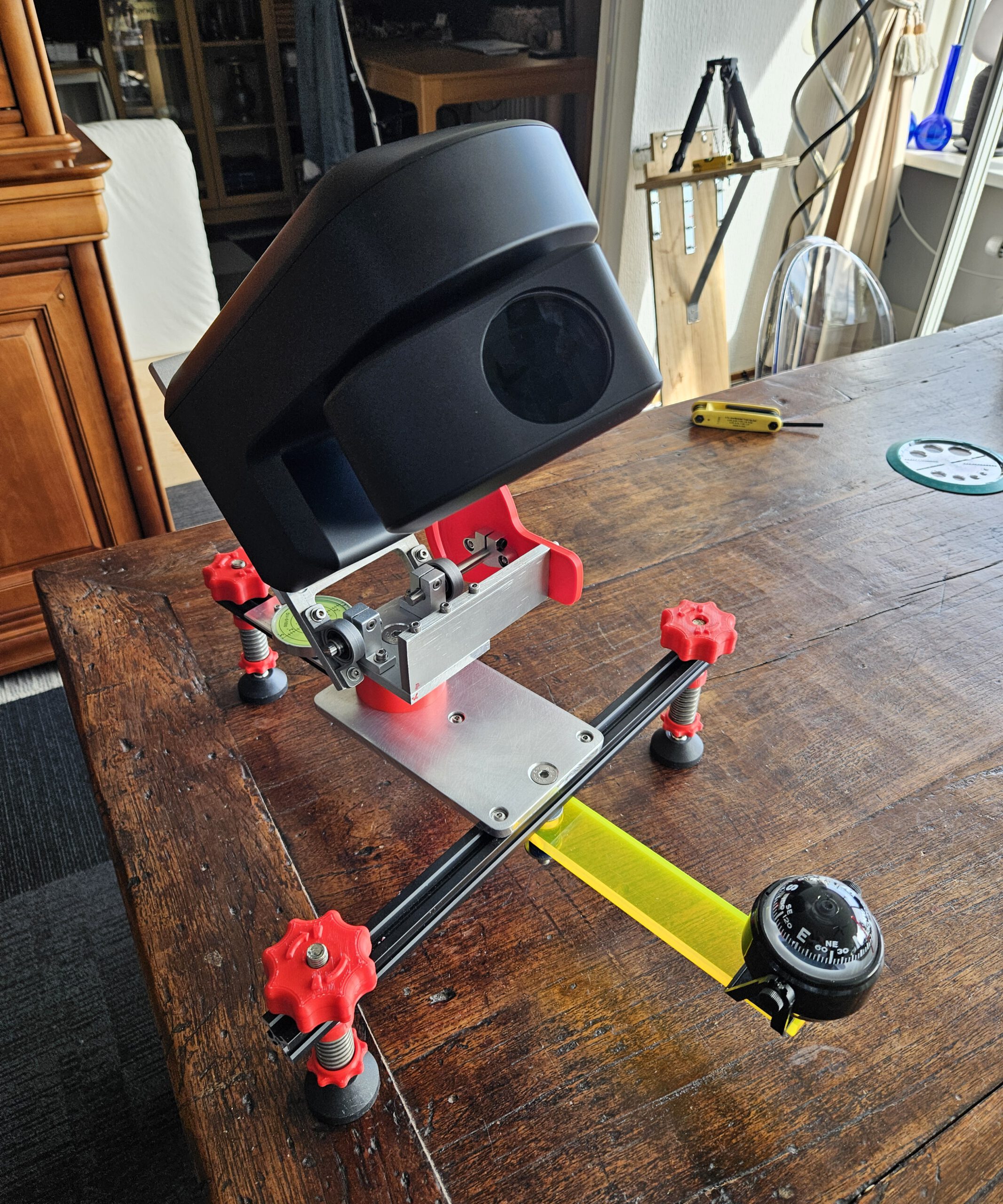
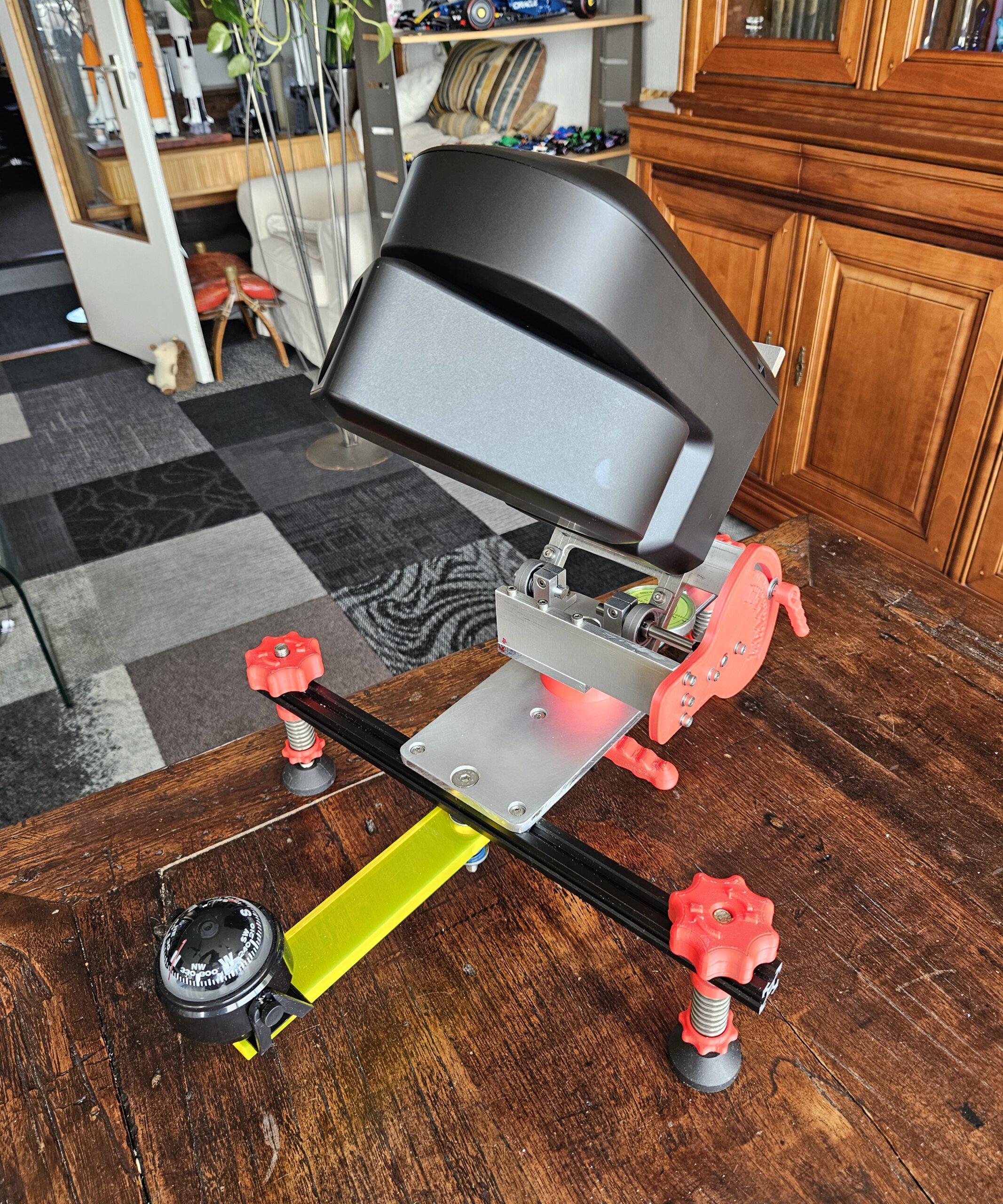
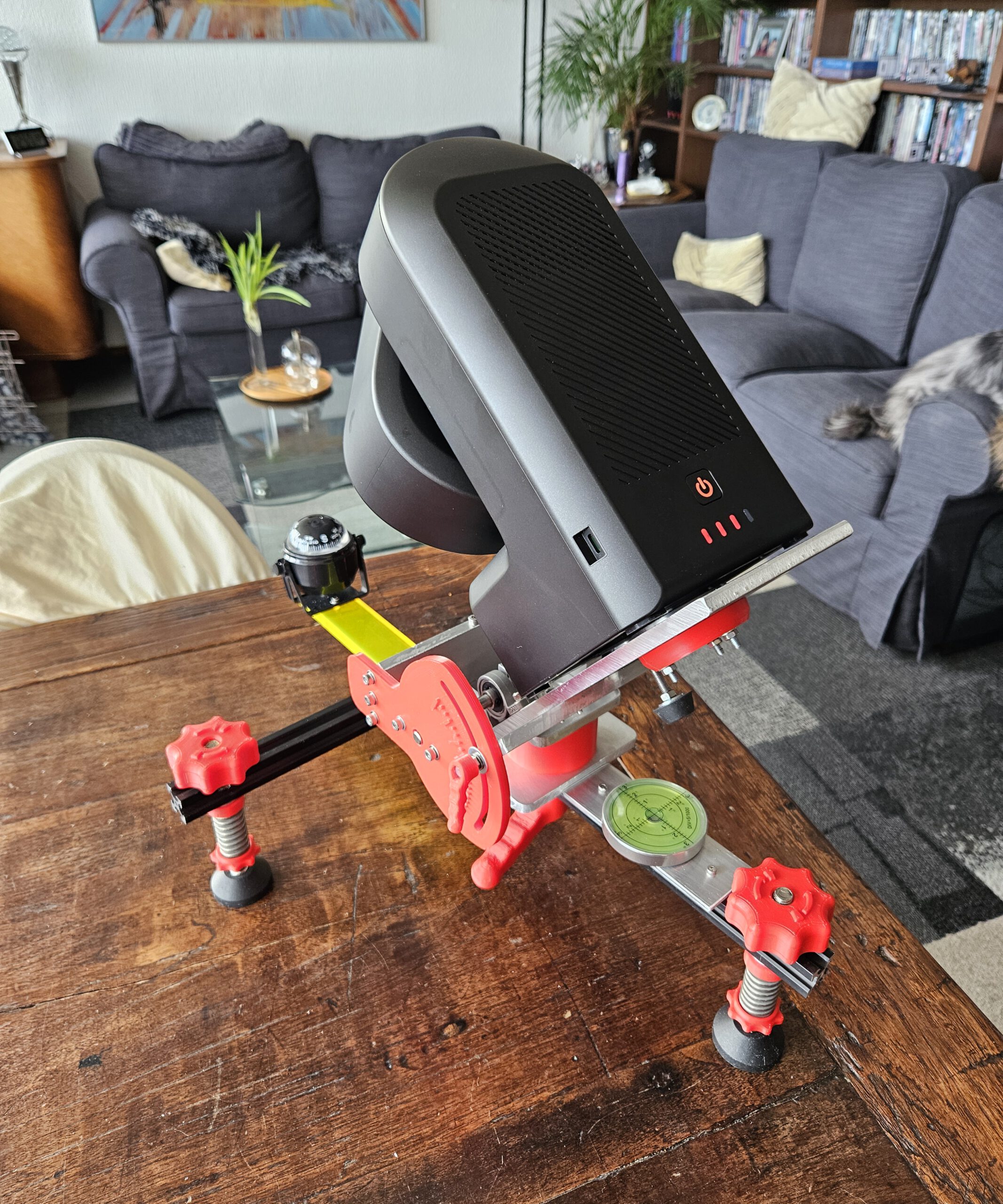
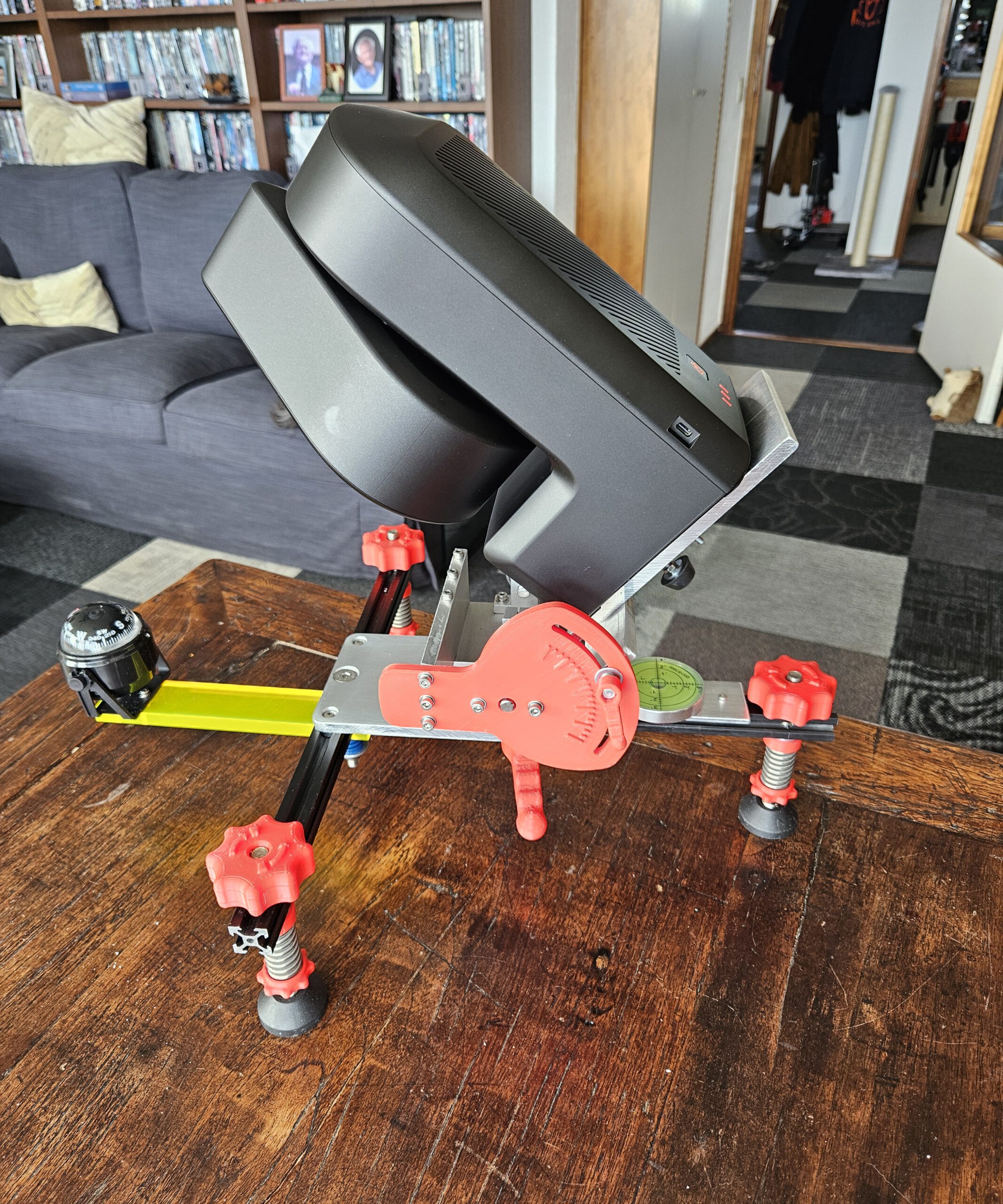
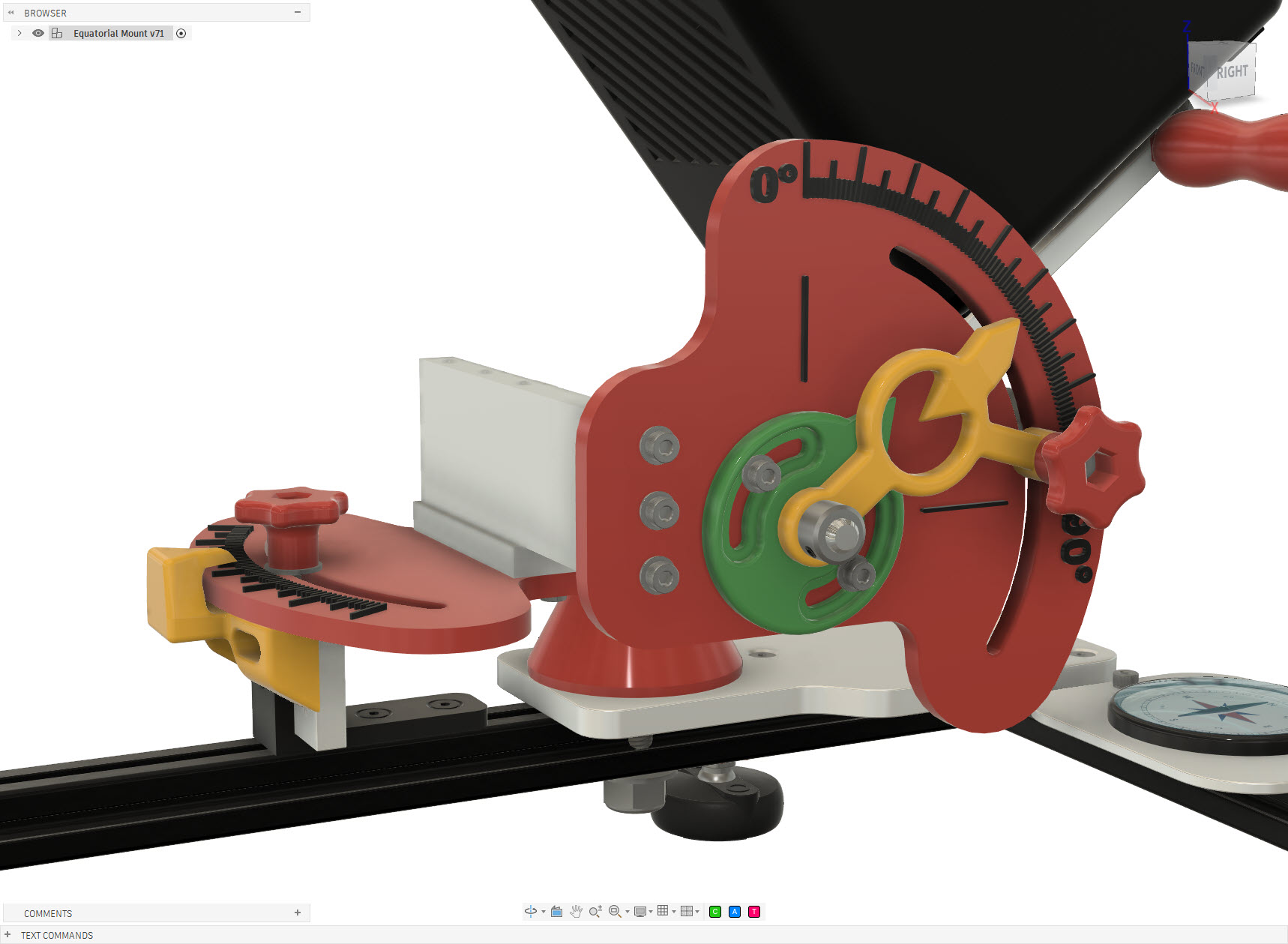
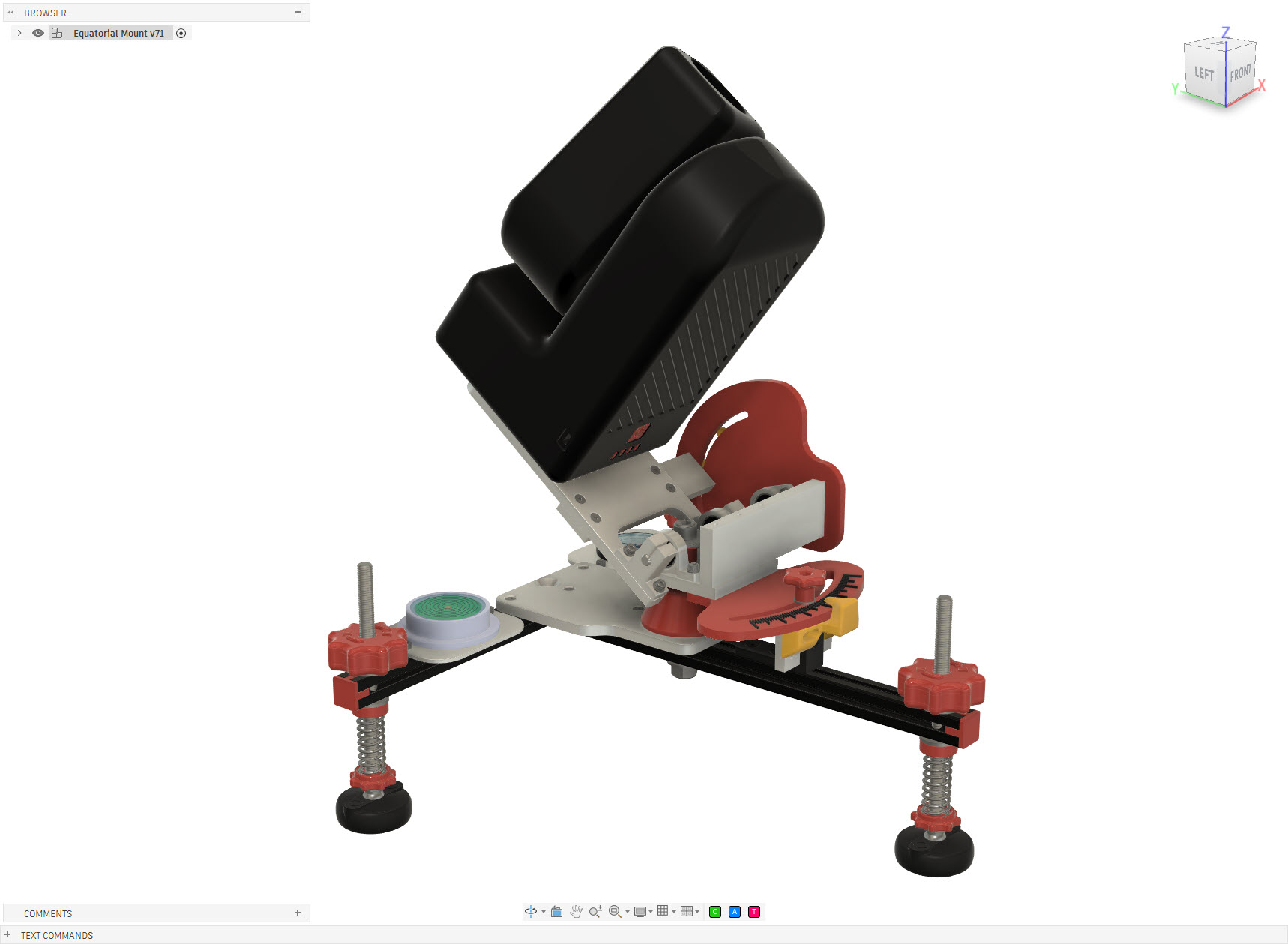
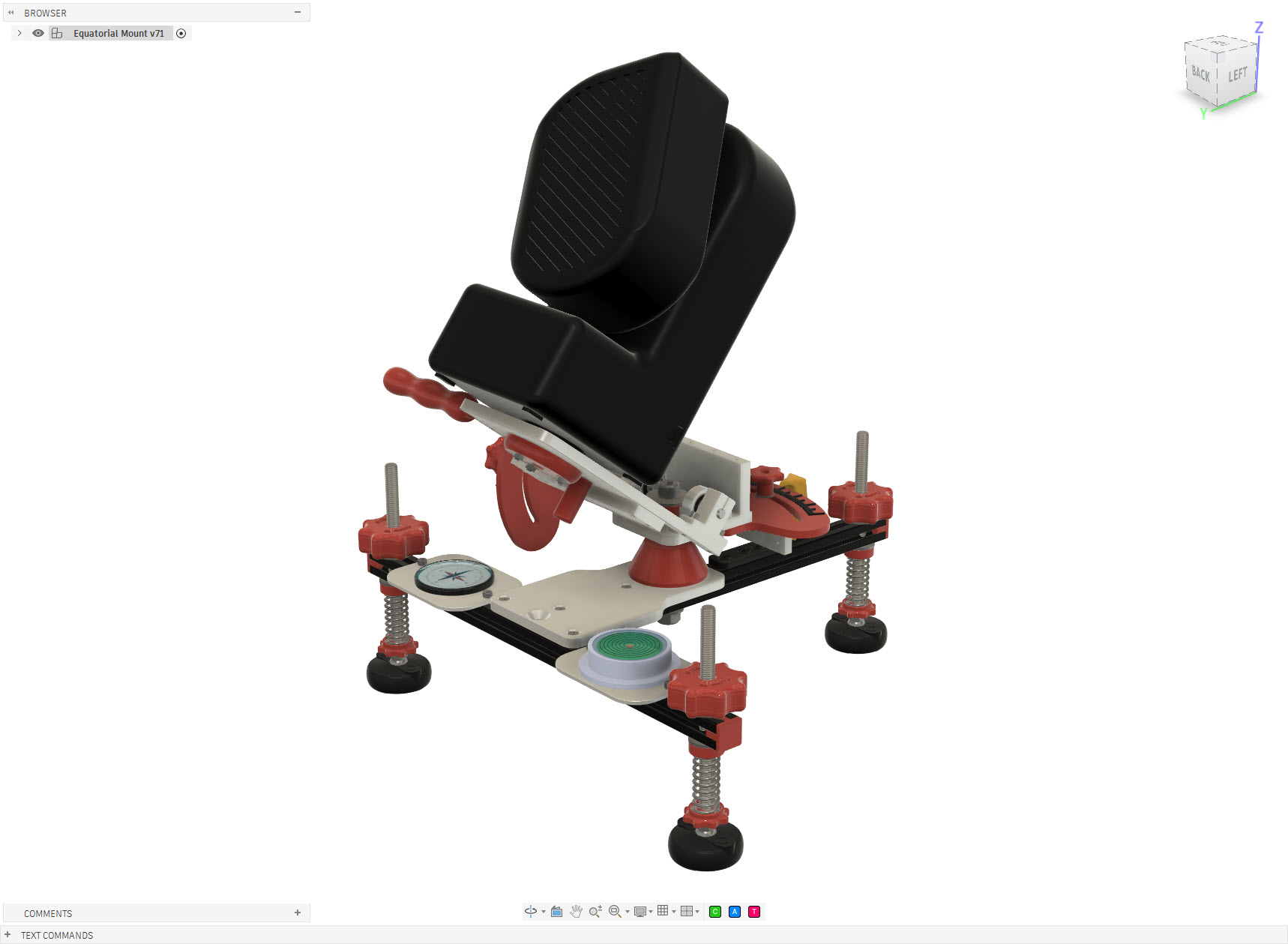
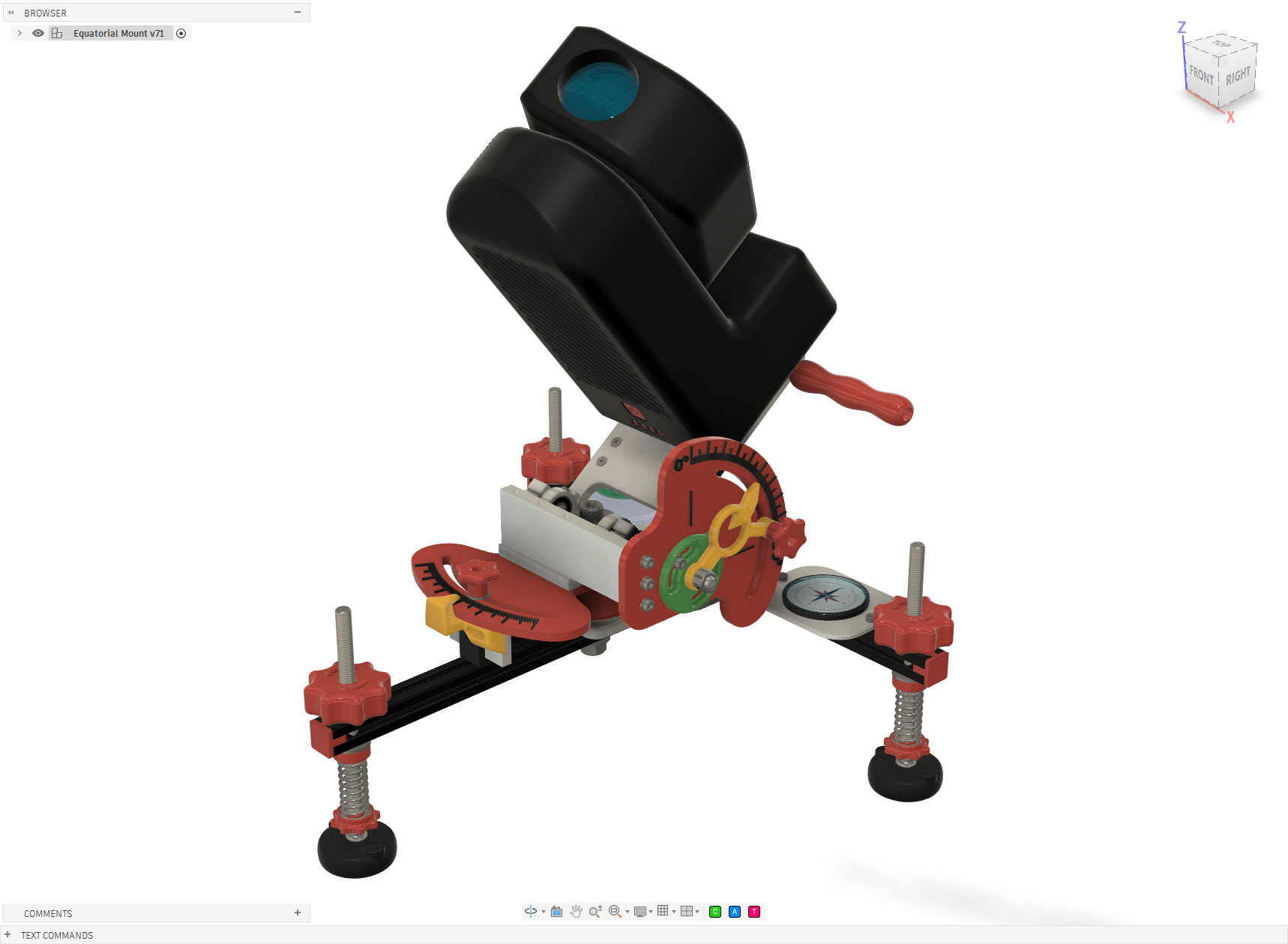
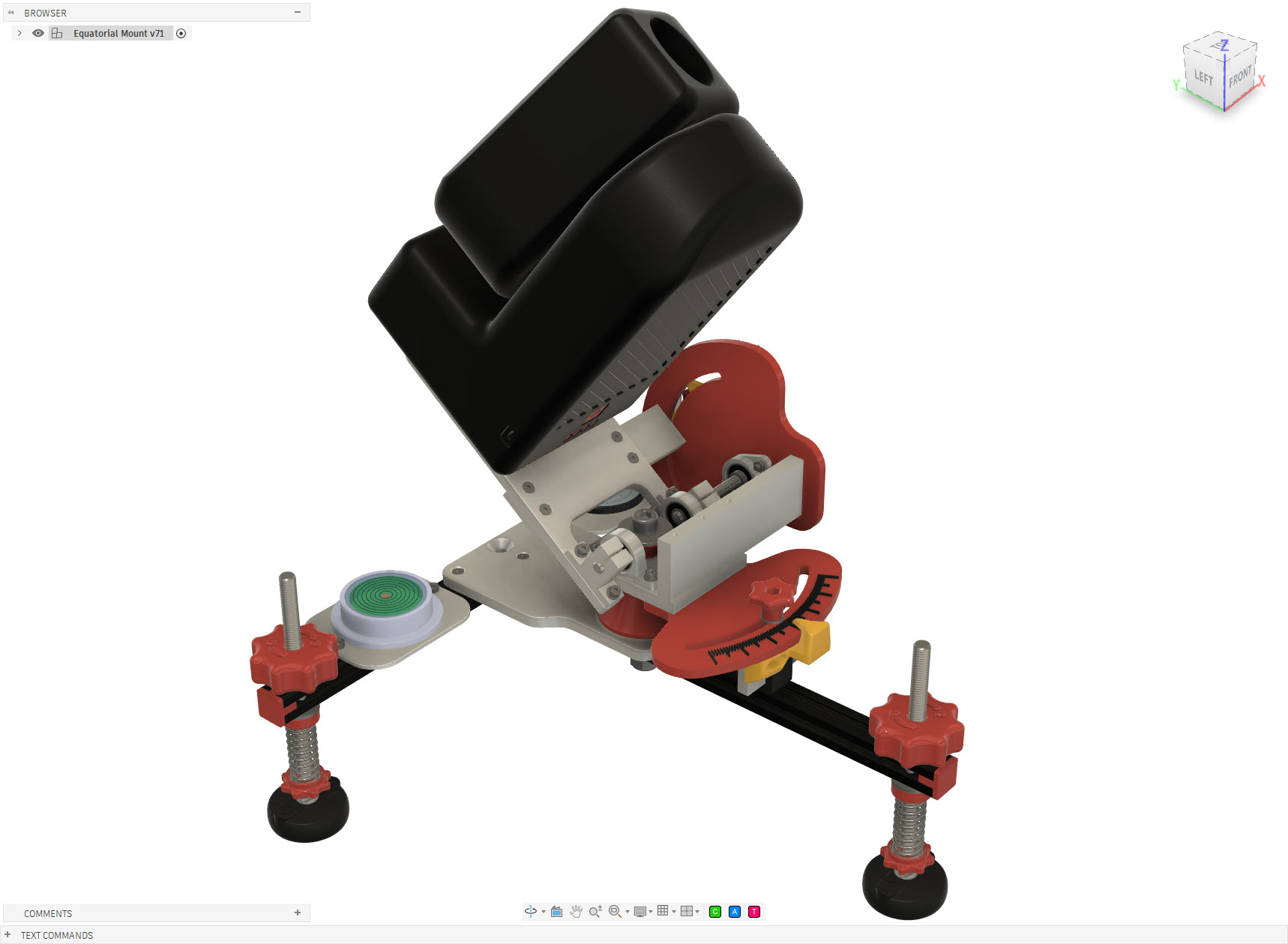
Equatorial Mount for the ZWO Seestar S50 telescope. Giving a smart telescope a different way to follow the sky.
The Seestar S50 is a compact smart telescope capable of automatically locating and tracking objects in the night sky. In its standard configuration it operates as an alt-azimuth telescope, tracking an object by moving in both altitude and azimuth. That works remarkably well, but the Earth still has an annoying habit of rotating. For longer observations and astrophotography, an equatorial setup has an important advantage: instead of continuously correcting two axes, the telescope’s primary rotation axis is aligned parallel to the Earth’s rotational axis. Tracking the apparent motion of the sky can then essentially be reduced to rotation around a single axis. So rather than buying an equatorial wedge or mount, I decided to design and build one specifically for my Seestar S50.
Seestar S50 Equatorial Mount
Seestar S50 Equatorial Mount
Seestar S50 Equatorial Mount
Seestar S50 Equatorial Mount
Seestar S50 Equatorial Mount
Seestar S50 Equatorial Mount
Seestar S50 Equatorial Mount
Seestar S50 Equatorial Mount
Seestar S50 Equatorial Mount
Seestar S50 Equatorial Mount
How does it work
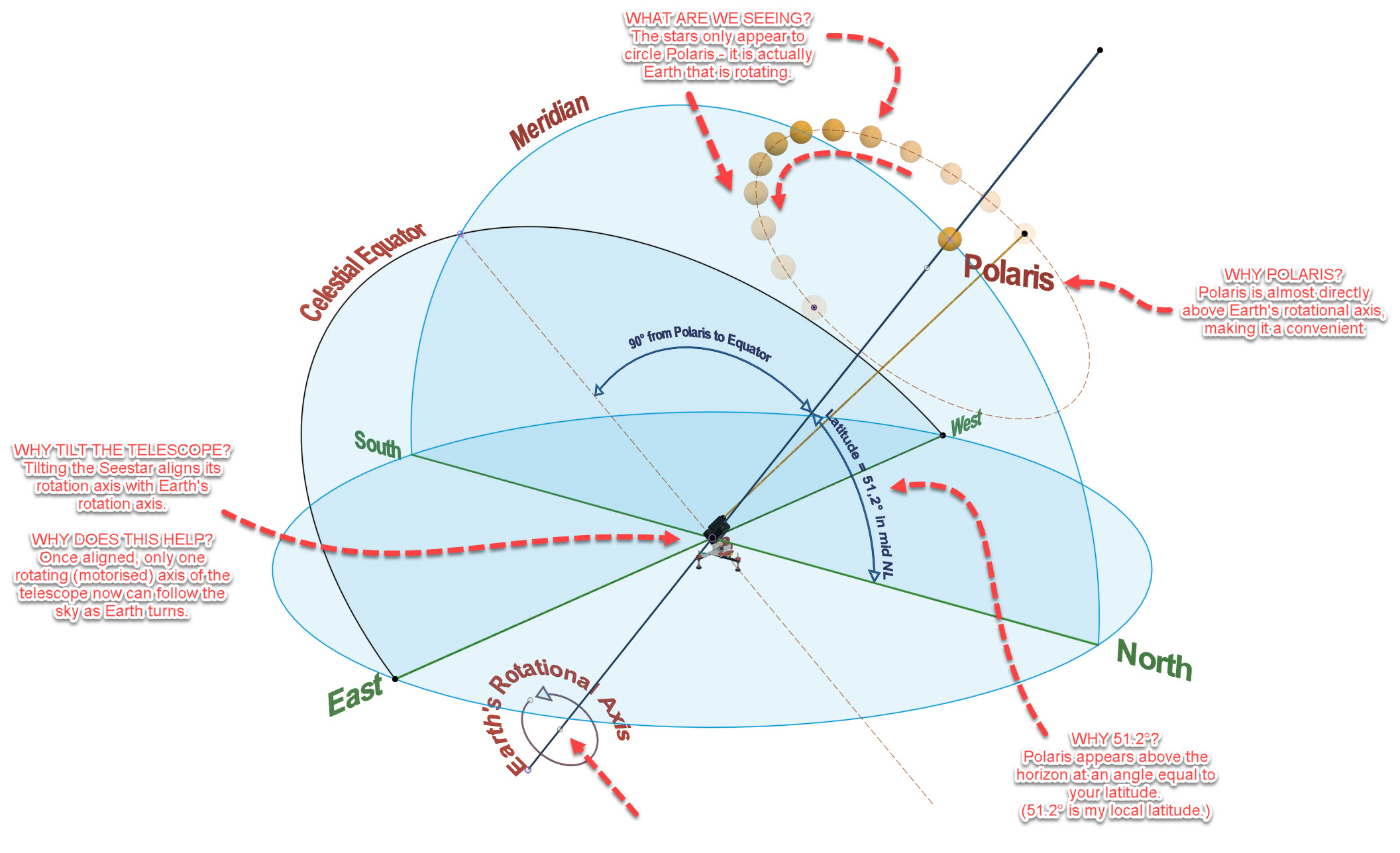
The stars appear to move across the night sky because the Earth rotates. Polaris lies very close to the Earth’s rotational axis and therefore appears almost stationary while the other stars seem to circle around it.
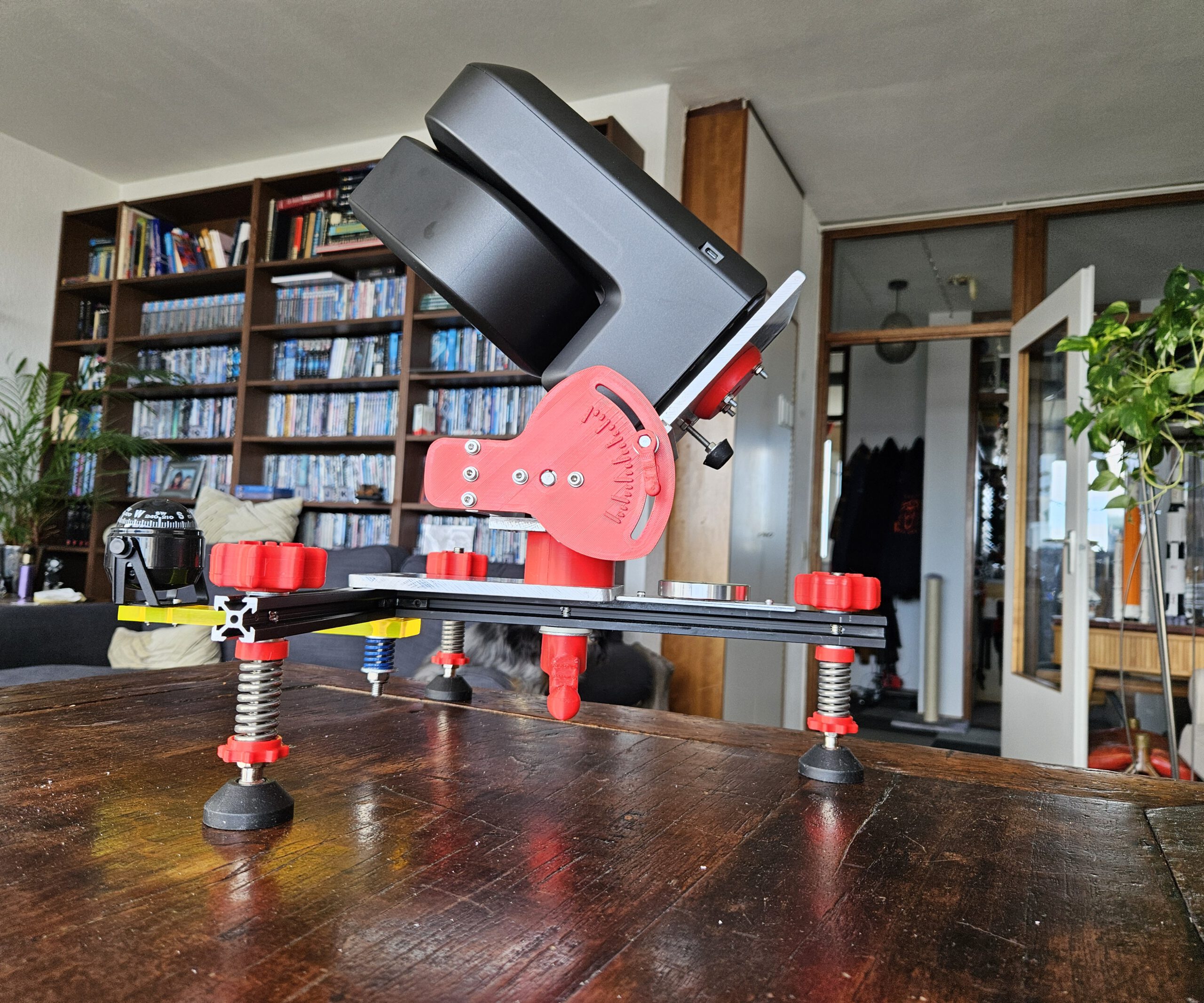
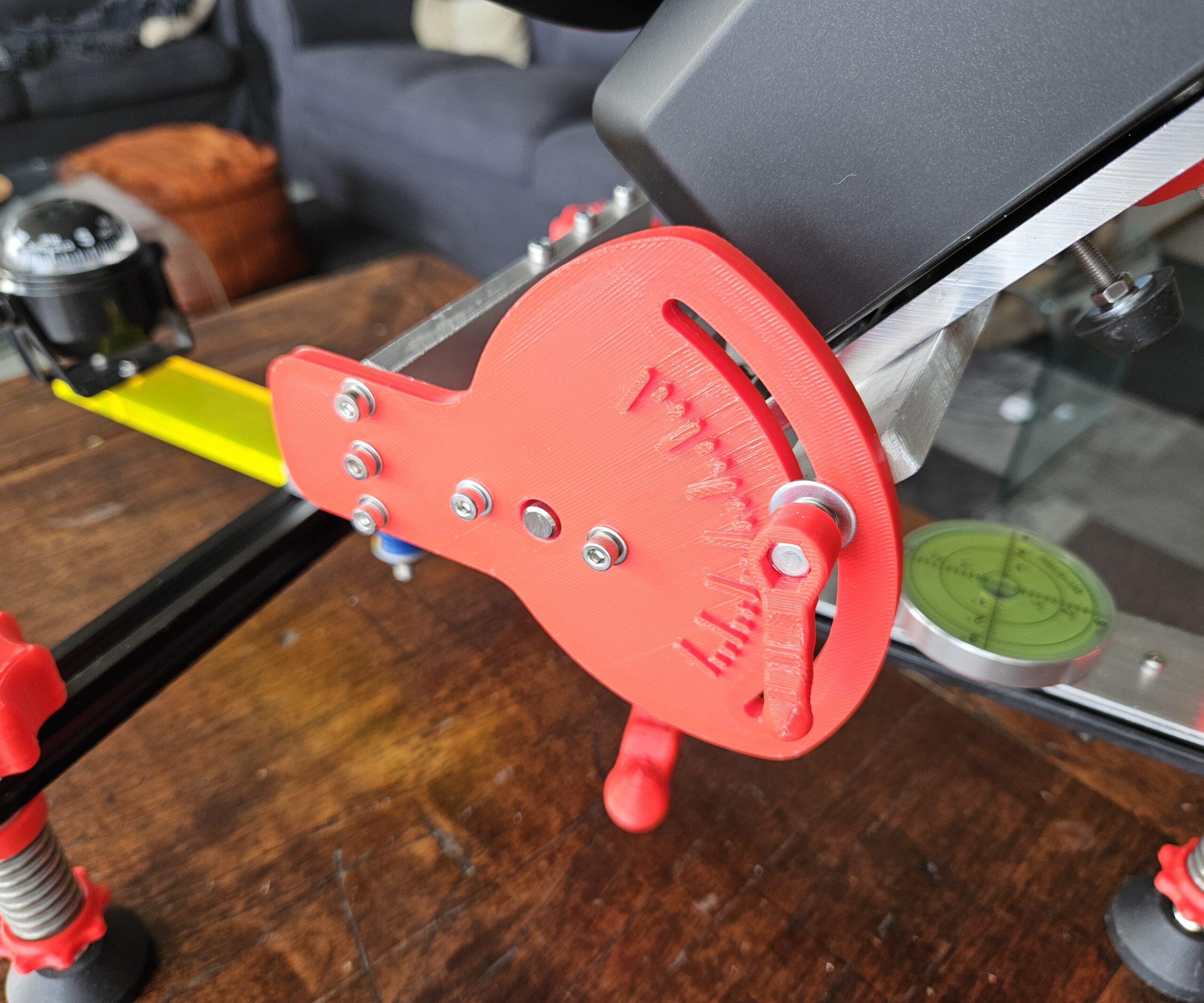
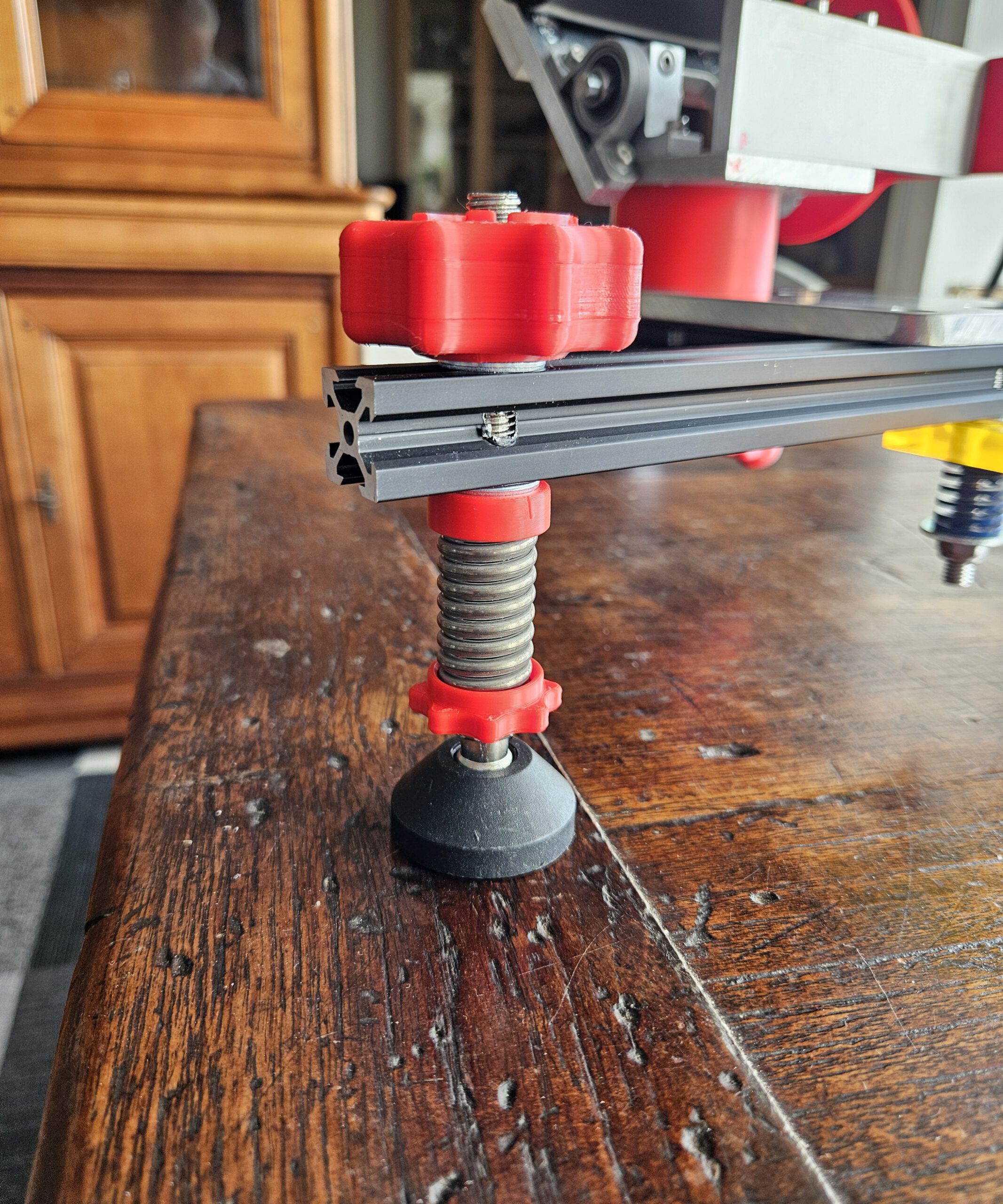
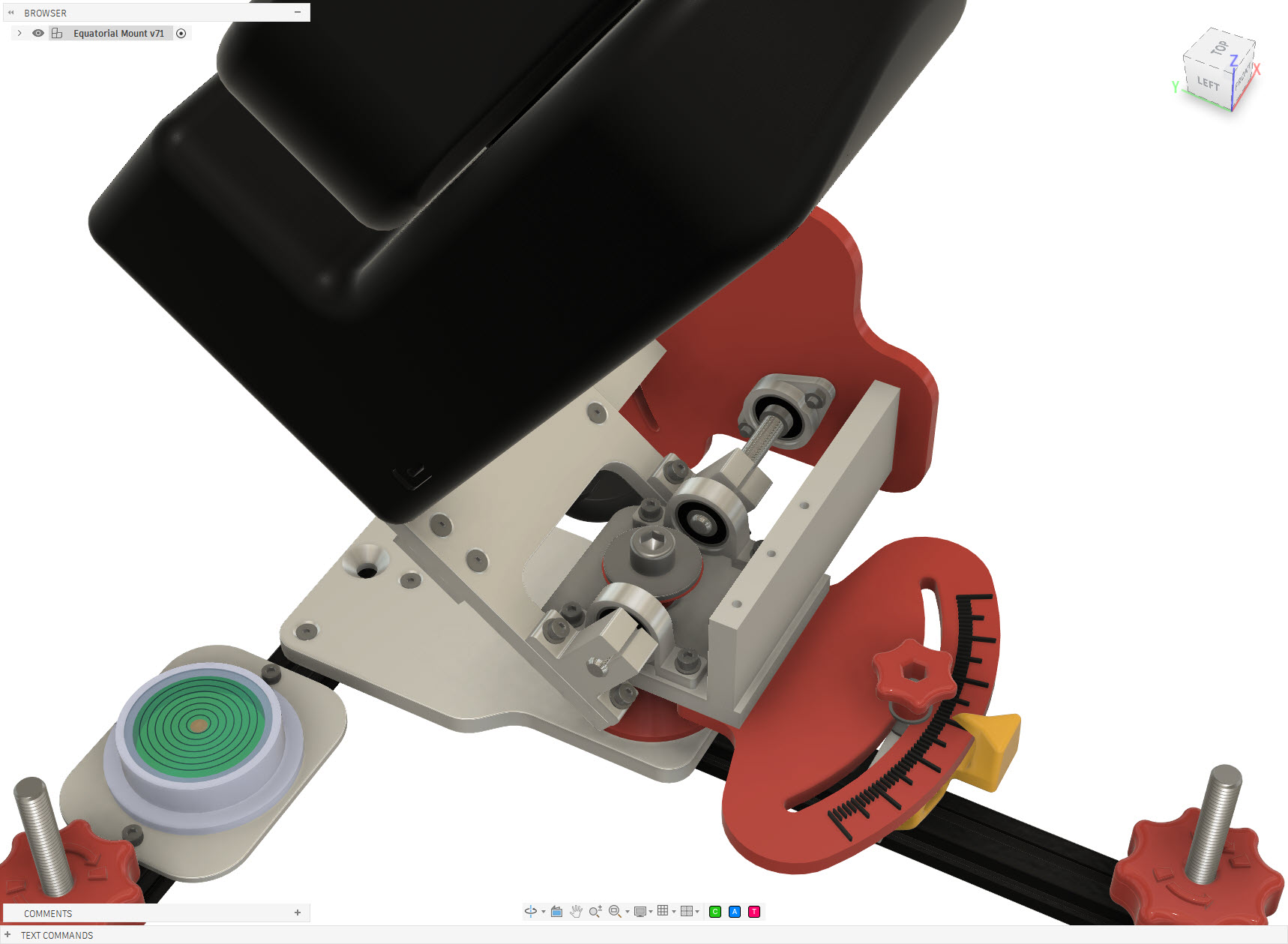
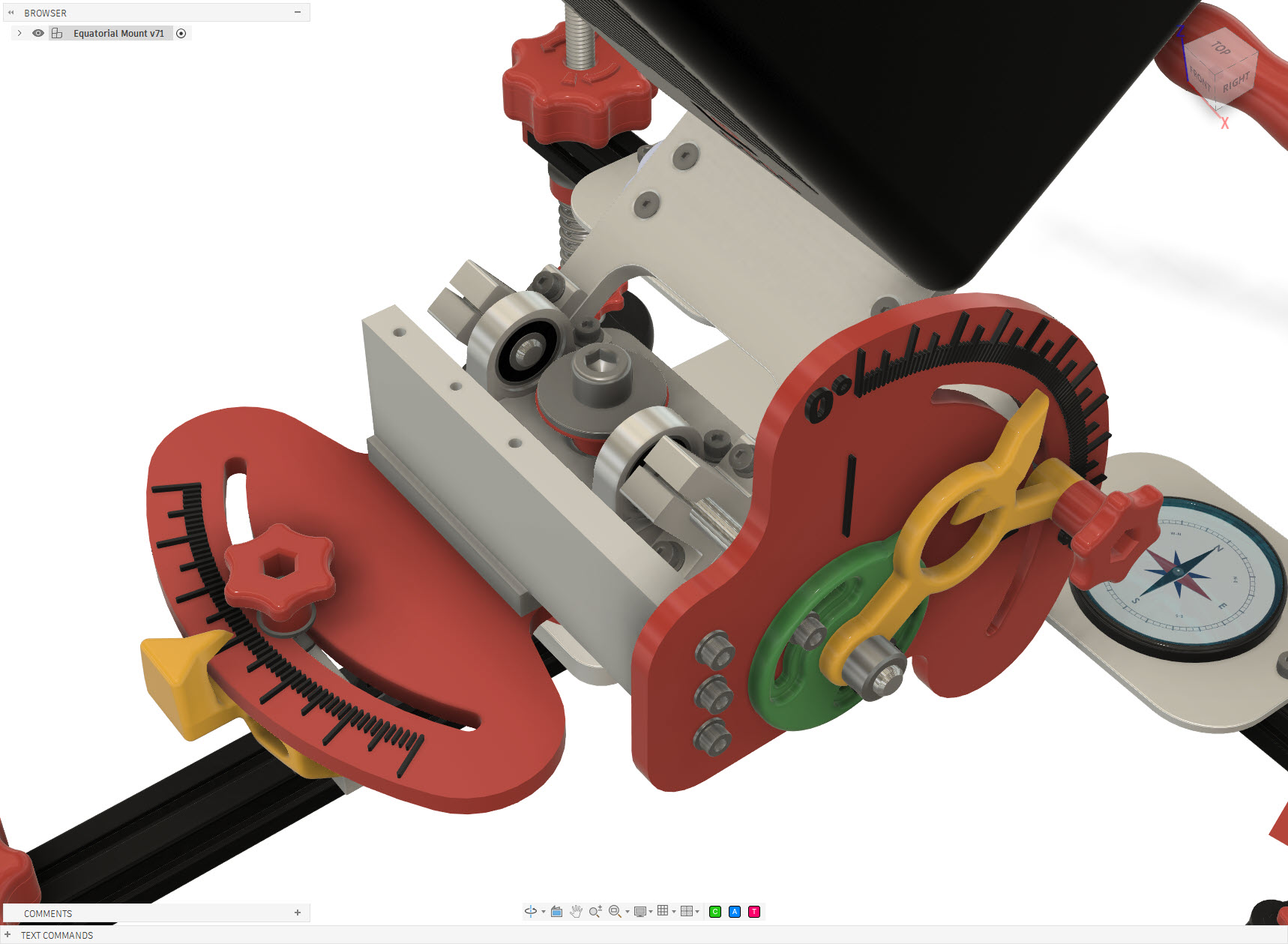
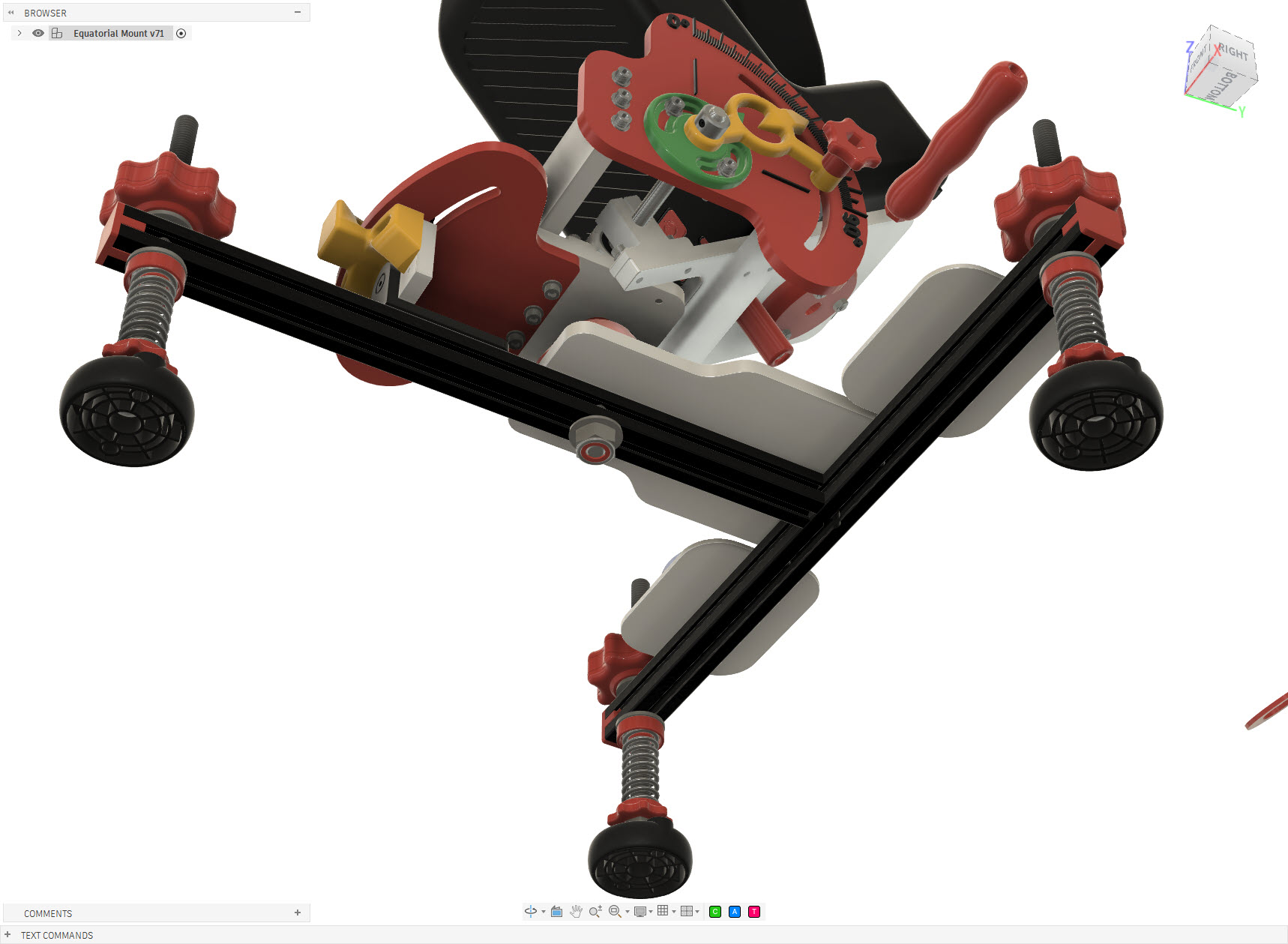
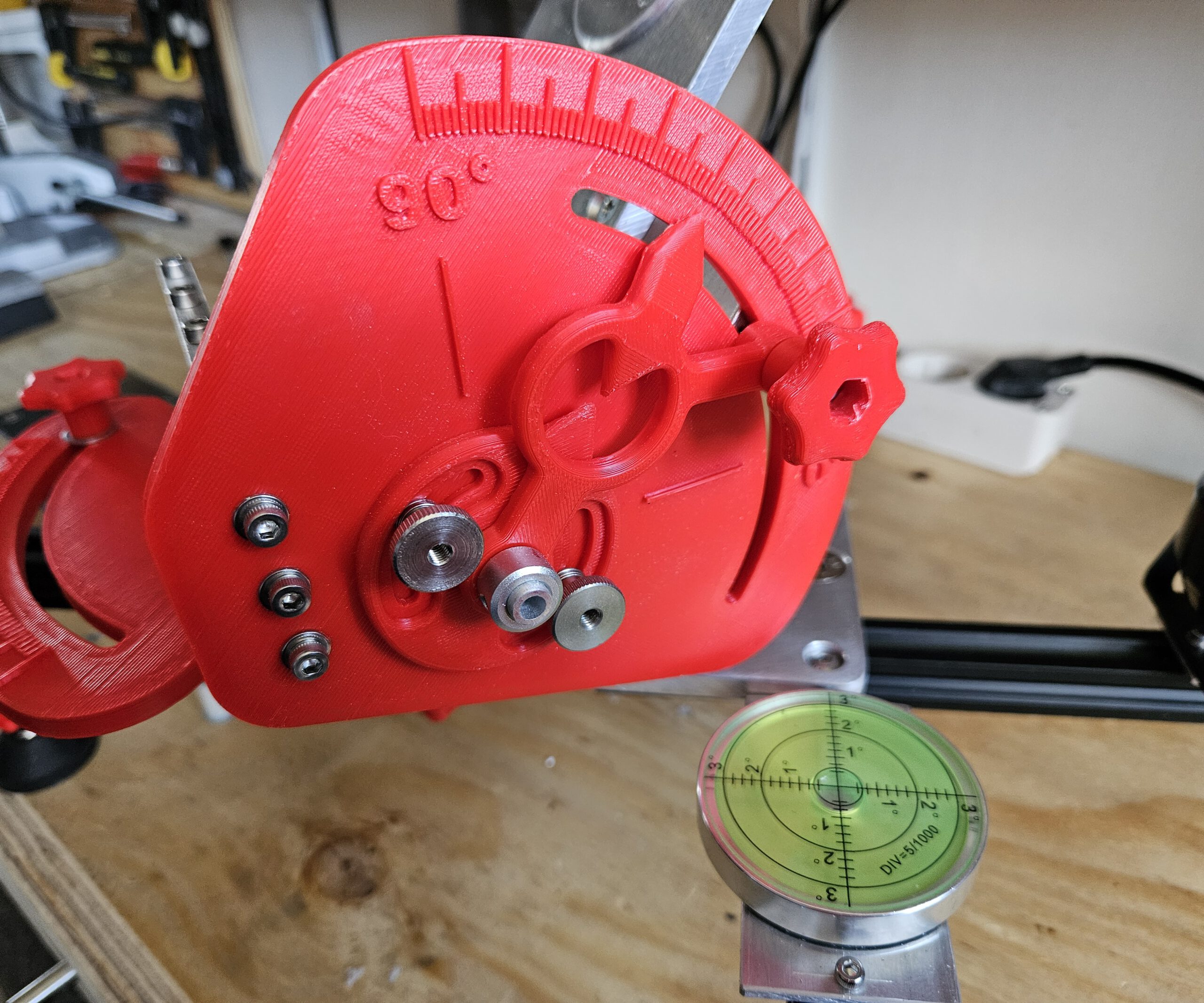
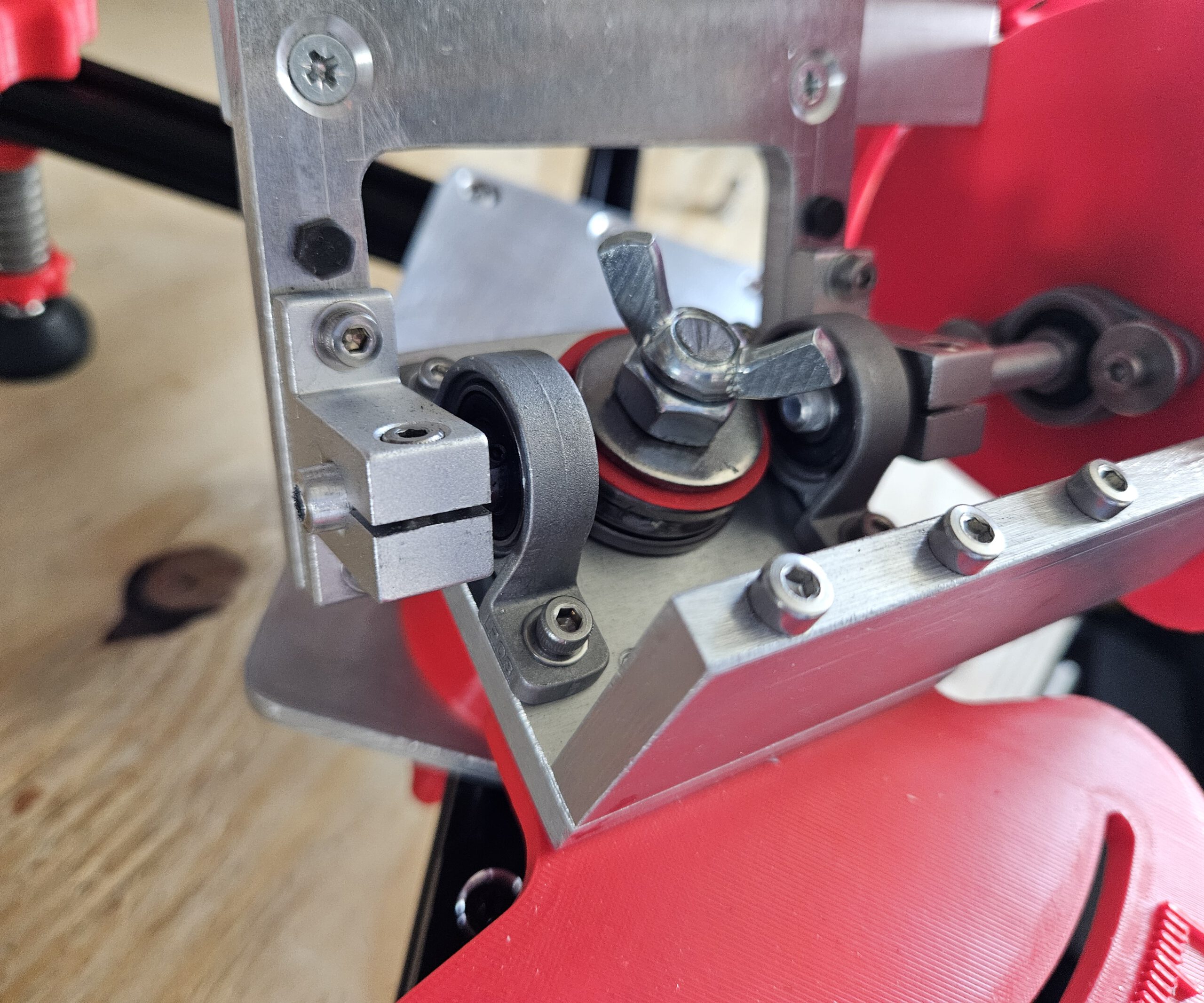
For equatorial tracking, the Seestar’s rotation axis must be aligned parallel to the Earth’s axis. My mount therefore provides adjustment in two directions: altitude sets the angle of the axis to match the local latitude, while azimuth allows the axis to be aimed precisely towards Polaris.
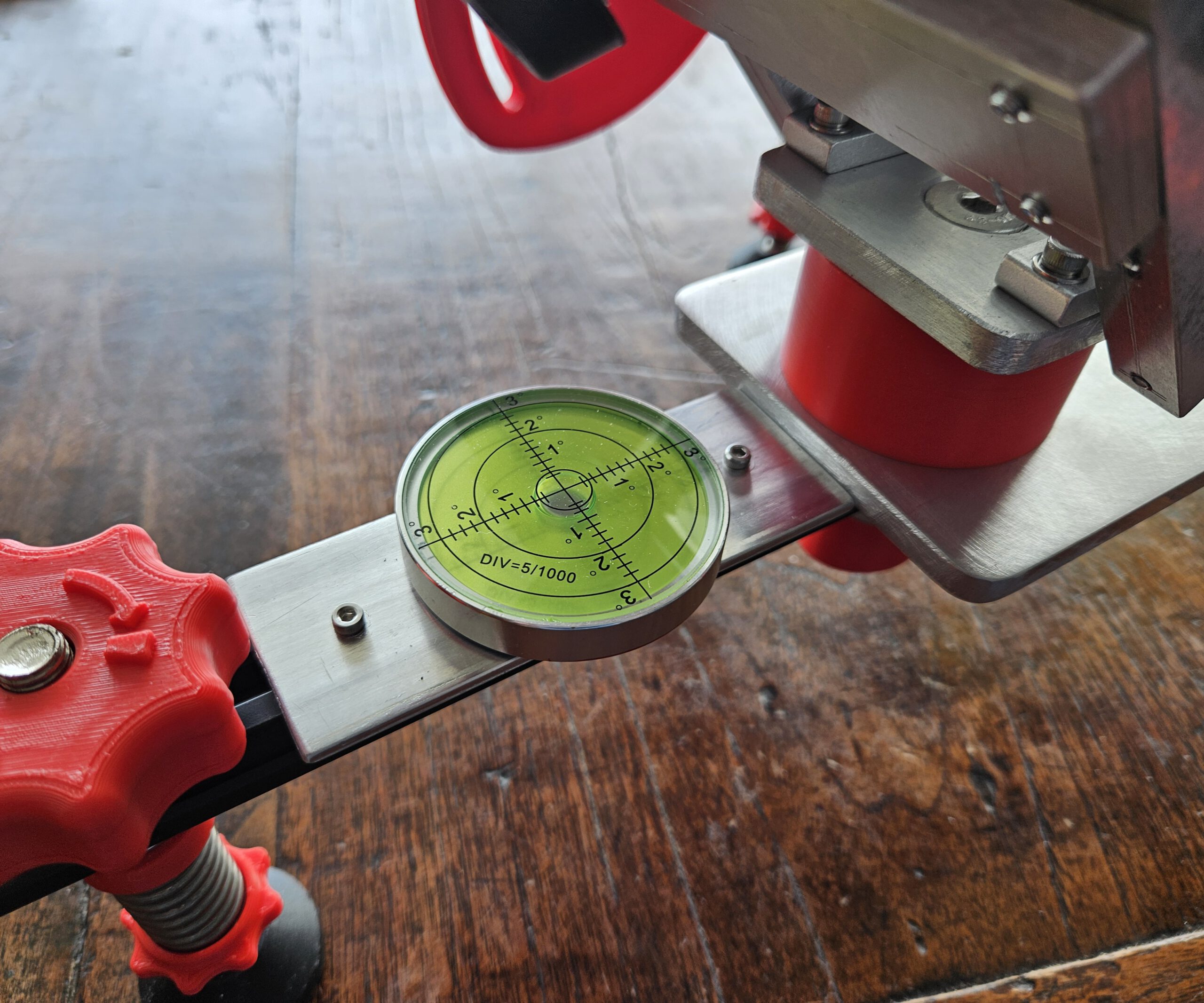
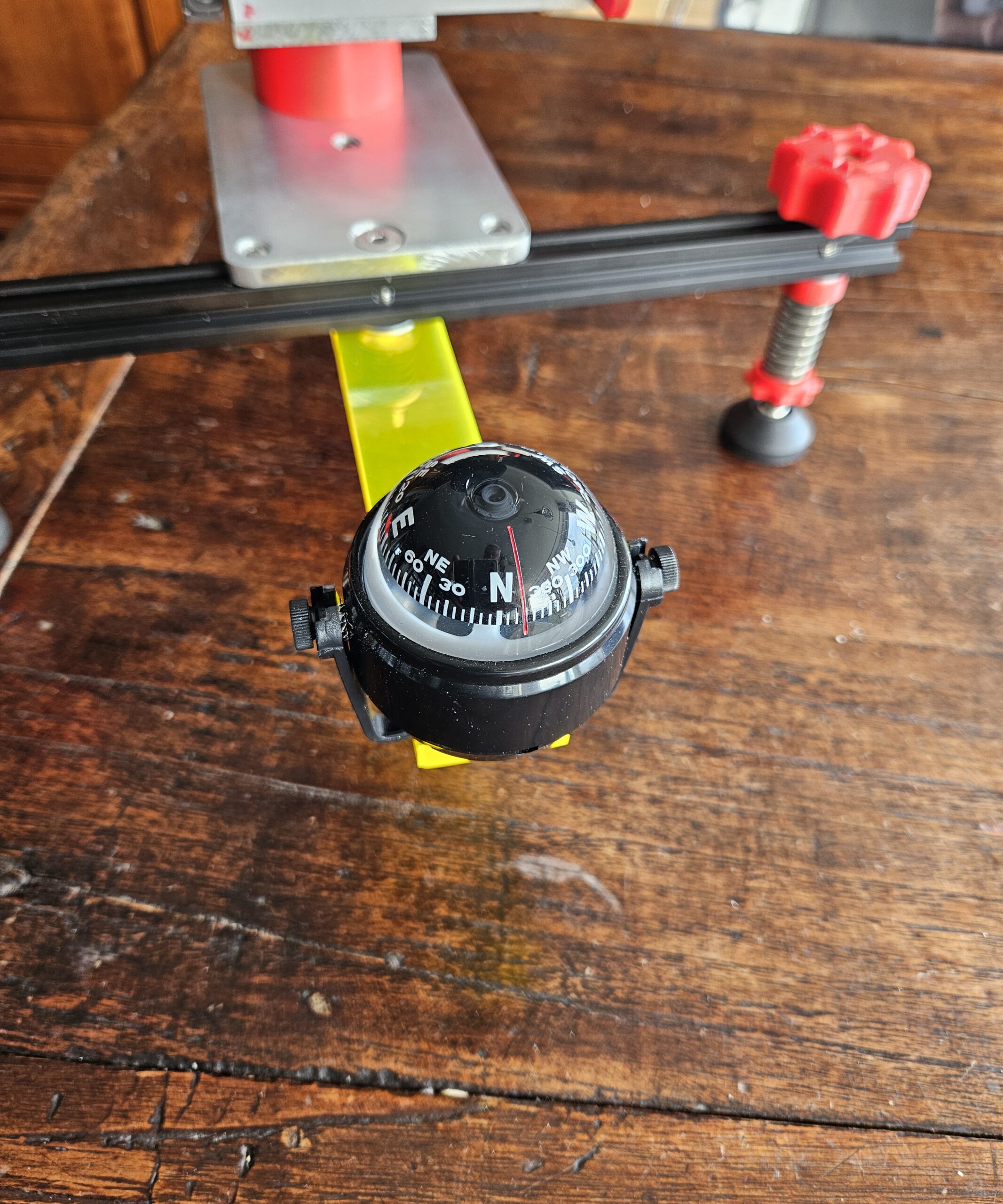
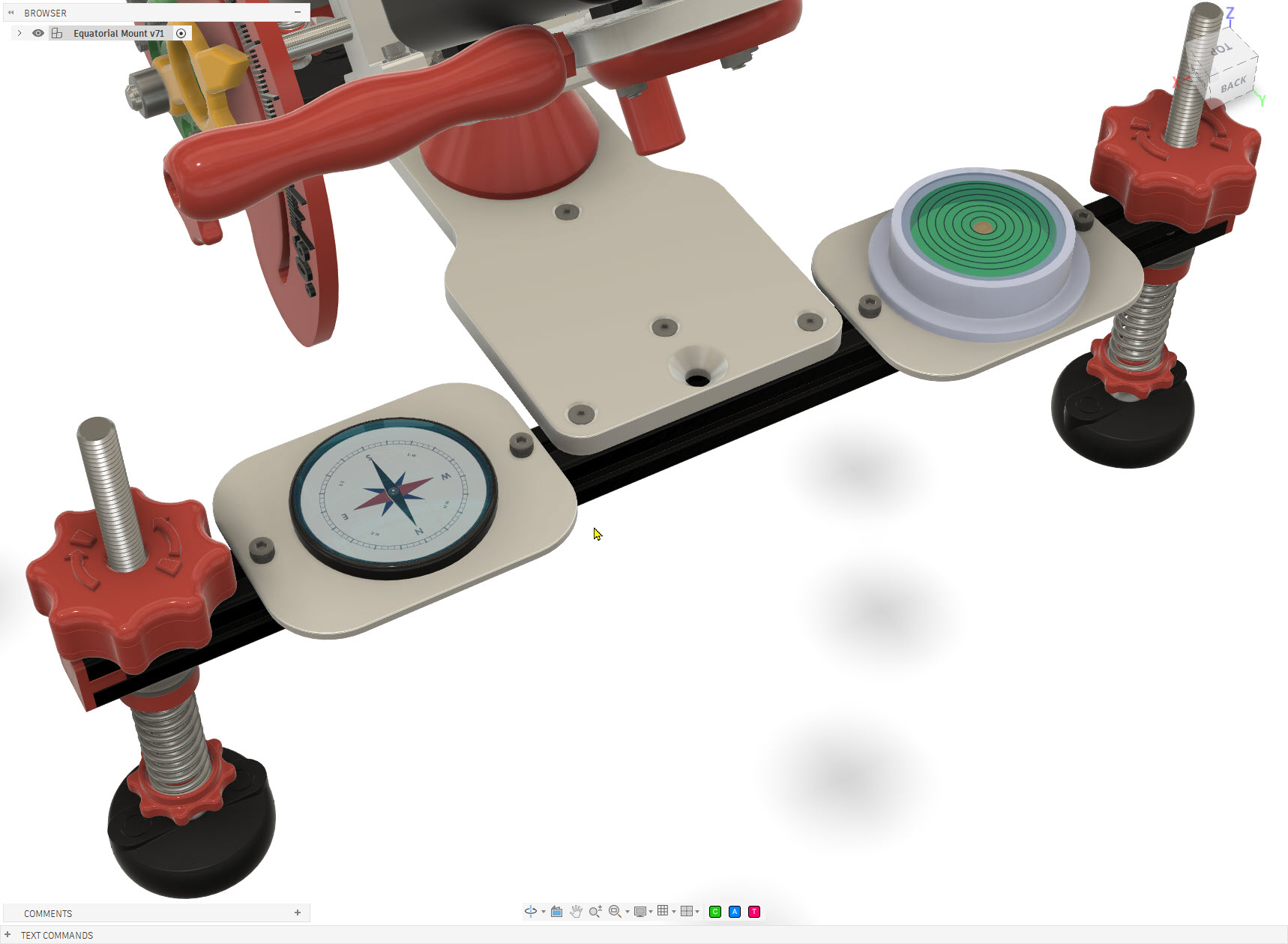
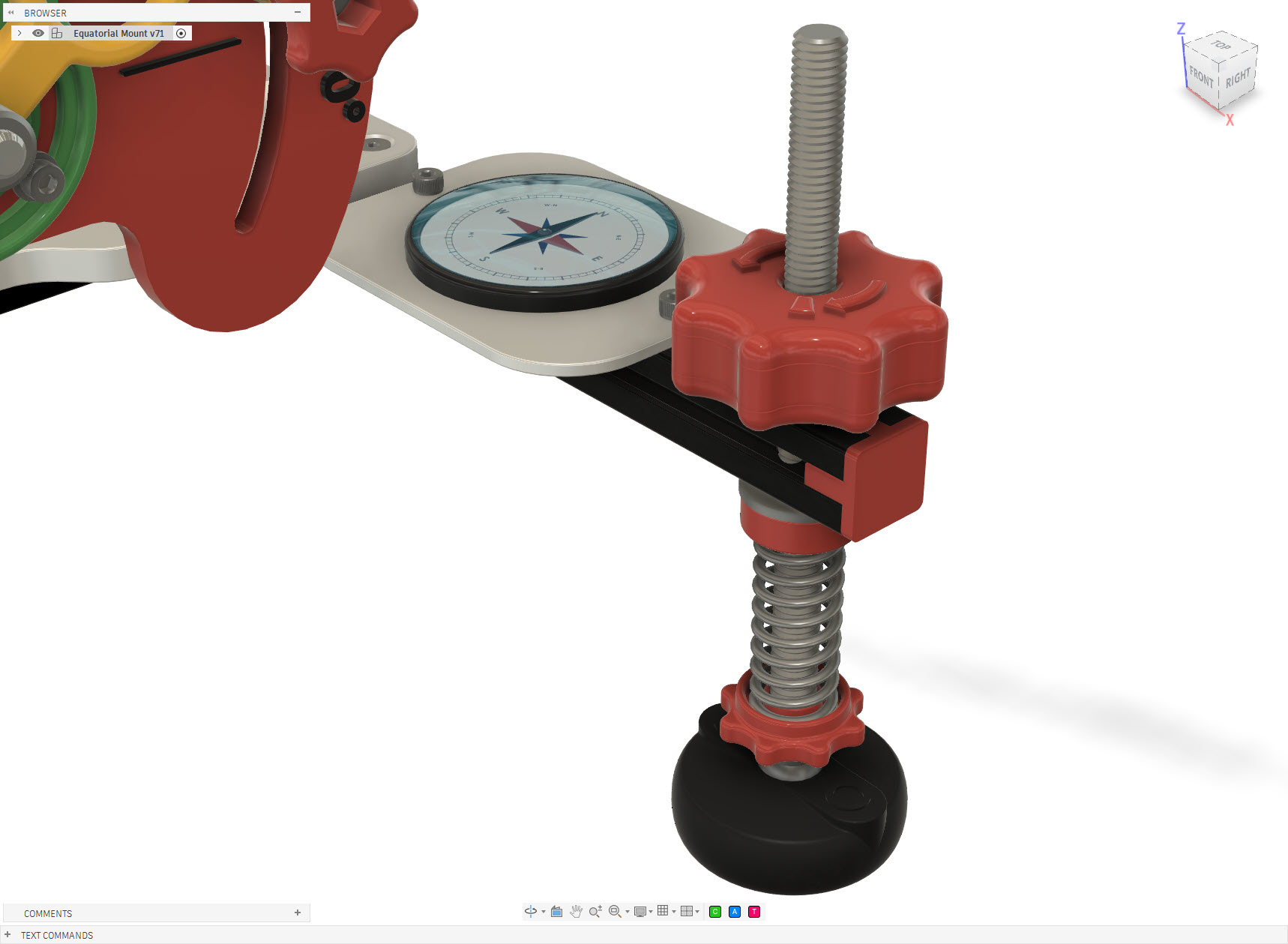
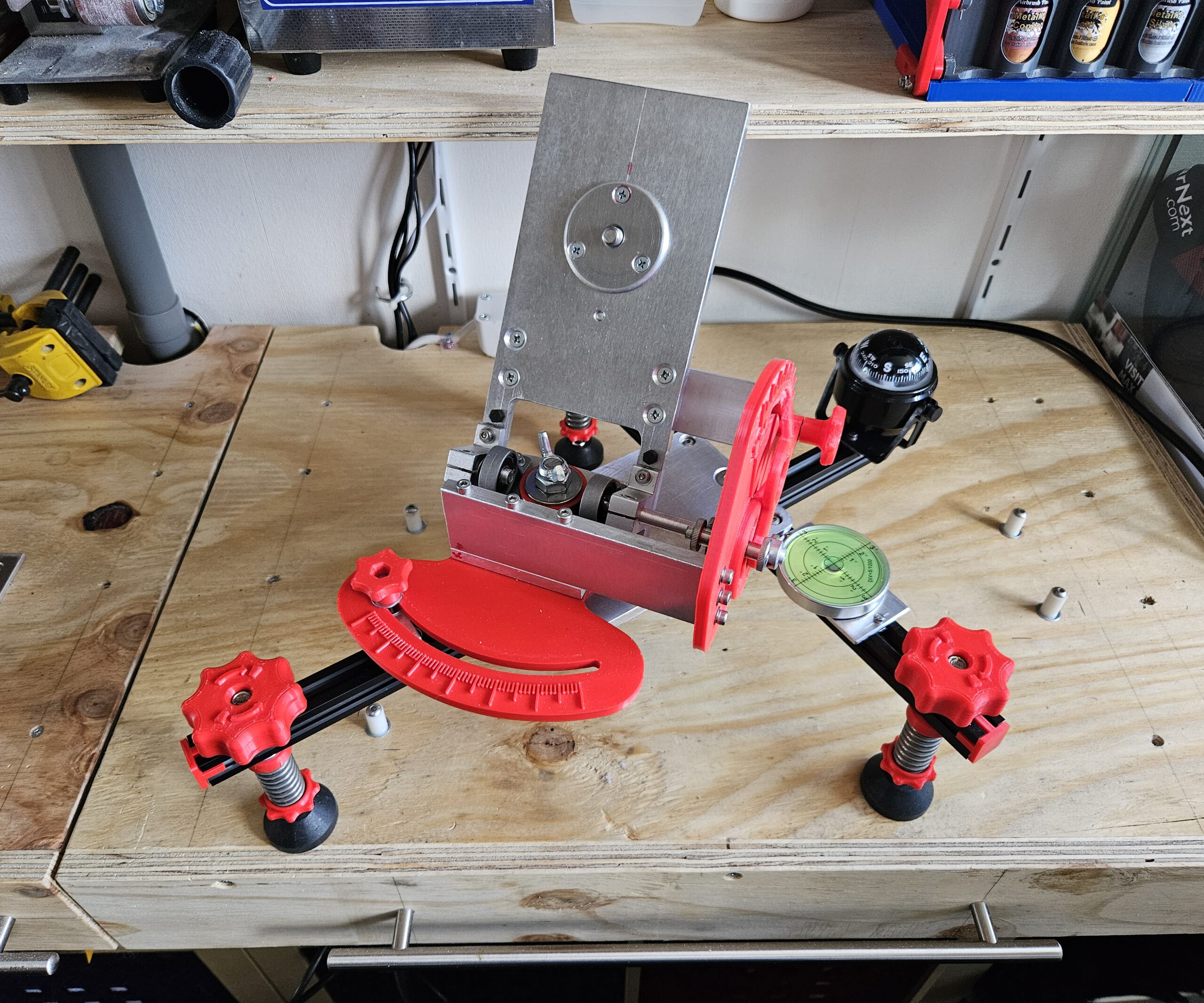
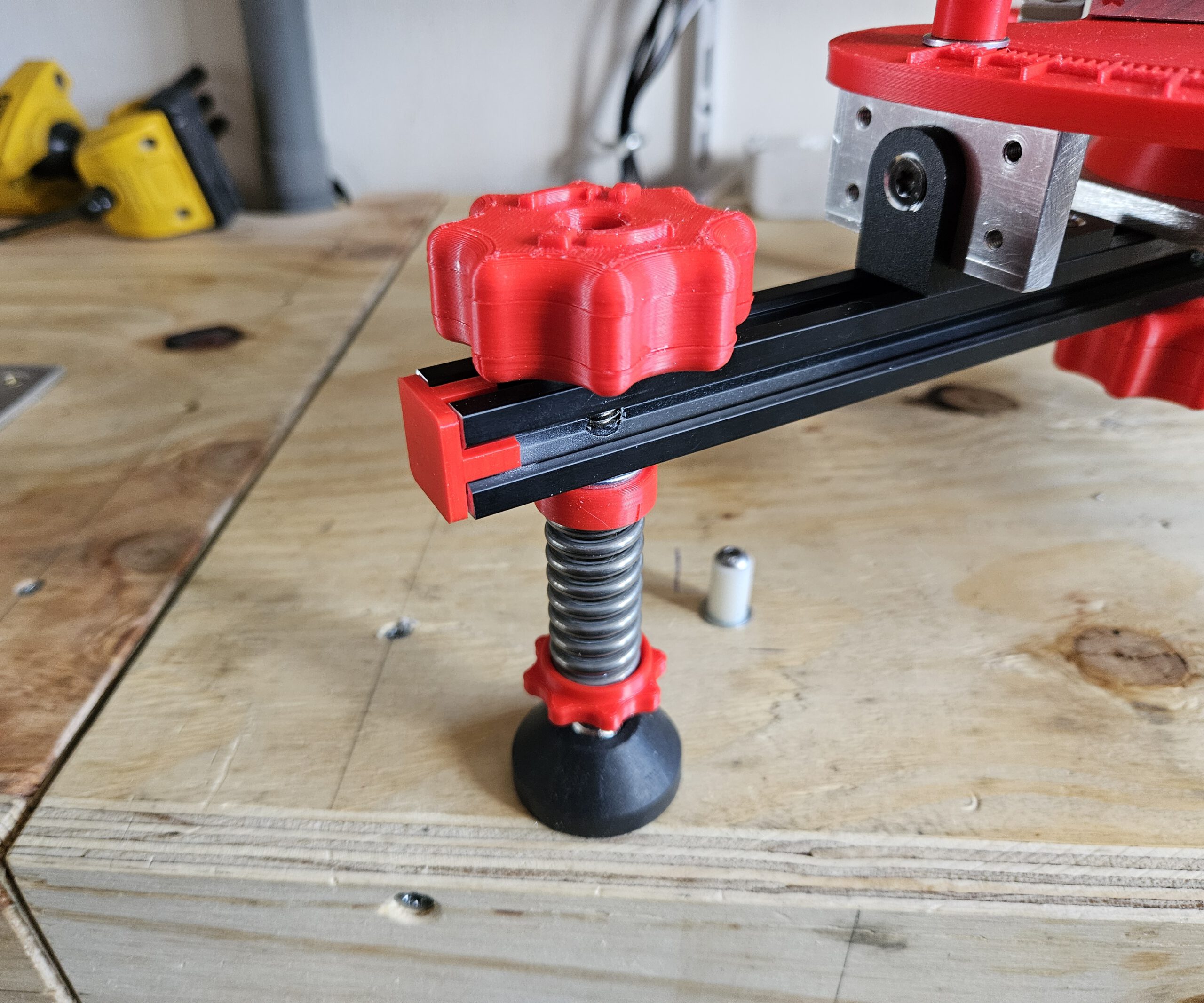
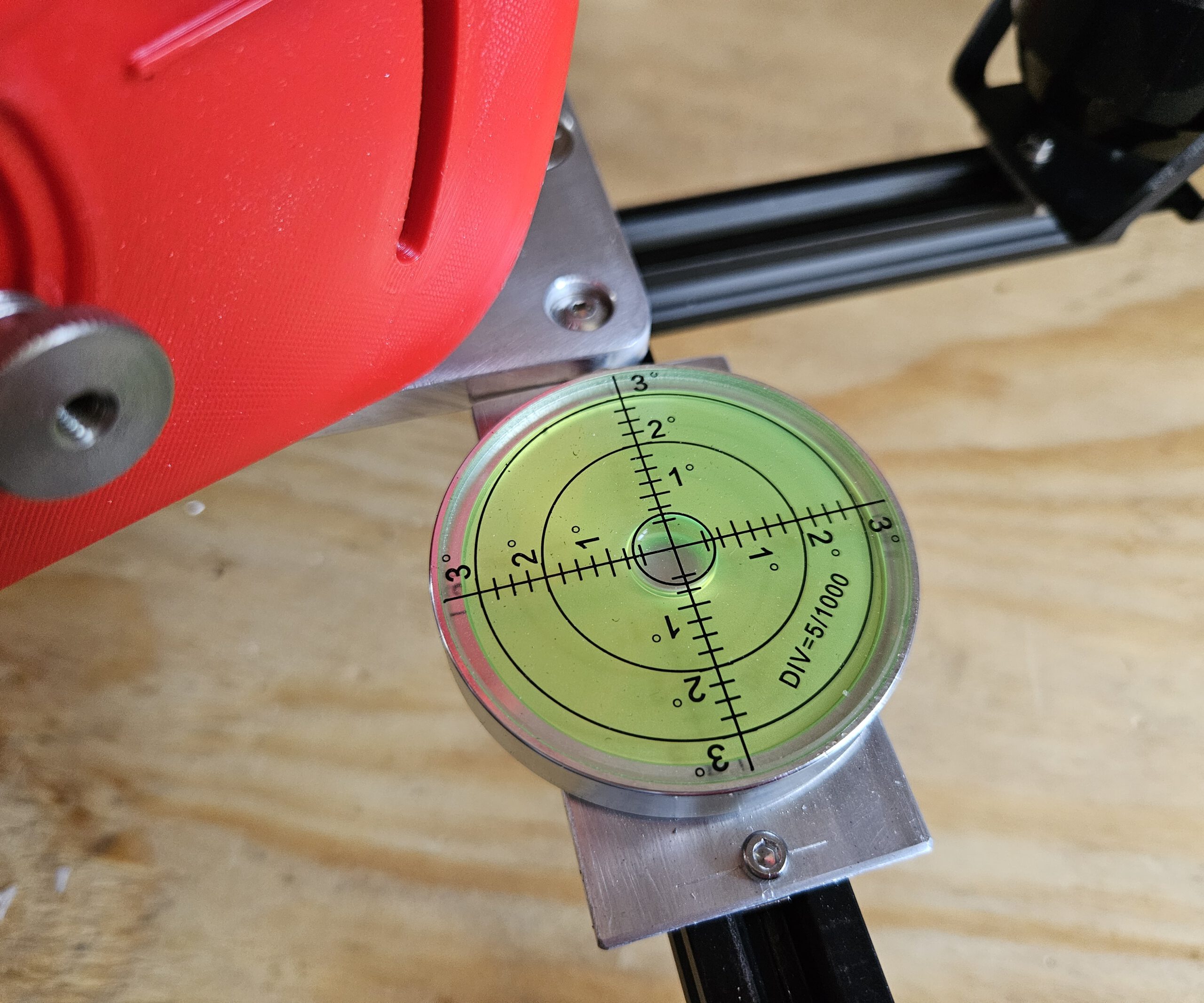
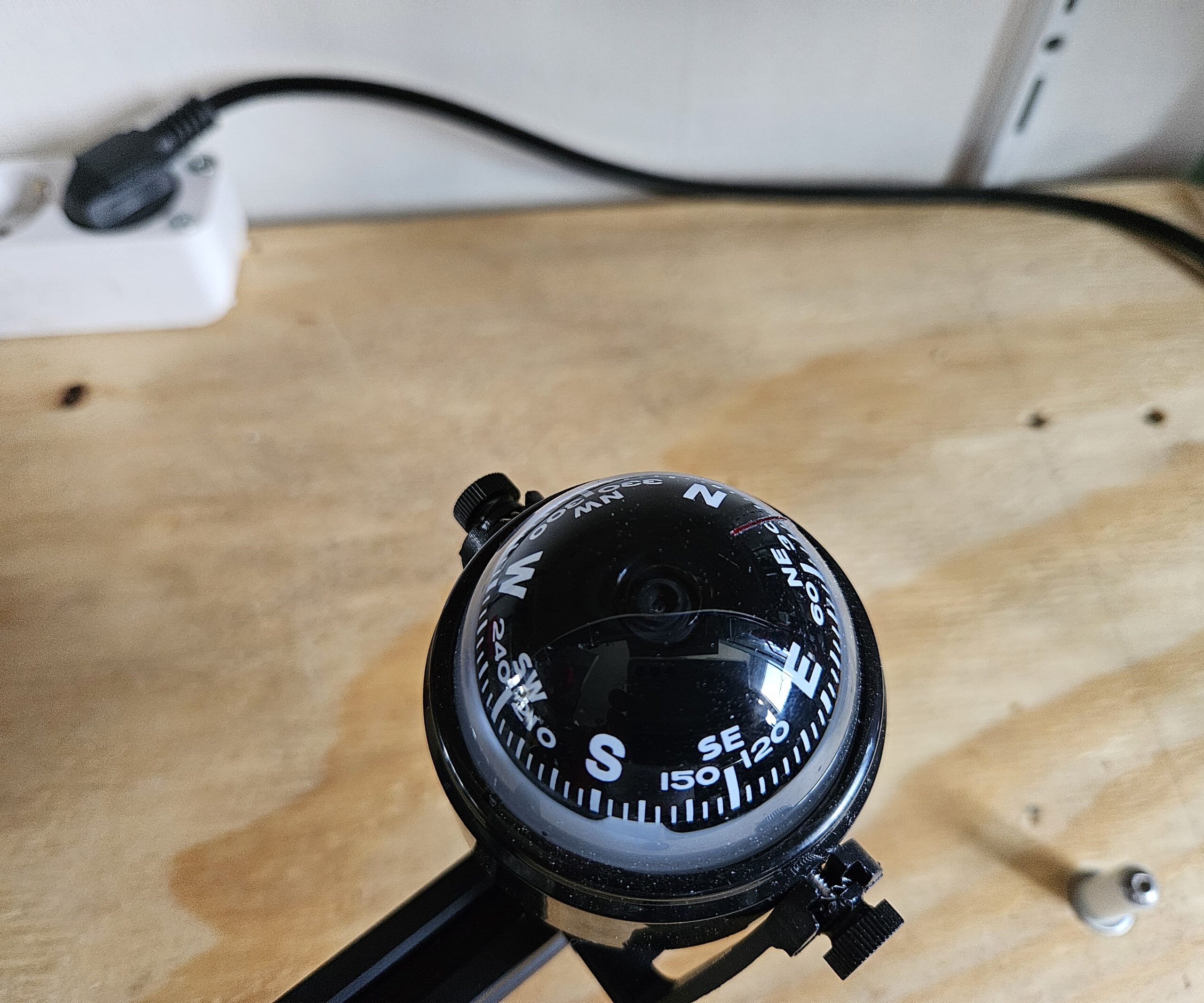
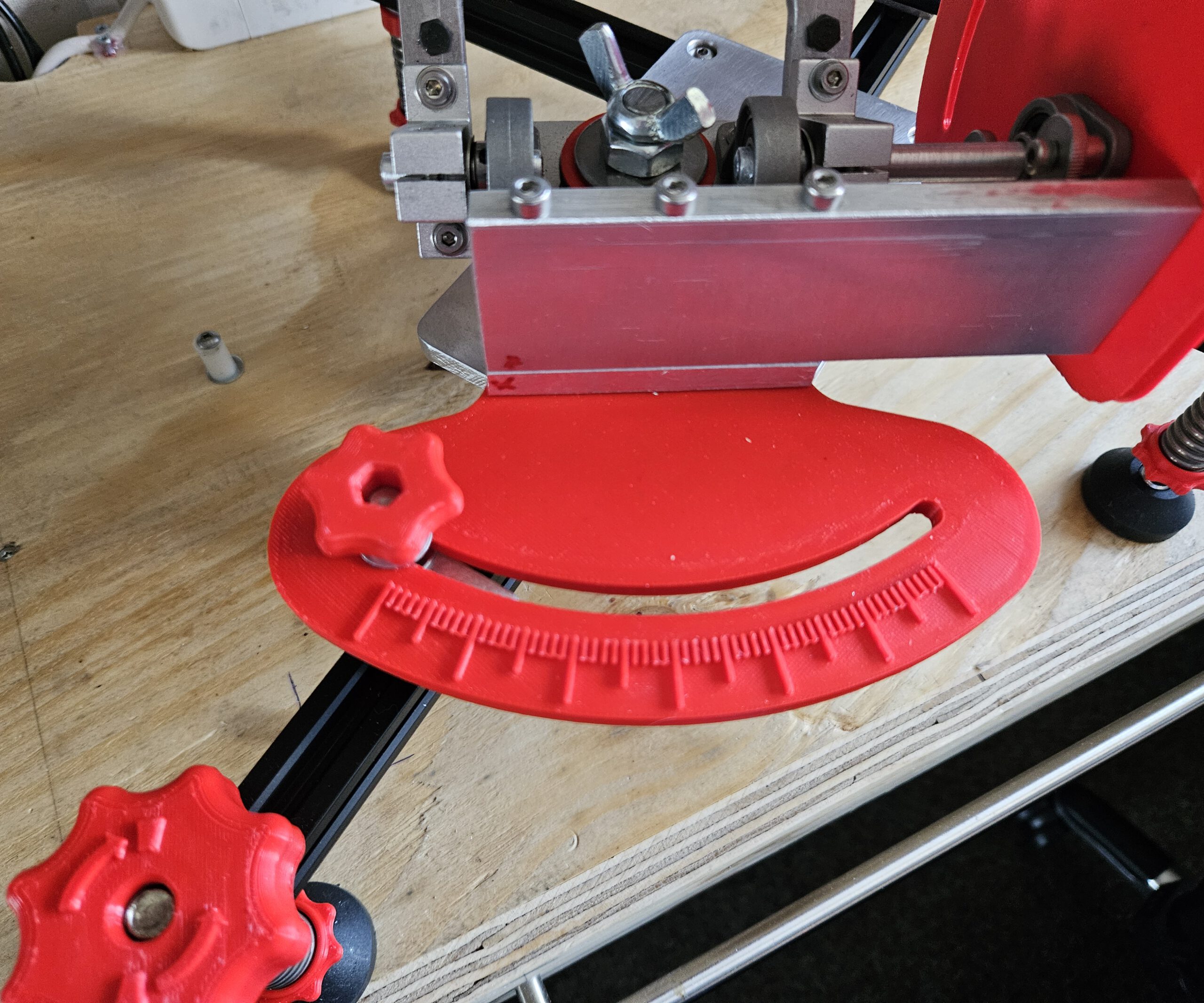
The three adjustable feet are used to level the mount first. A built-in compass and spirit level help with the initial setup, after which the altitude and azimuth controls provide the finer alignment.
Once aligned, the Seestar’s own rotation mechanism can follow the apparent movement of the sky around this axis.
Click the image for a larger version
WHY POLARIS? Polaris is almost directly above Earth’s rotational axis, making it a convenient alignment point.
WHY 51.2°? Polaris appears above the horizon at an angle equal to your latitude.
WHY TILT THE TELESCOPE? Tilting the Seestar aligns its rotation axis with Earth’s rotation axis.
WHY DOES THIS HELP? Once aligned, one rotating axis can follow the sky as Earth turns.
En eventueel bij het rijtje sterren bovenaan, omdat dát volgens mij voor een leek de grootste aha oplevert:
WHAT ARE WE SEEING? The stars only appear to circle Polaris — it is actually Earth that is rotating.
Pictures of the design
Seestar S50 Equatorial Mount
Seestar S50 Equatorial Mount
Seestar S50 Equatorial Mount
Seestar S50 Equatorial Mount
Seestar S50 Equatorial Mount
Seestar S50 Equatorial Mount
Seestar S50 Equatorial Mount
Seestar S50 Equatorial Mount
Seestar S50 Equatorial Mount
Seestar S50 Equatorial Mount
Seestar S50 Equatorial Mount
Seestar S50 Equatorial Mount
Seestar S50 Equatorial Mount
Seestar S50 Equatorial Mount
Seestar S50 Equatorial Mount
Seestar S50 Equatorial Mount
Seestar S50 Equatorial Mount
1/1
Design drawings for the Aluminium parts
The scales can be printed, but please use ABS or Nylon for stability. The other parts:
Azimuth Platform
Equatorial Mount
Rotaton Plate
Must be made from metal for stability. I used easy to work thick Aluminium plates. Back then I worked it by hand and hand tools. Nowadays I woult put it in mij CNC milling machine. But some old fashion workmanship will do too.
Quantities shown are for one tripod leg. Three identical legs are required for the complete mount.
Base Platform BOM
Qty
Component
Specification / Notes
3D printed
1
Aluminium Plate
220 × 100 × 8 mm
n/a
1
Washer
M10
n/a
1
Locknut
M10
n/a
5
Flat Head Hex Bolt
M4 × 30
n/a
1
Socket Head Bolt
M10 × 120
n/a
1
APS Lock
n/a
ABS/Nylon
1
Top Azimuth Support
n/a
ABS/Nylon
1
Bottom Azimuth Support
n/a
XABS/Nylon
Altitude Platform BOM
Qty
Component
Specification / Notes
3D printed
1
Aluminium Plate
205.2 × 100 × 8 mm
n/a
1
Lens Head Bolt
3/8″-16 × 3/4″
n/a
1
External-Tooth Lock Washer
3/4″
n/a
2
Flat Head Hex Bolt
M4 × 30
n/a
4
Flat Head Hex Bolt
M4 × 14
n/a
1
Hex Bolt
M4 × 15
n/a
1
Hex Bolt
M4 × 40
n/a
1
Socket Head Bolt
M4 × 30
n/a
4
Socket Head Bolt
M4 × 13
n/a
3
Hex Nut
M4
n/a
15
Washer
M4
n/a
1
Steel Axle
Ø8 mm × 100 mm
n/a
1
Steel Axle
Ø8 mm × 30 mm
n/a
1
Shaft Collar
ID 8 mm, OD 14 mm, H 8 mm
n/a
1
Cup Point Hex Set Screw
M4 × 3
n/a
2
SK8 Axle Support
42 × 32 × 14 mm, ID 8 mm
n/a
1
Adjustable Handle Block Alt
n/a
ABS/Nylon
1
Alt Grip
n/a
ABS/Nylon
1
Aluminium Turning Base
n/a
ABS/Nylon
1
Alt Platform 0 Degree Support
n/a
ABS/Nylon
1
Scale Pointer
n/a
Any
1
Thumb Screw
n/a
Any
1
Placeholder for Lens Head Bolt
n/a
Any
Azimuth Platform BOM
Qty
Component
Specification / Notes
3D printed
4
Flat Head Bolt
M4 × 20
n/a
3
Roll Bearing Block
42 × 32 × 14 mm, ID 8 mm
n/a
8
Socket Head Bolt
M4 × 13
n/a
8
Washer
M4
n/a
2
Socket Head Bolt
M4 × 13, additional hardware
n/a
2
Nut
M3
n/a
2
SKF 51203 Thrust Bearing
51203 / S1203 XC
n/a
1
Azimuth Scale & Lock
n/a
ABS/Nylon
1
Altitude Lock Plate V5
n/a
ABS Nylon
1
Lockable Home Altitude Pointer
n/a
Any
1
Adjustable Handle Block Azi
n/a
ABS/Nylon
And then came the ultimate field test: a solar eclipse.
With the mount polar-aligned and the Seestar tracking the Sun, I could leave the telescope to follow the event instead of repeatedly repositioning it by hand. The result was a complete time-lapse of the eclipse — and, more importantly from a maker’s perspective, proof that the design actually worked outside Fusion 360.
Towards the end of the solar eclipse clip, the image starts to shift. This happened because the telescope eventually ran into the window frame without me noticing. A bit unfortunate, but it is what it is. Apart from that, the recording was successful and the mount did exactly what it was supposed to do.
Making a great dog wheelchair work better for a very small dog
Sometimes you buy a well-designed product, use it for a while, and discover that for your particular situation it could use just a little improvement.
And sometimes “a little improvement” somehow turns into recreating half the thing in CAD, designing a suspension system, adding ball bearings, printing custom parts and rebuilding the rear end.
This was one of those times.
Our dachshund suffered a herniated disc that left his left hind leg almost completely paralyzed and significantly reduced the control of his other hind leg. Indoors he adapted remarkably well and could get around mostly using three legs. Outside, however, that only worked for short distances.
To give him more freedom, we bought a Walkin’ Pets Dog Wheelchair. Pls see https://walkinpets.com/. It is a solid, well-made product and gave him the opportunity to walk outside again.
But because he is a small dachshund — with a long back that had already been injured — I soon noticed a few things that could be improved specifically for him.
The problems
The first problem was rolling resistance.
For a larger dog, the resistance of the original wheels probably isn’t particularly significant. For a small dachshund, however, every bit of additional resistance matters. He had to work noticeably harder to pull the wheelchair along.
The second problem was rigidity.
The original construction keeps the wheels firmly positioned relative to the frame. That’s normally exactly what you want, but in his case bumps, uneven pavement and stepping off a curb transferred movement directly through the wheelchair.
Because of his back injury, he compensated for this by walking rather stiffly.
The third problem appeared around doorways and other obstacles.
Take a corner just a little too tightly and a wheel can catch the door frame. Instead of sliding past the obstacle, the wheelchair suddenly stops or jerks sideways.
Again: not particularly pleasant when the passenger happens to have a bad back.
So…
CAD time.
Rebuilding the wheel assembly
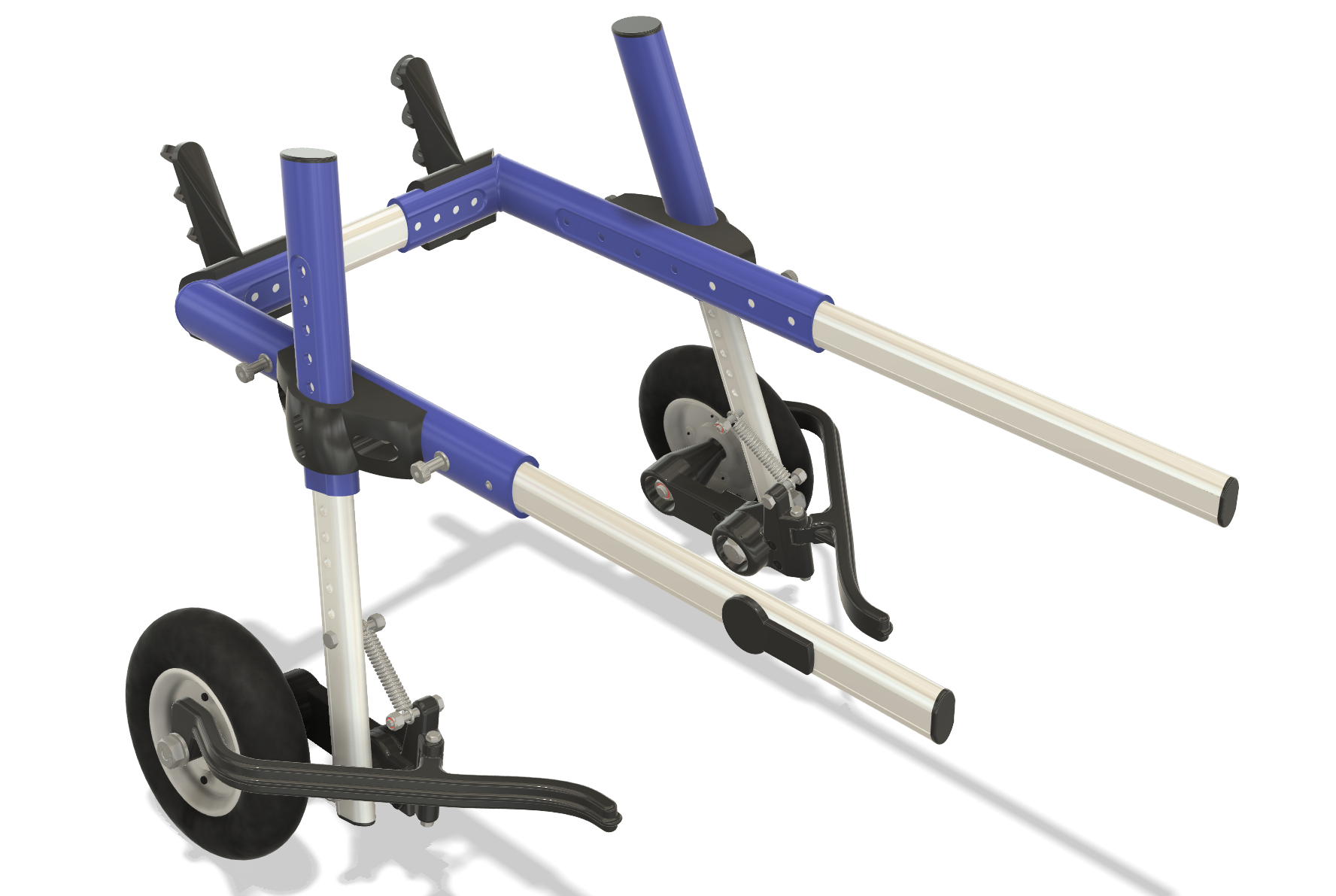
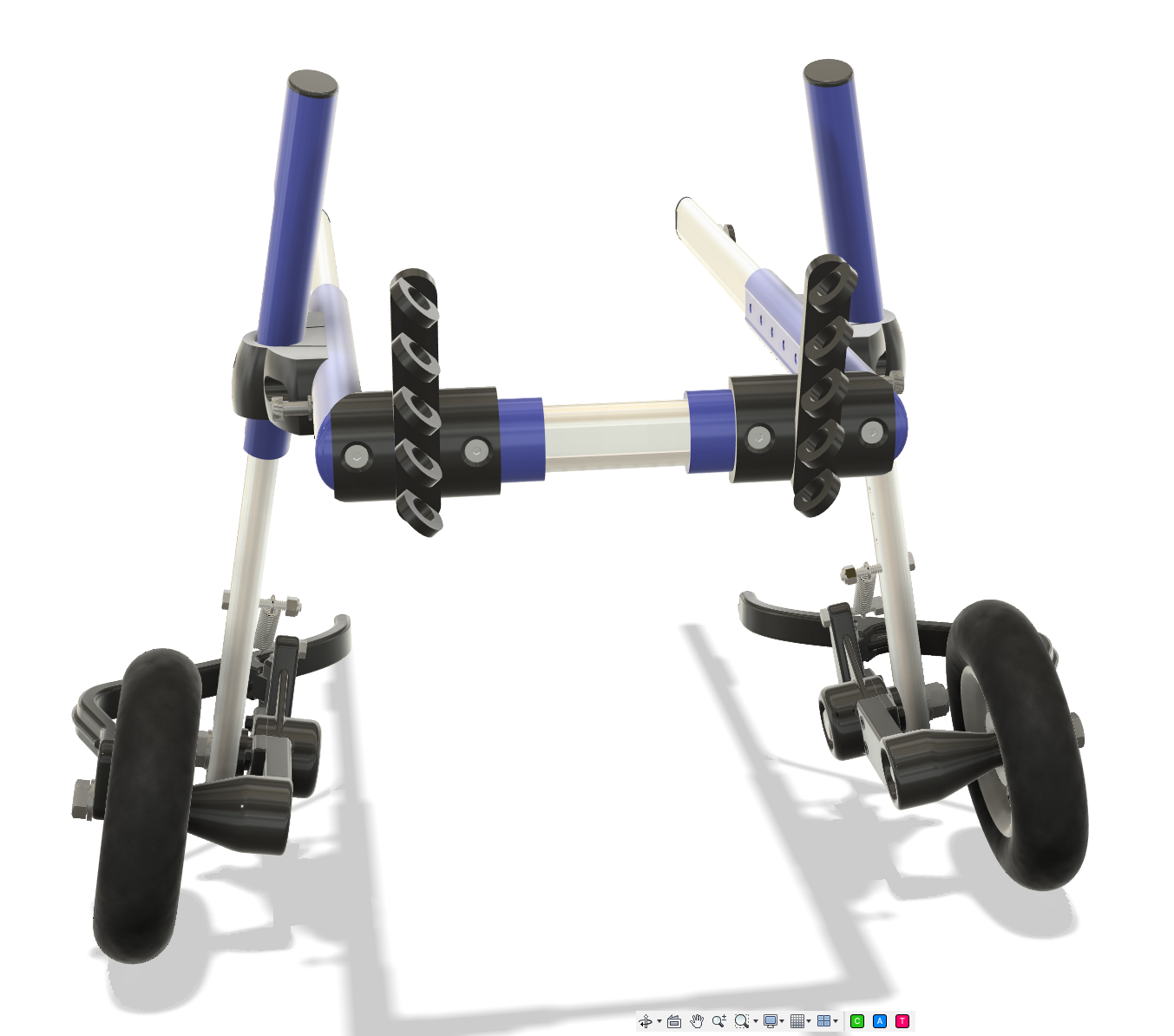
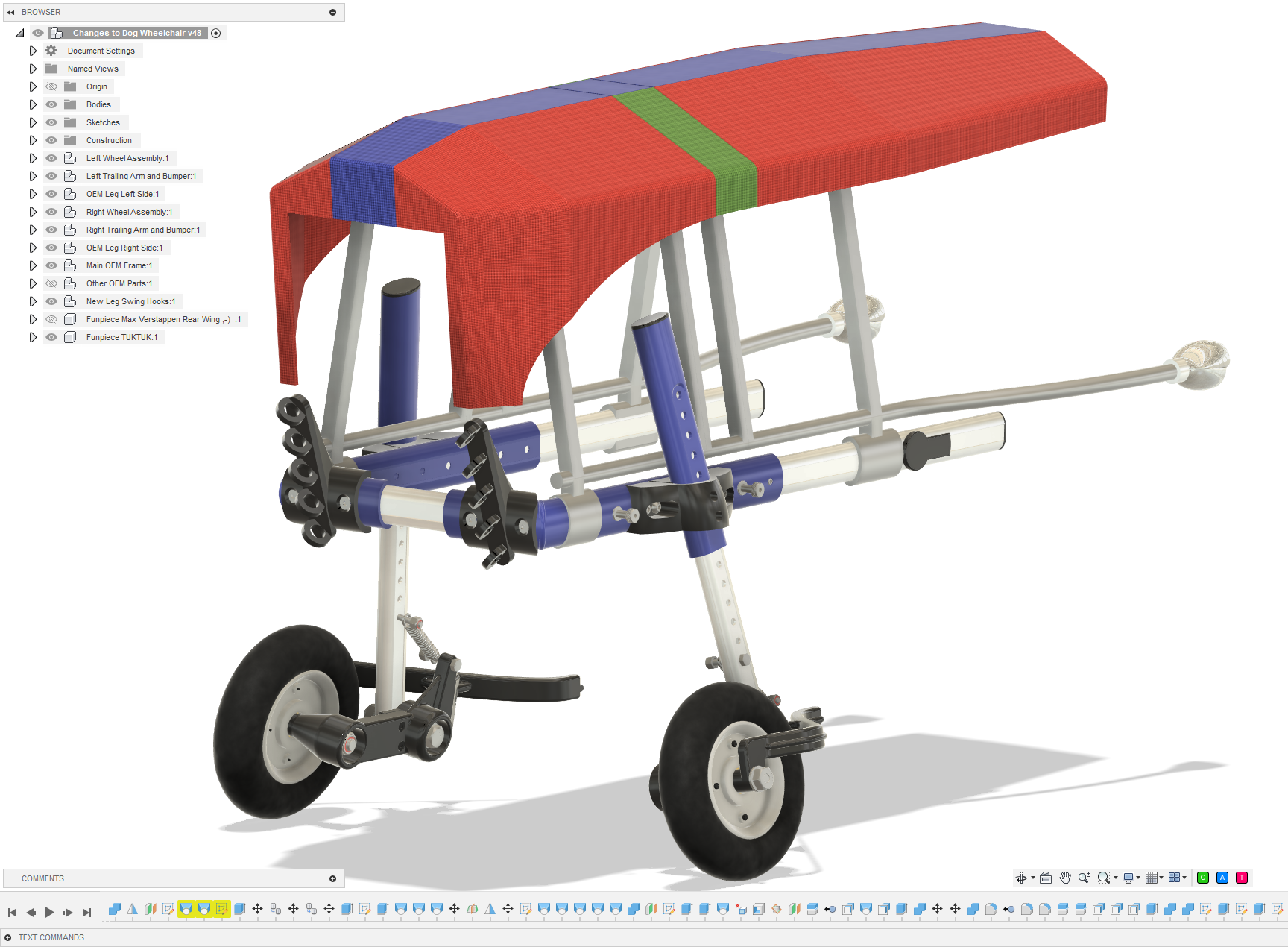
I recreated the relevant parts of the wheelchair in 3D and started experimenting with alternative wheel assemblies.
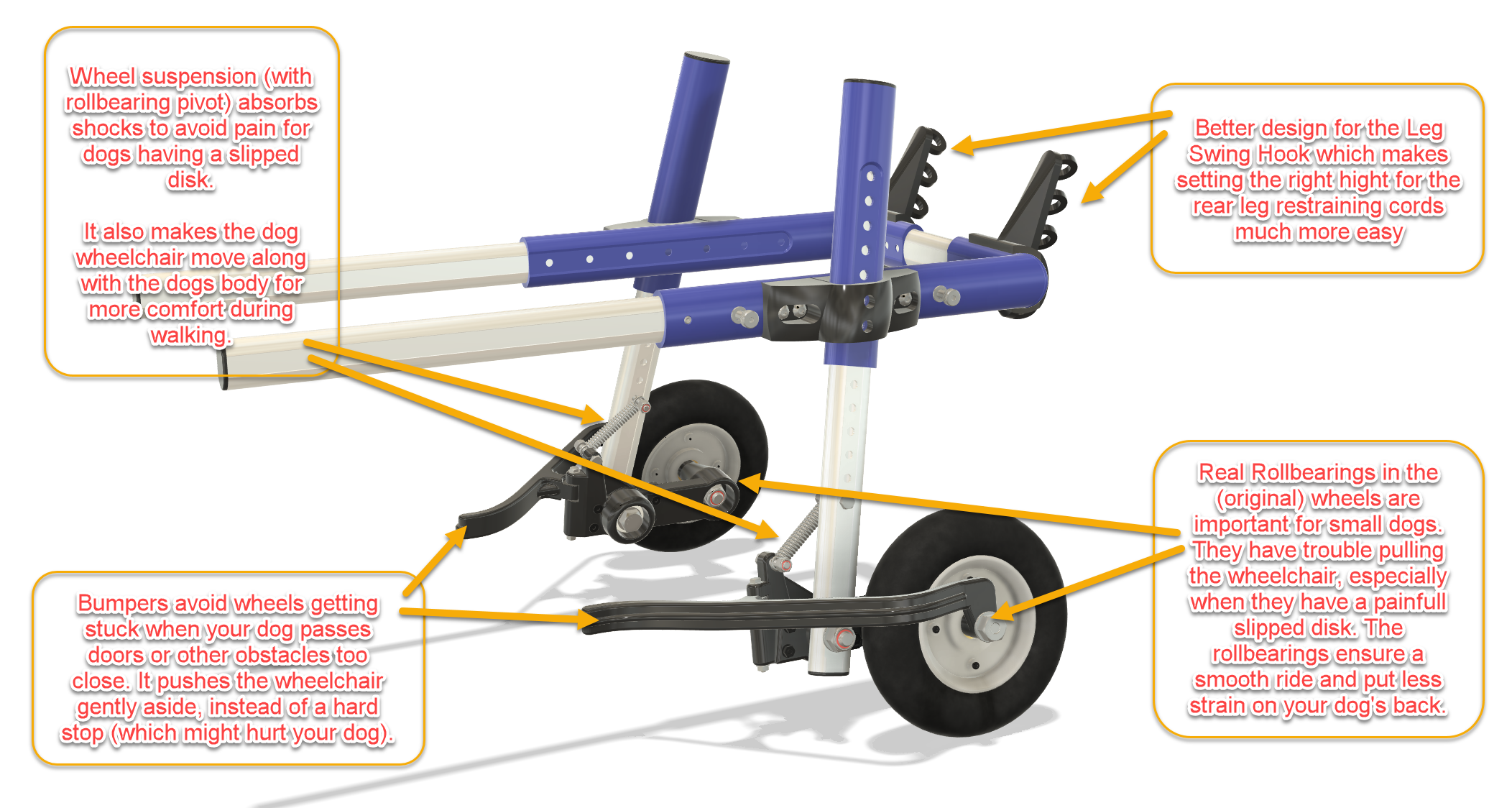
The eventual design combines three modifications:
Ball-bearing wheels
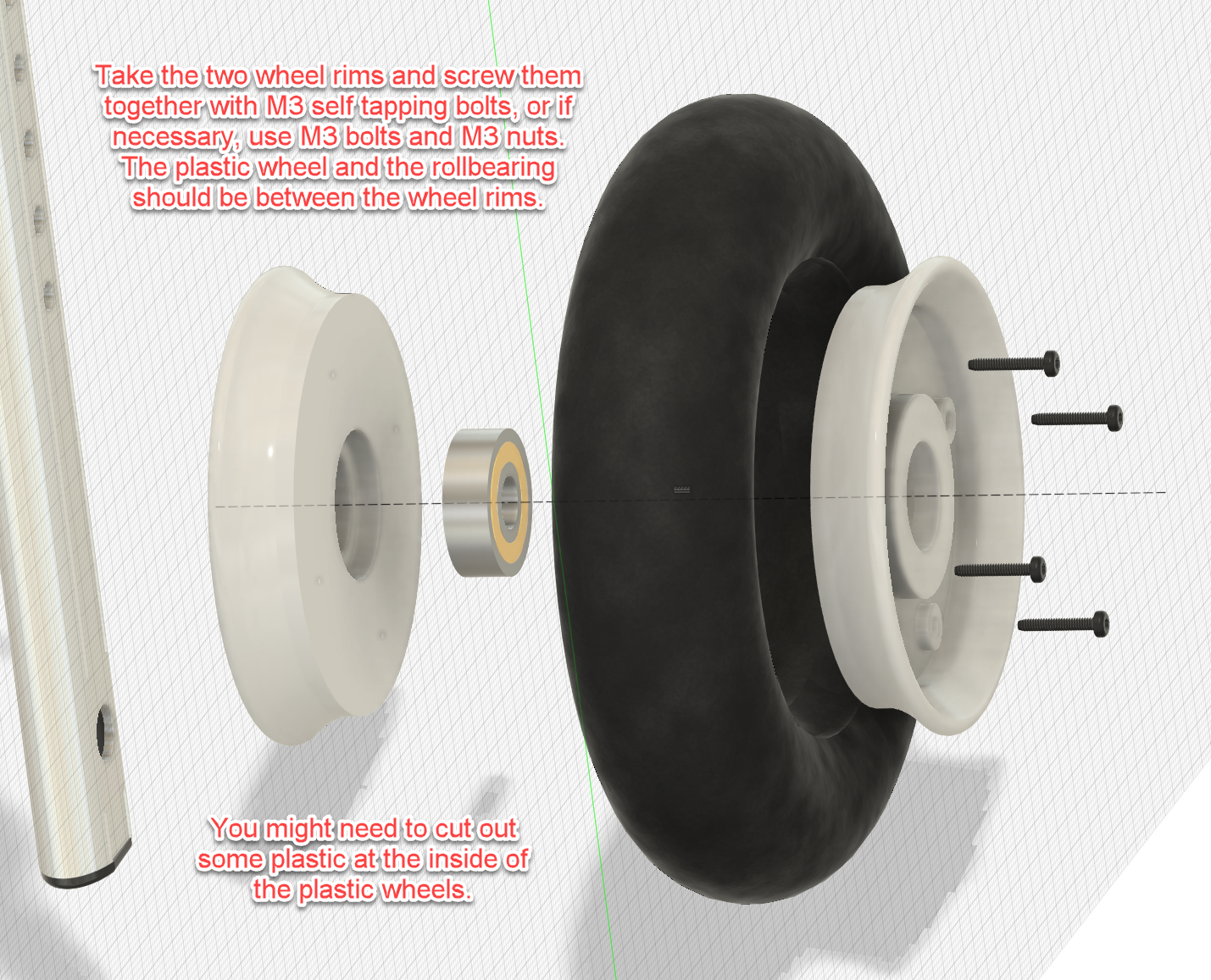
The original wheels were modified to run on proper ball bearings.
This considerably reduced the rolling resistance. For a small dog this makes a surprisingly large difference: less effort is needed simply to keep the wheelchair moving.
The improvement was immediately noticeable during walks.
Independent trailing-arm suspension
This became the largest part of the modification.
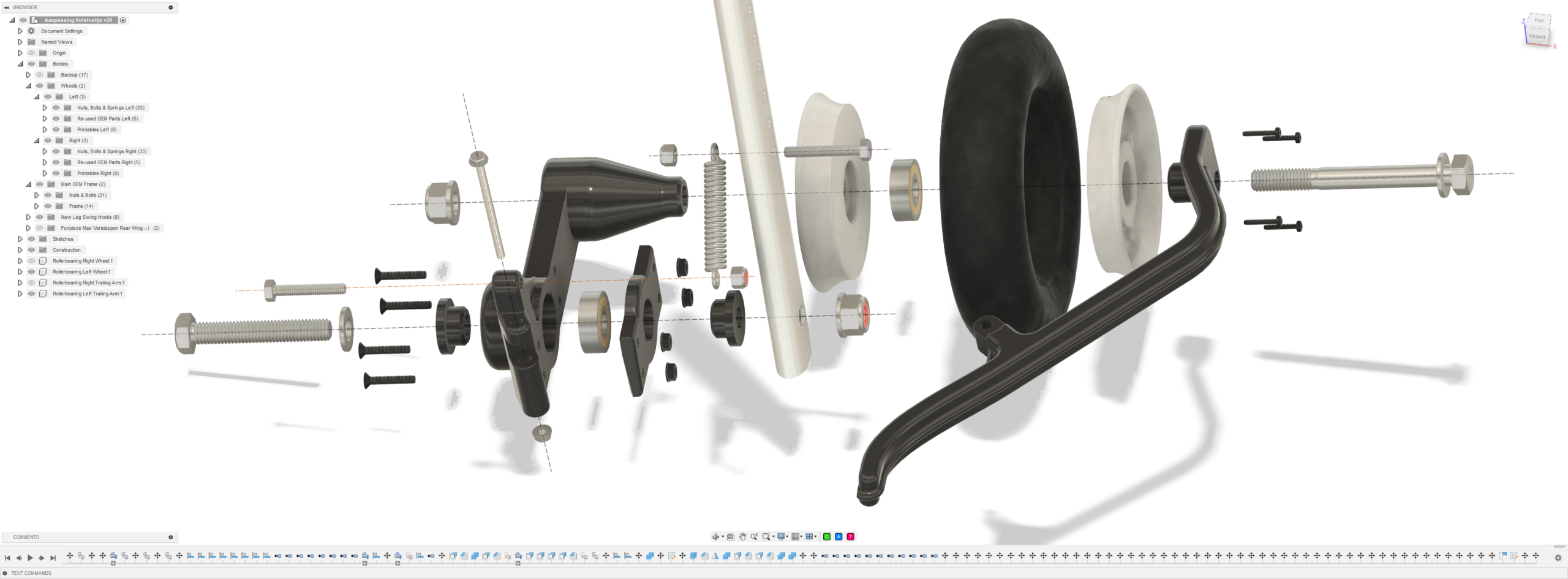
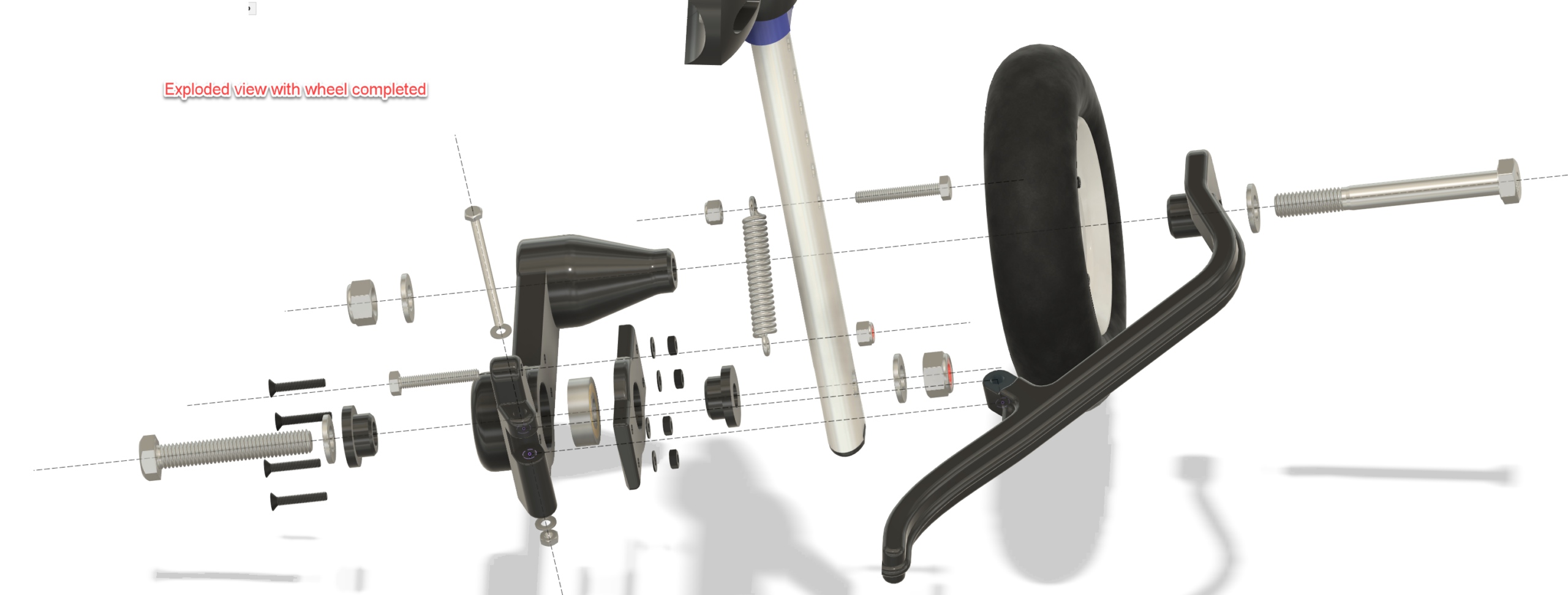
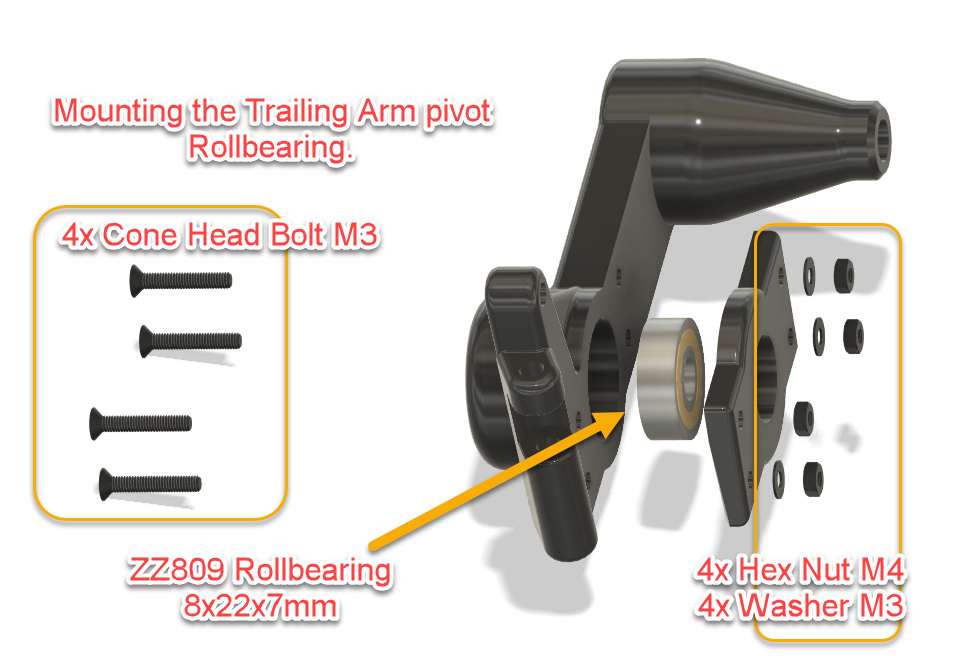
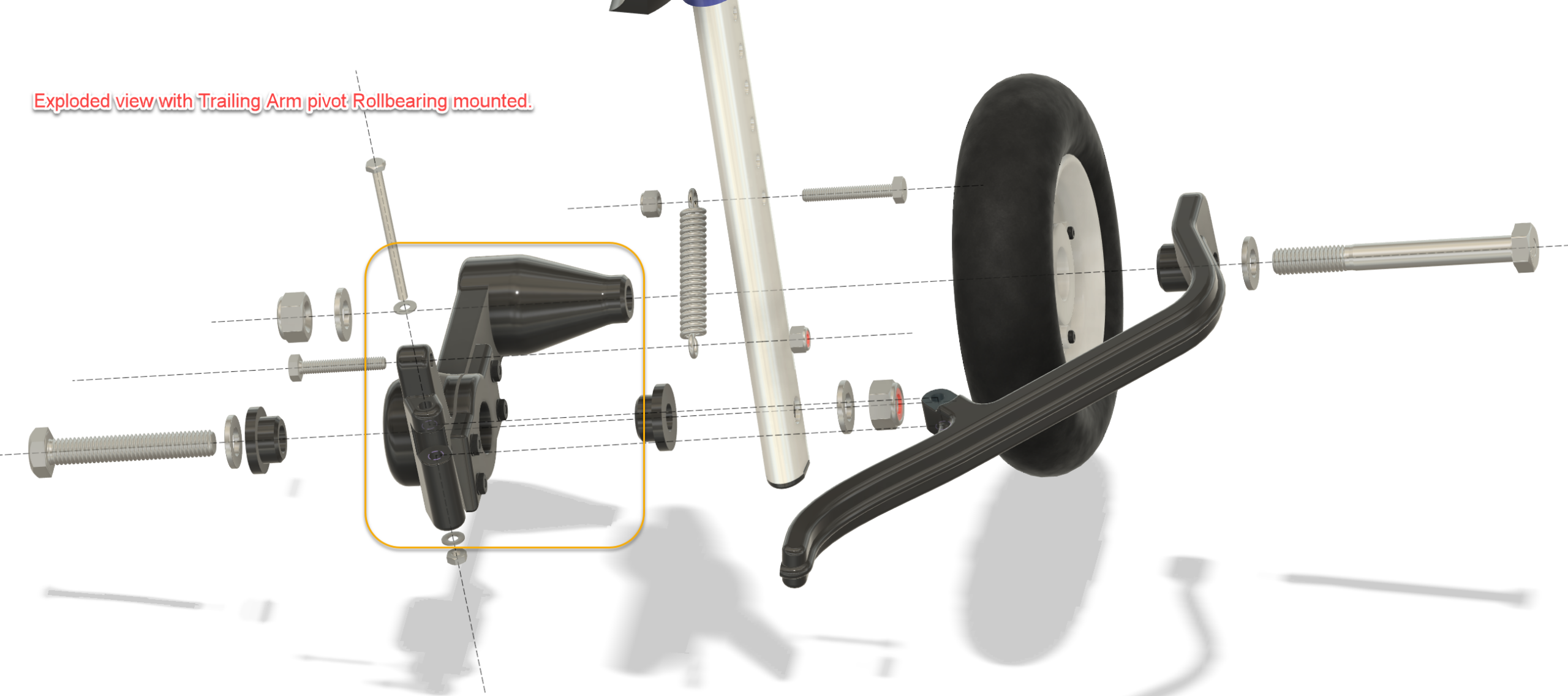
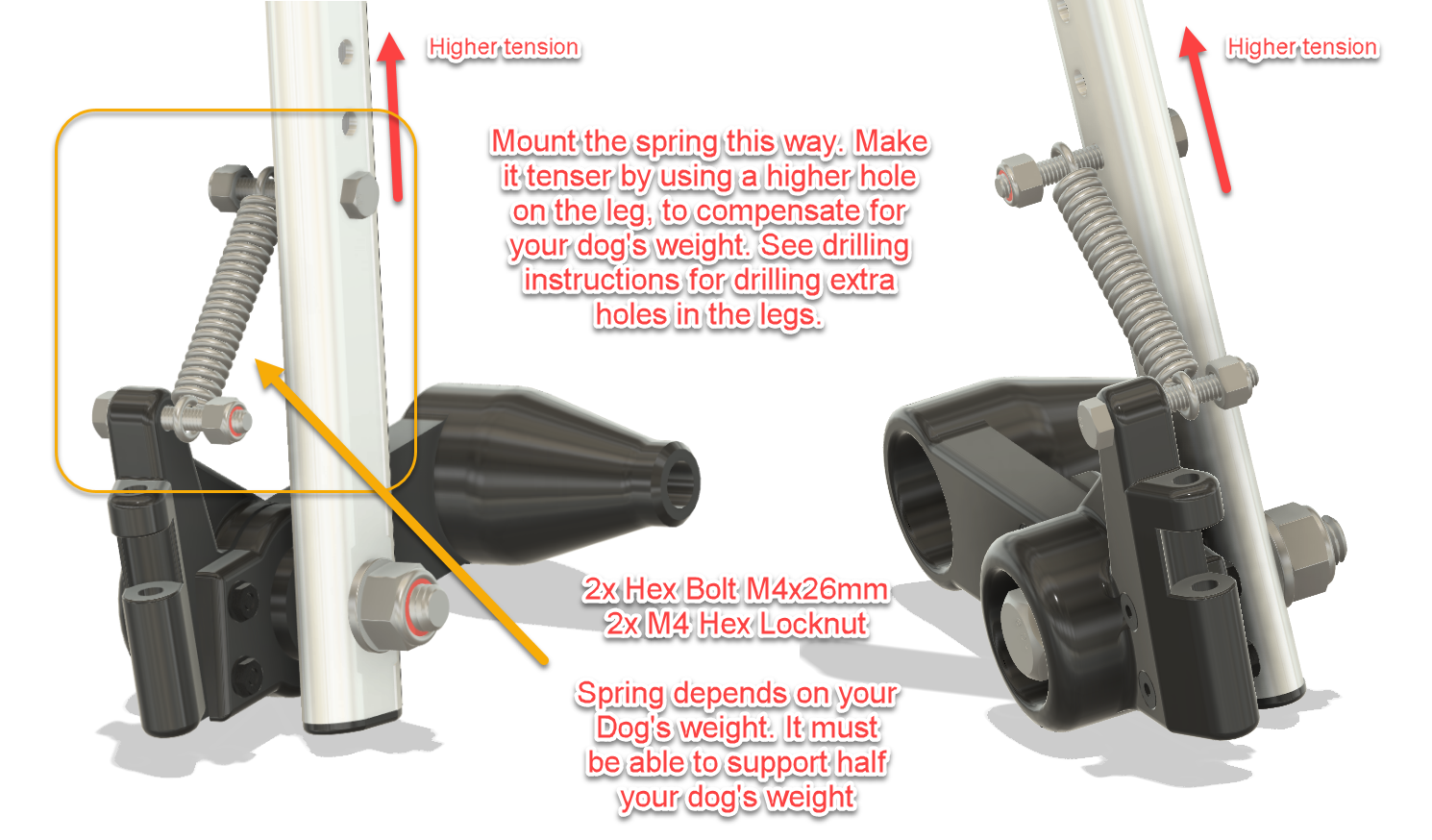
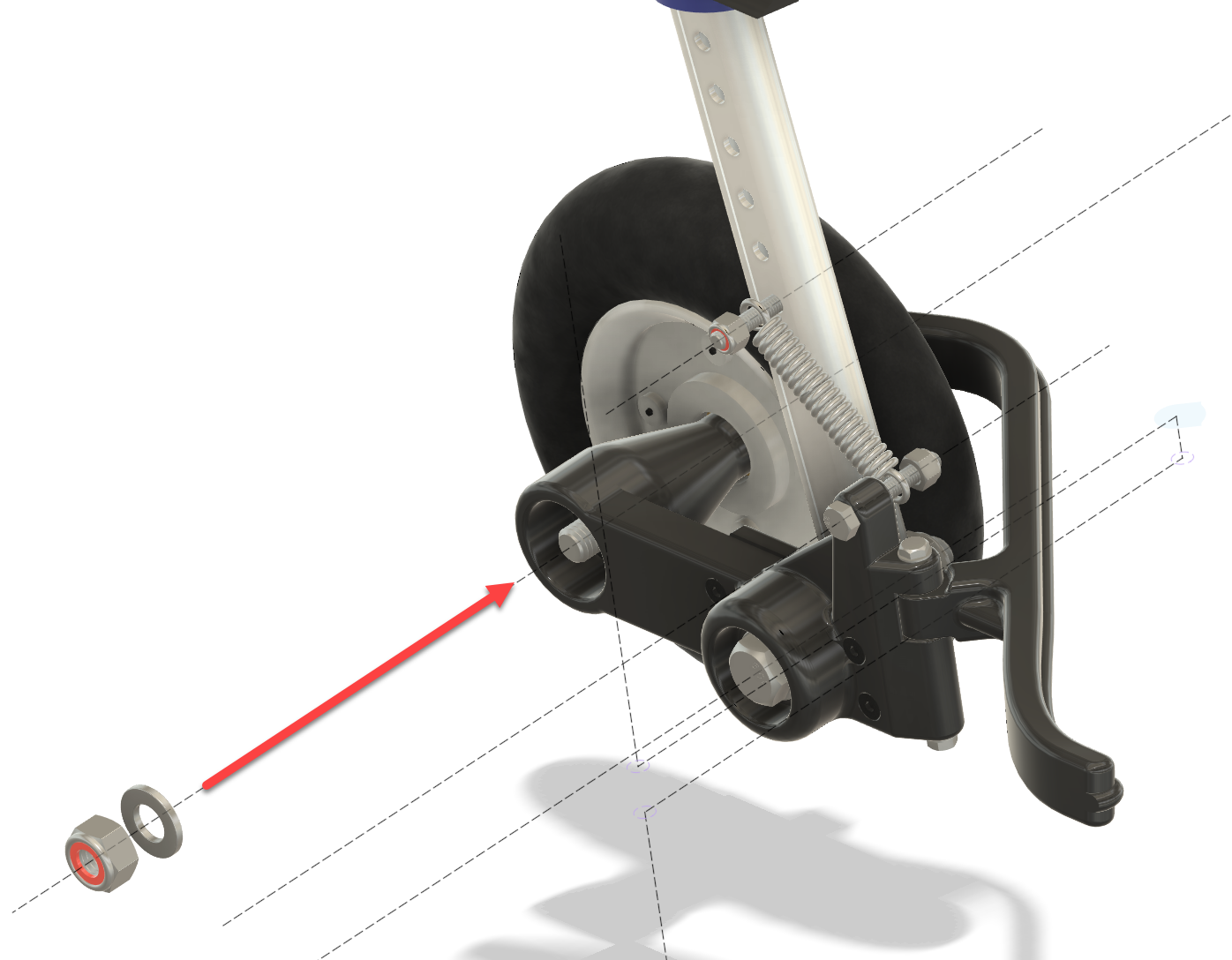
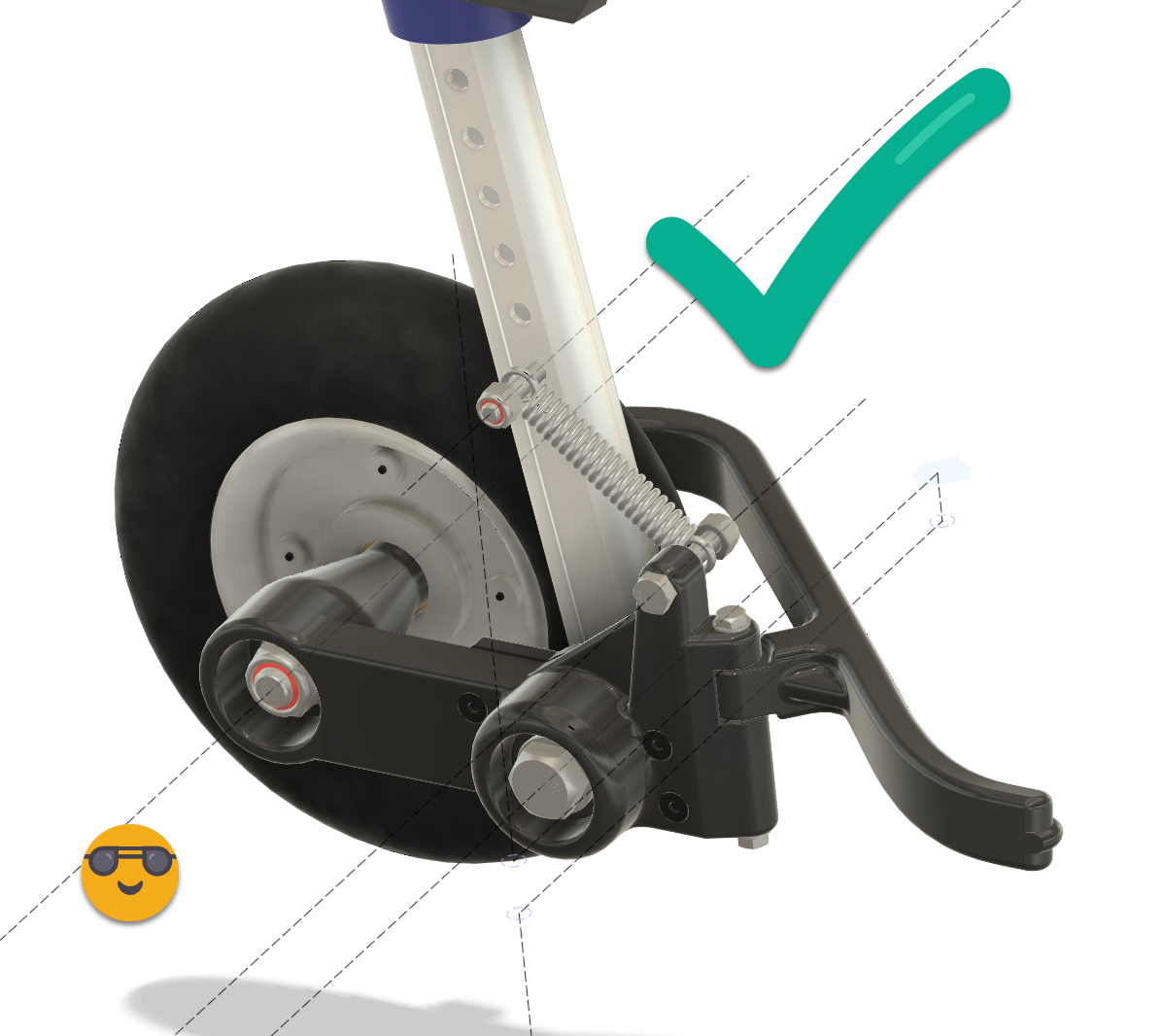
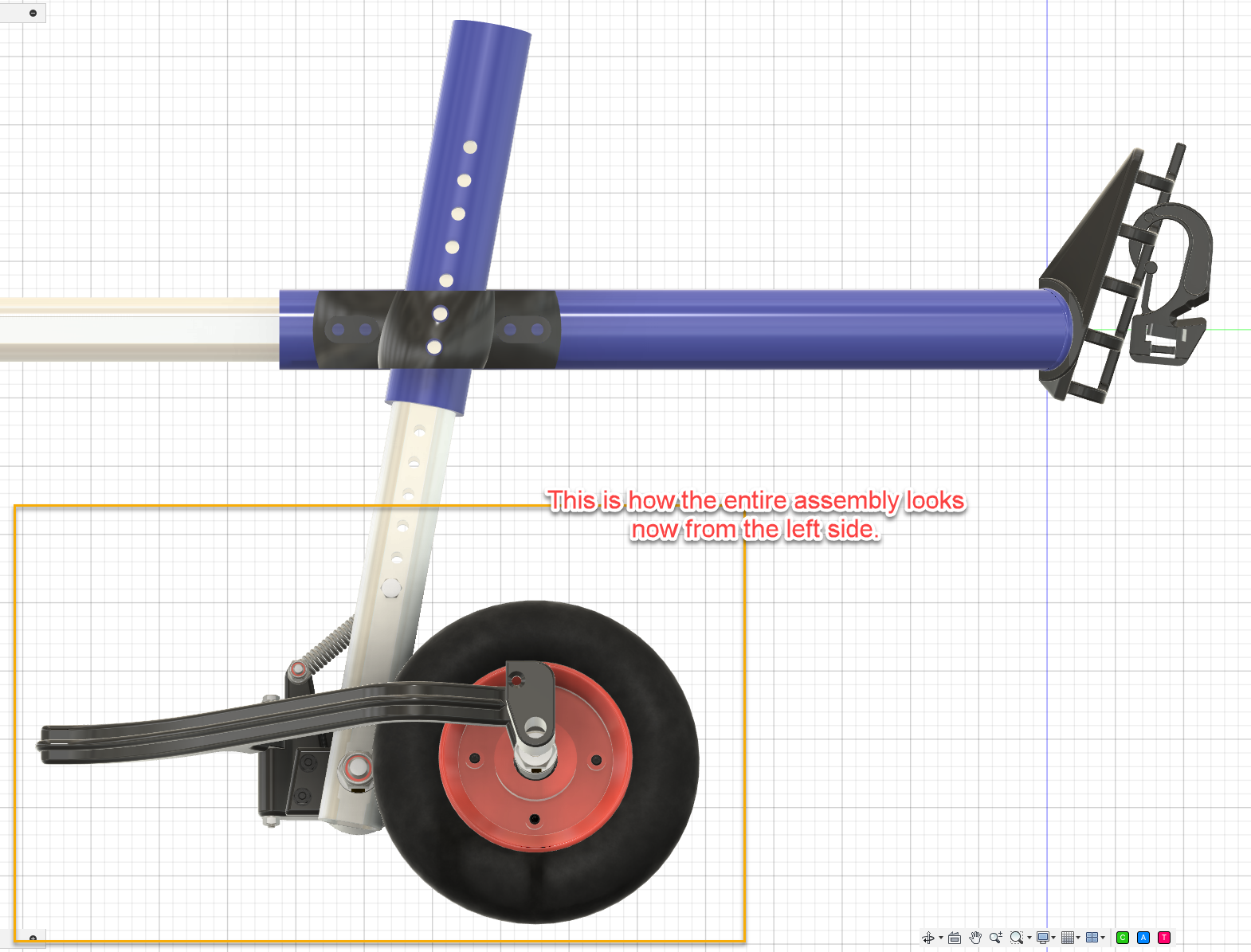
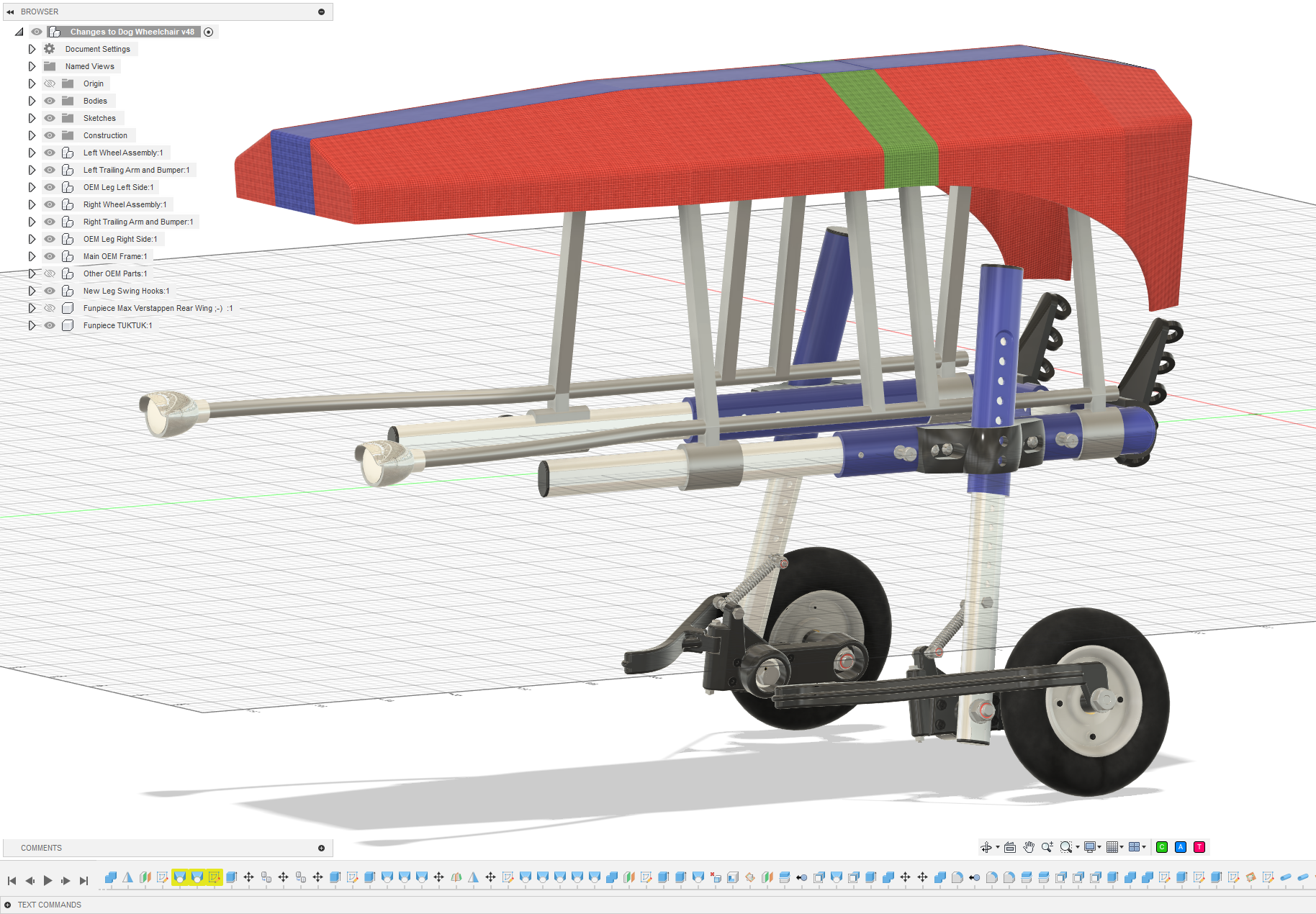
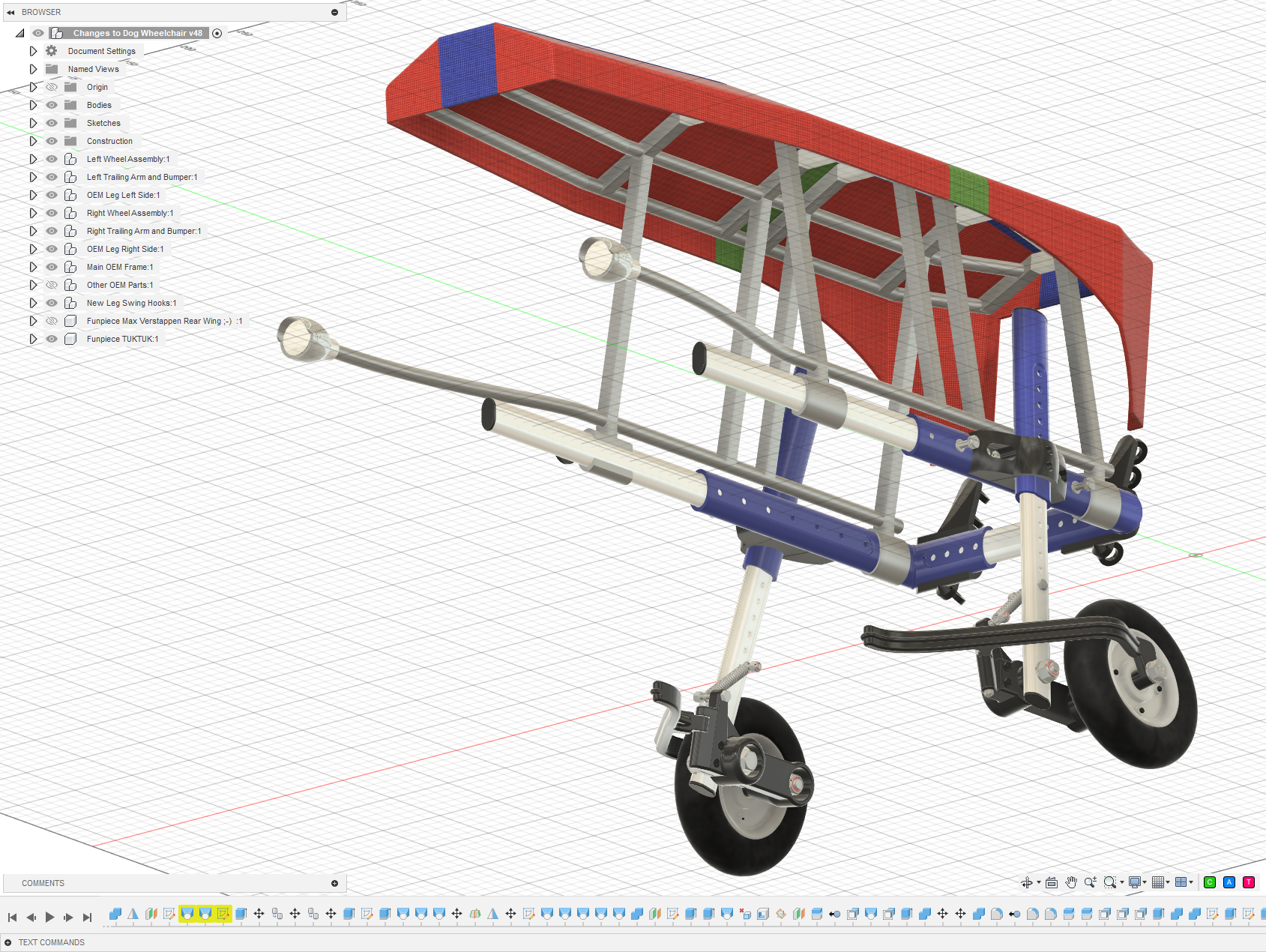
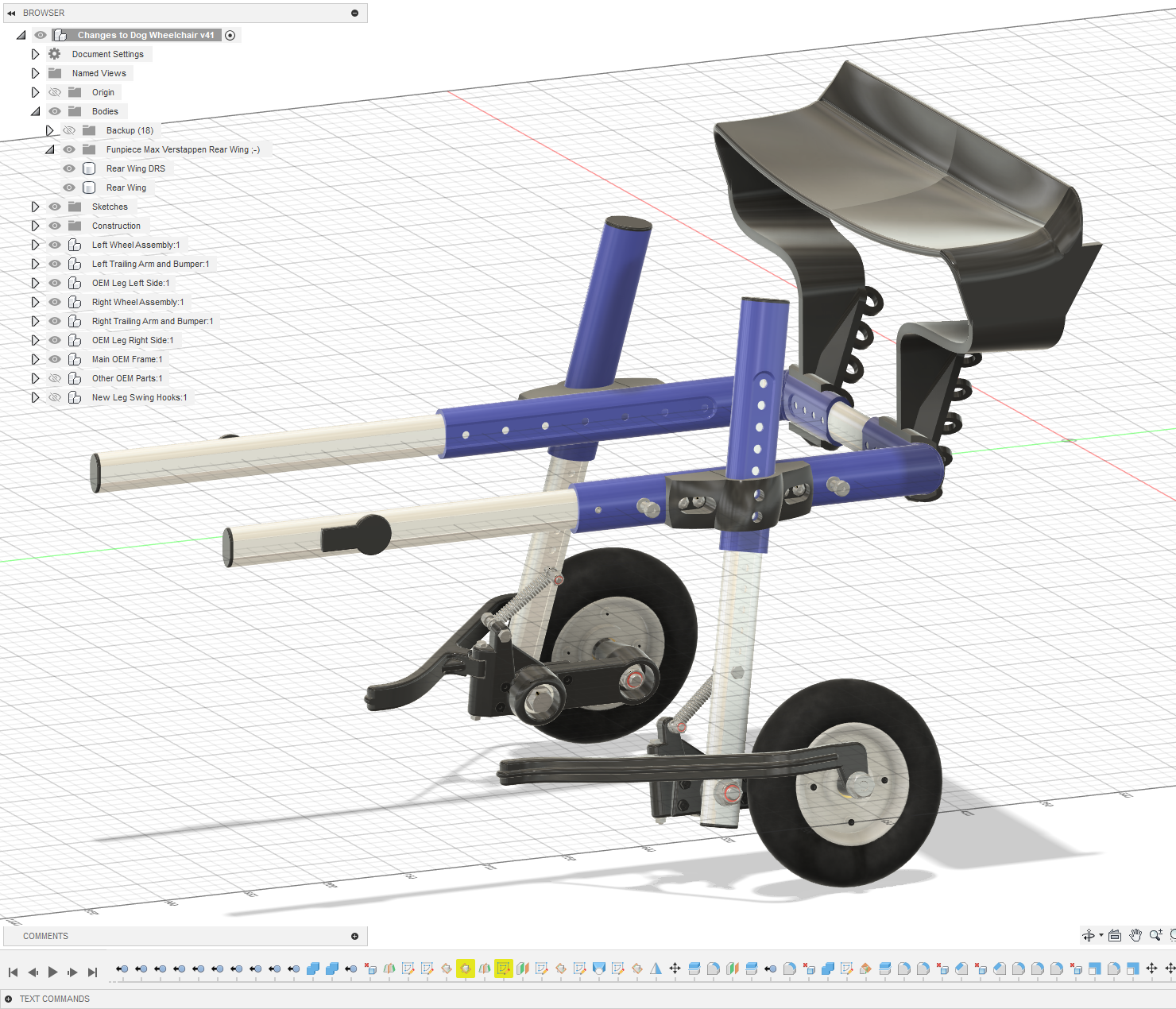
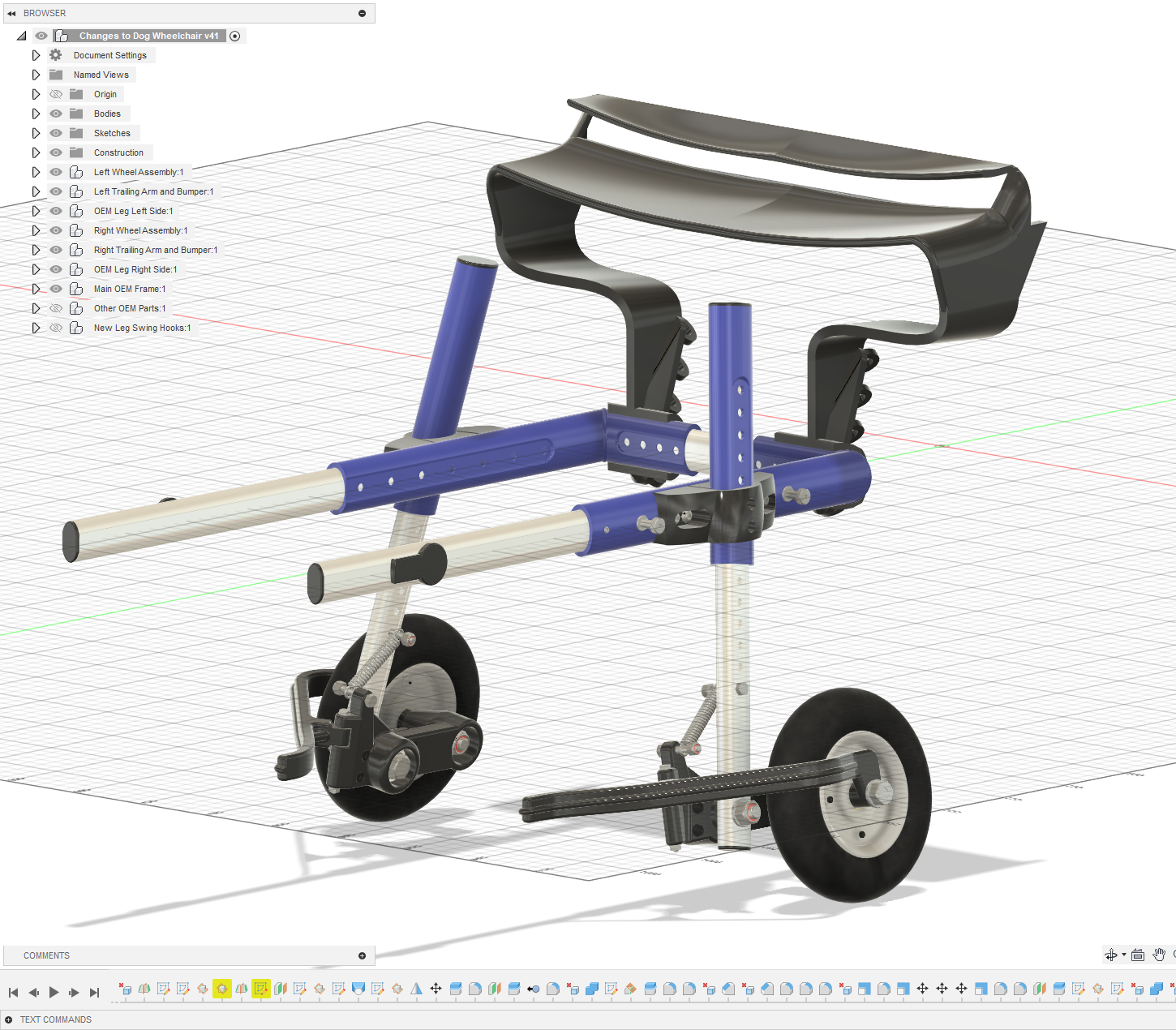
Each wheel is mounted on a pivoting trailing arm running on a ball bearing. A spring between the trailing arm and the wheelchair leg provides suspension.
Instead of every bump being transmitted directly into the frame, the wheel can now move independently.
The spring preload can be adjusted by selecting a different mounting hole in the wheelchair leg. This makes it possible to tune the suspension for the weight of the dog.
The goal isn’t to turn the wheelchair into a miniature off-road vehicle — tempting though that idea may be — but simply to let the wheels follow small irregularities in the ground without forcing the dog’s body to follow every movement.
The result is a noticeably smoother and more natural ride.
Wheel guard rails
The long curved guards around the wheels solve another very practical problem.
If the wheelchair passes too close to a door frame, furniture or another obstacle, the guard touches it before the wheel does.
Its curved shape then gently guides the wheelchair away from the obstacle rather than allowing the wheel to catch abruptly.
Simple idea. Surprisingly effective.
A few modifications to the original wheelchair
The conversion does require some changes to the original frame.
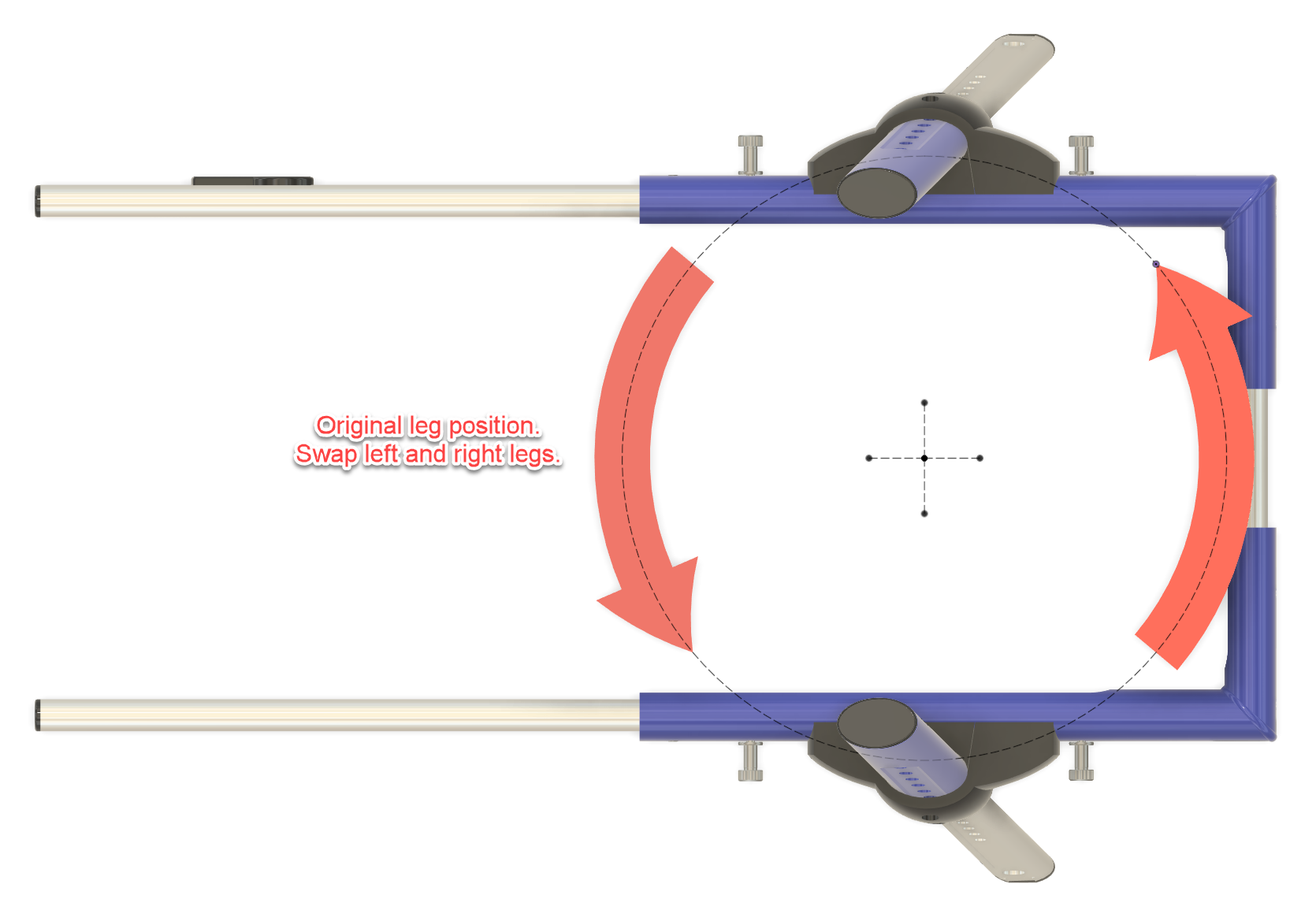
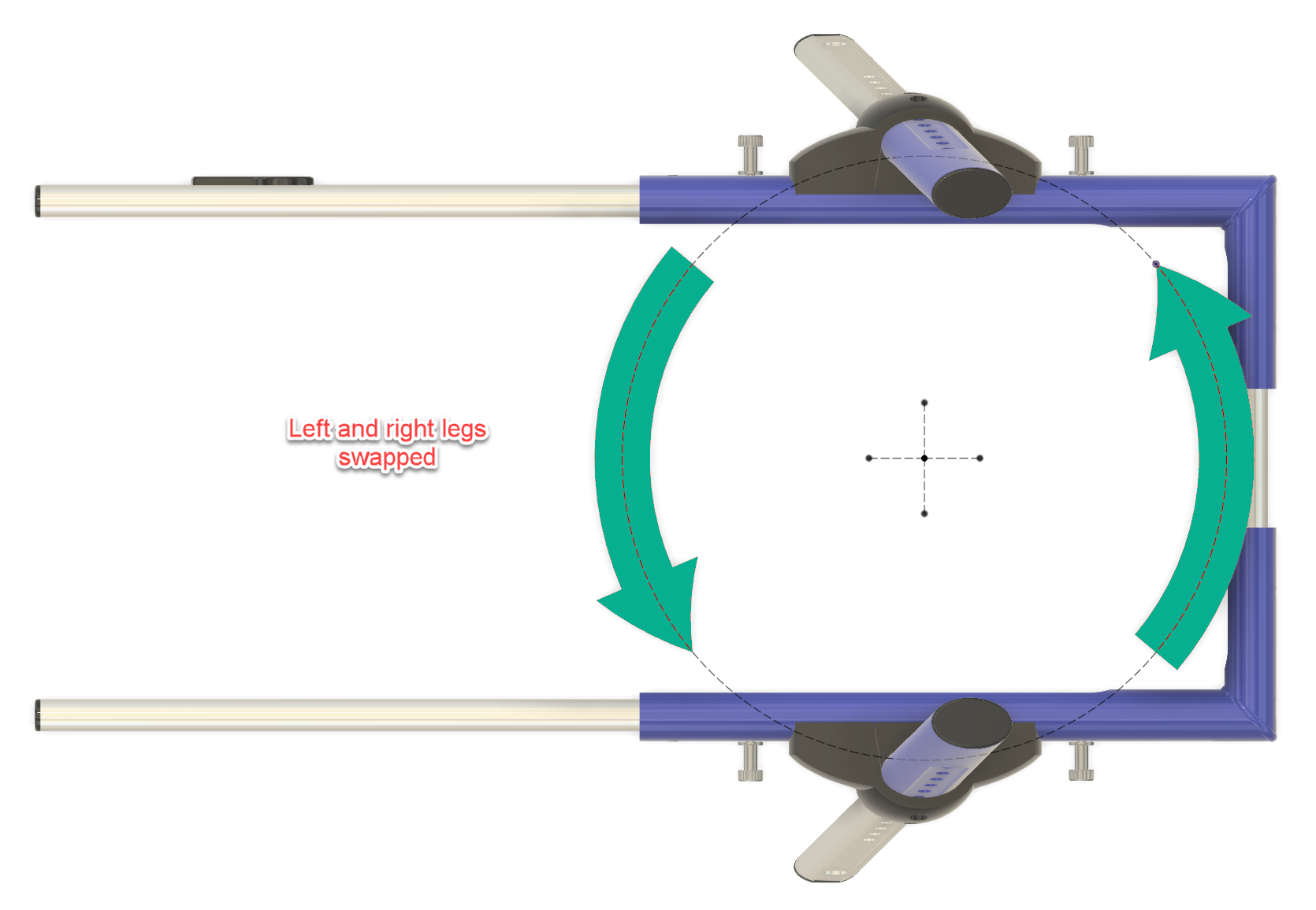
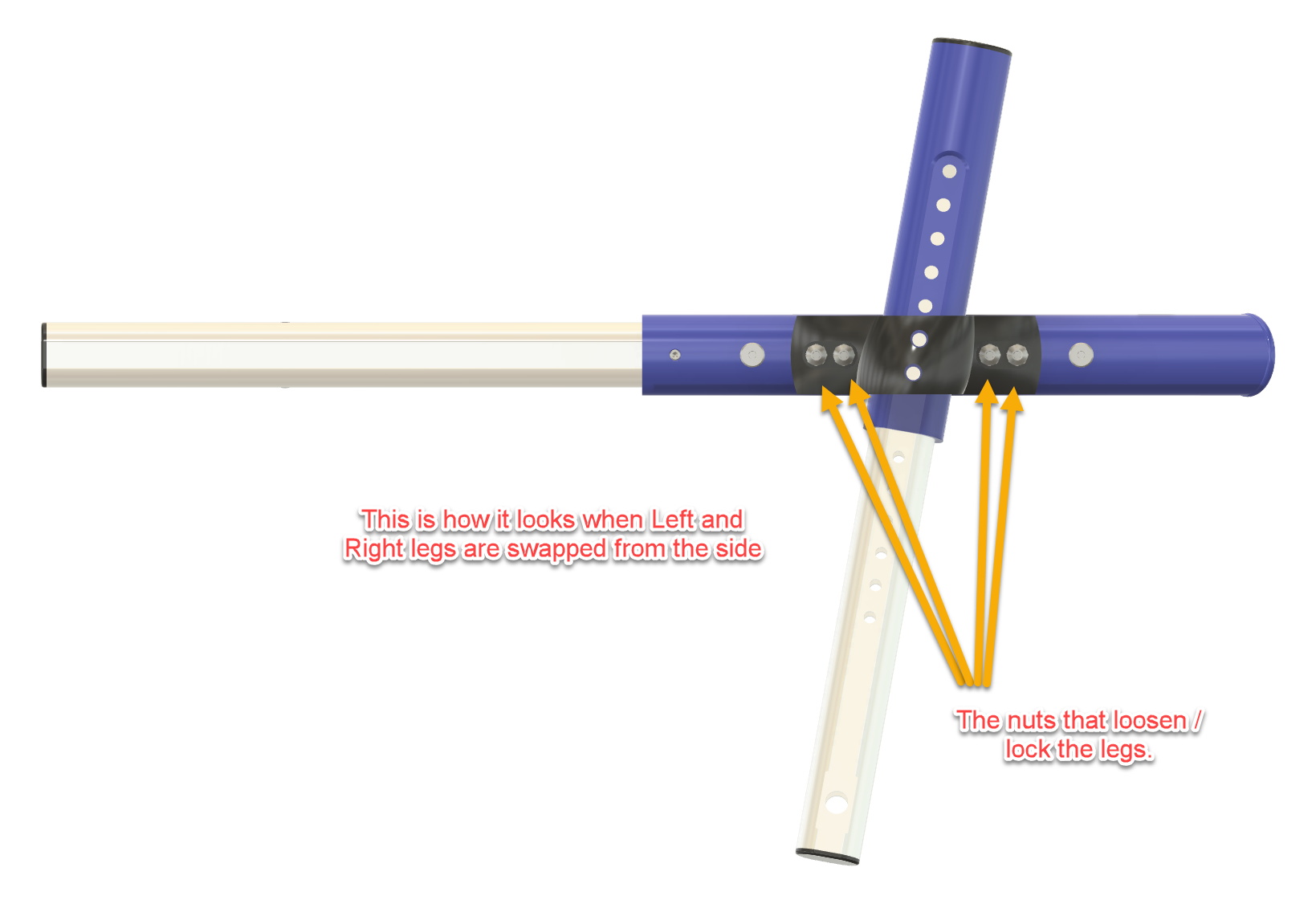
The left and right wheelchair legs are swapped, which changes the orientation of the wheel assemblies and provides the geometry needed for the trailing-arm suspension.
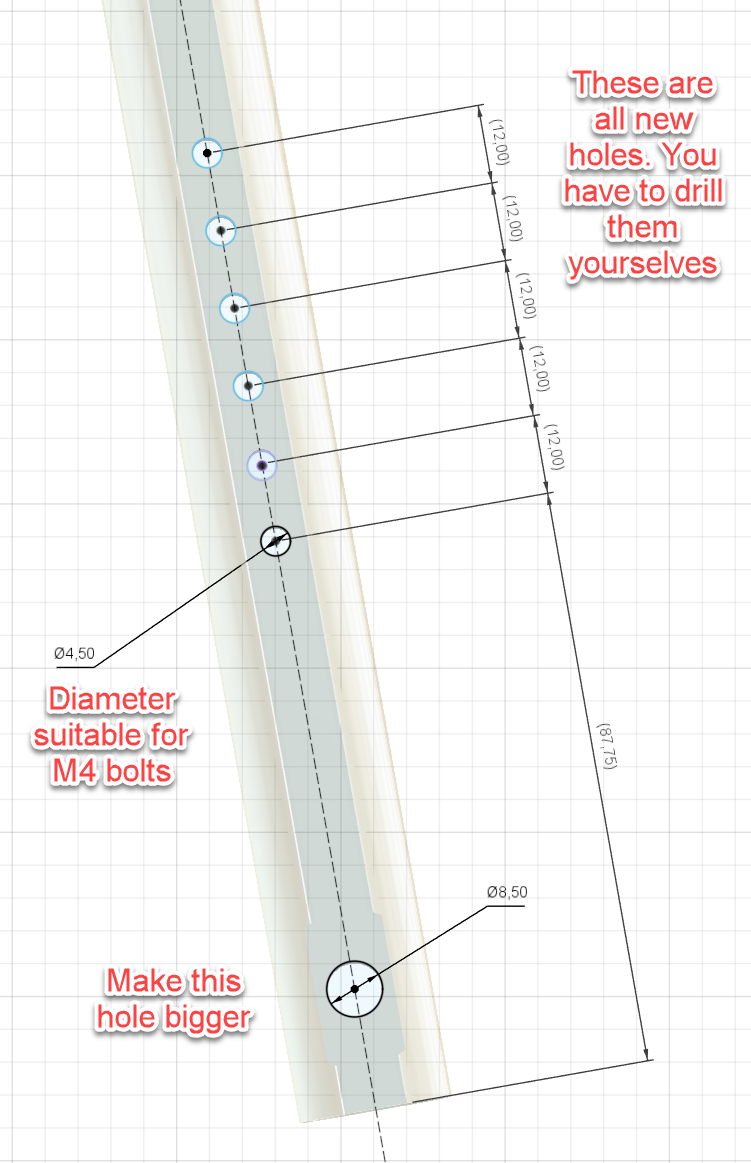
Additional 4.5 mm holes are drilled in the legs at 12 mm intervals. These provide several spring mounting positions so the suspension tension can be adjusted.
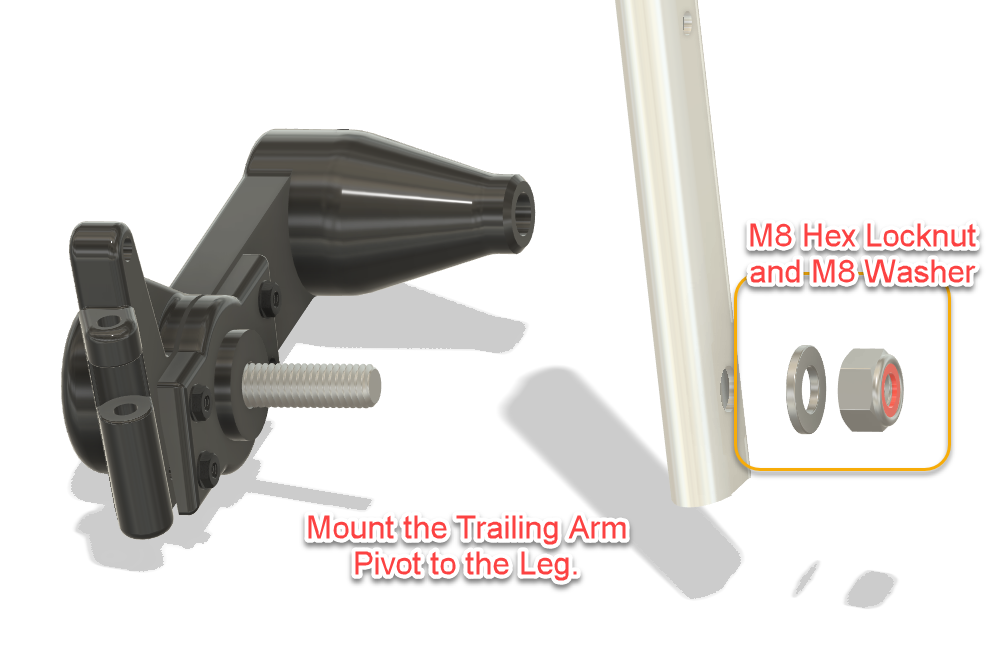
The lower existing hole is enlarged to 8.5 mm for mounting the trailing-arm pivot.
The original wheel components are retained where practical, while the newly designed parts form the suspension, bearing mounts and wheel guards.
3D printing the parts
All custom parts in my version were resin printed using Anycubic Water-Washable ABS-Like Resin V2.
To keep the wheelchair as light as possible, larger parts were printed hollow while retaining enough wall thickness and structural reinforcement for their intended load.
FDM printing should also be possible, but material choice and print orientation matter. These parts are structural: they carry the wheels, absorb shocks and experience repeated cyclic loading.
So this is not the ideal project for “three walls, 10% infill, she’ll be right.”
Strong and lightweight is the objective.
Jerry in his Modified Dog Wheelchair
Building it yourself
The project files include the printable components together with drawings and assembly illustrations showing how the conversion is made.
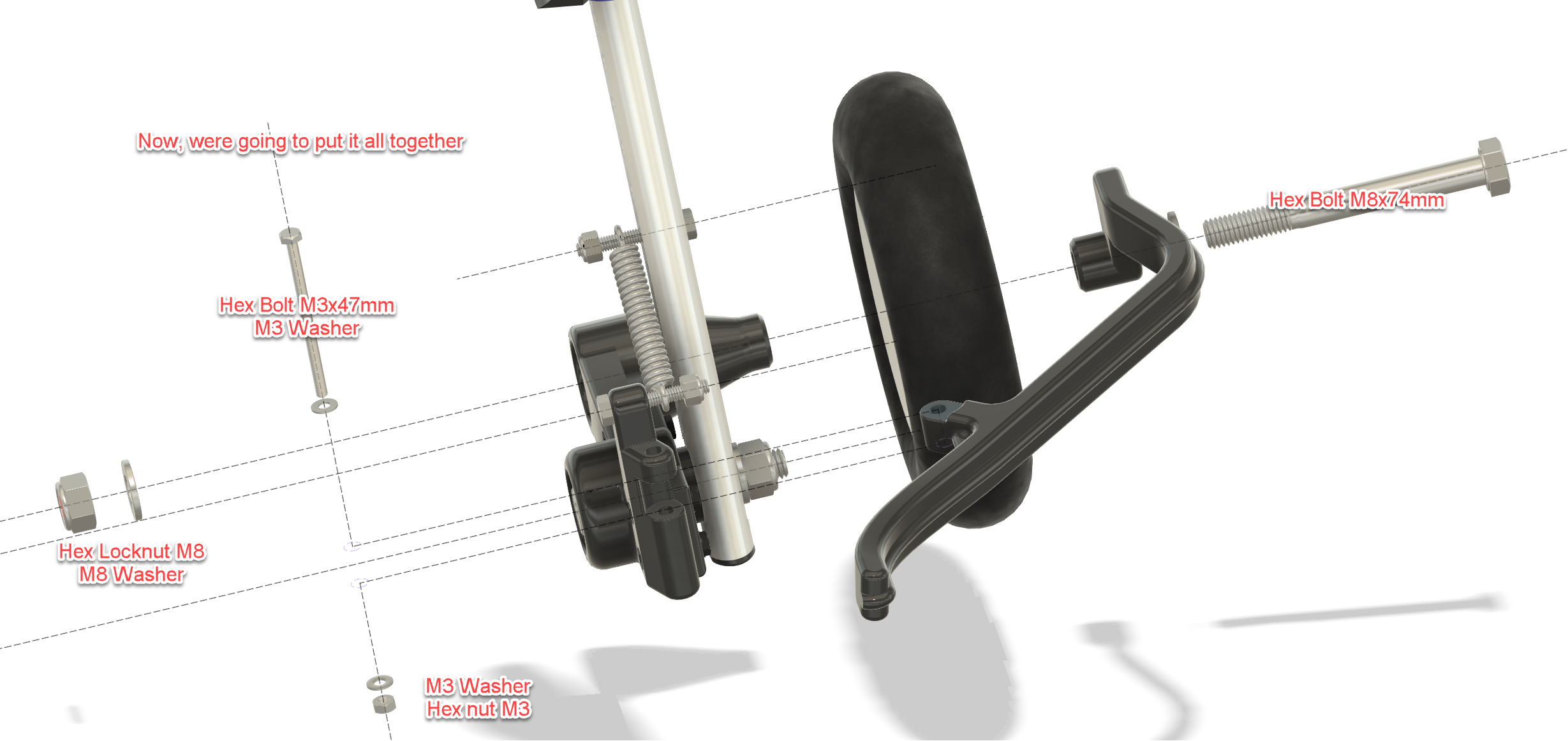
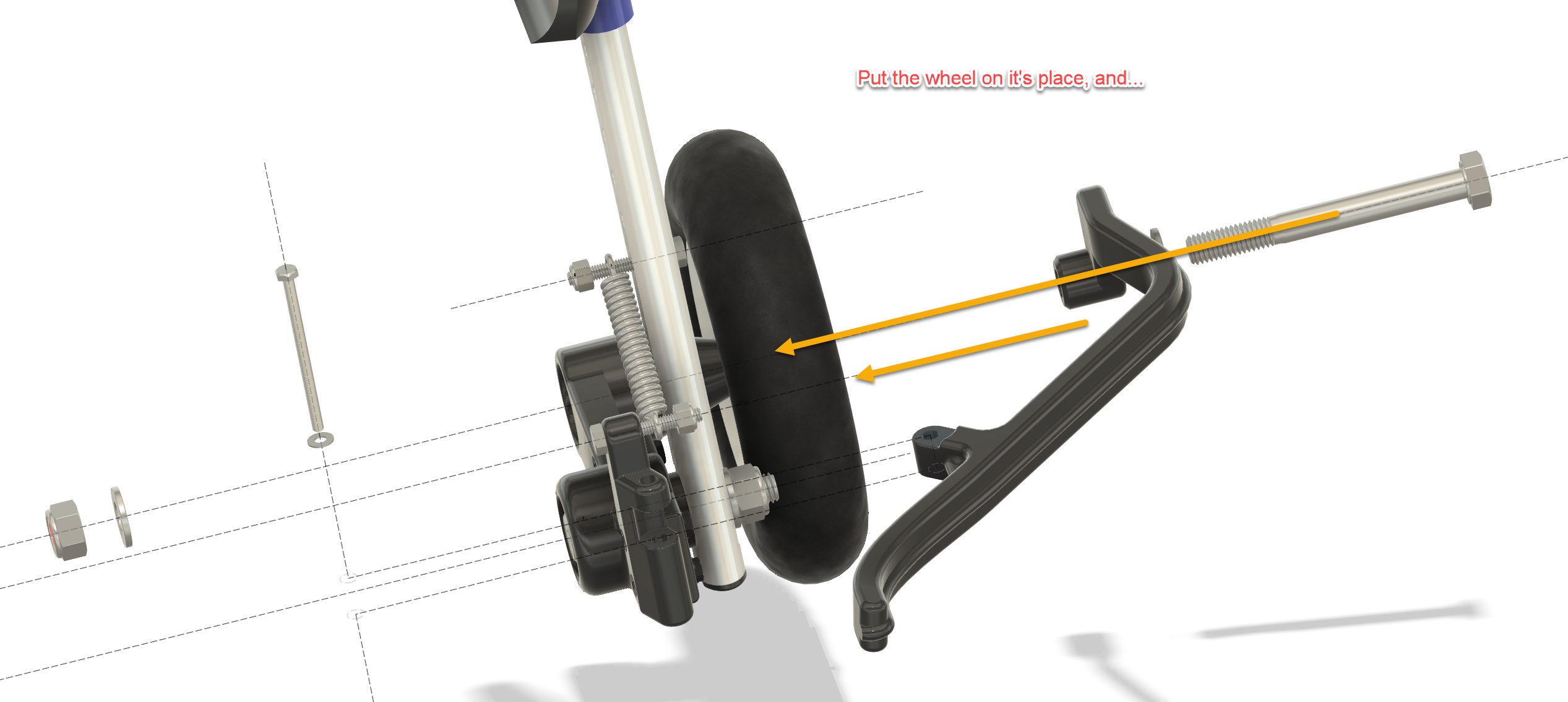
The build covers modification of the wheelchair legs, installation of the ball bearings, assembly of the trailing-arm pivots, spring mounting, wheel modification and final installation of the wheel guards.
Spring strength should be selected according to the dog’s weight. Each side of the suspension should be capable of supporting approximately half of the load carried by the rear of the wheelchair, with enough remaining travel for the suspension to actually do its job.
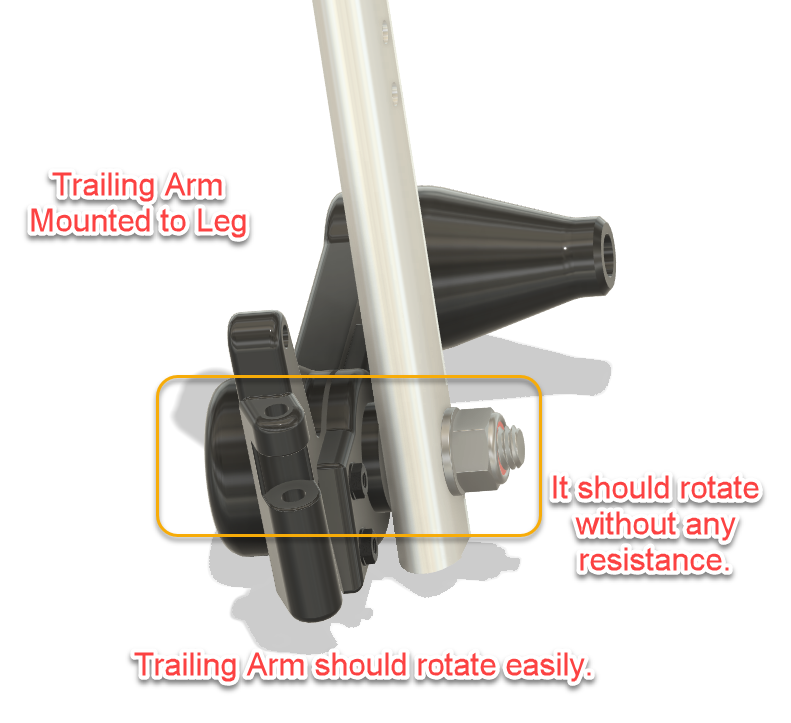
Once assembled, the trailing arms should rotate freely on their bearings without binding.
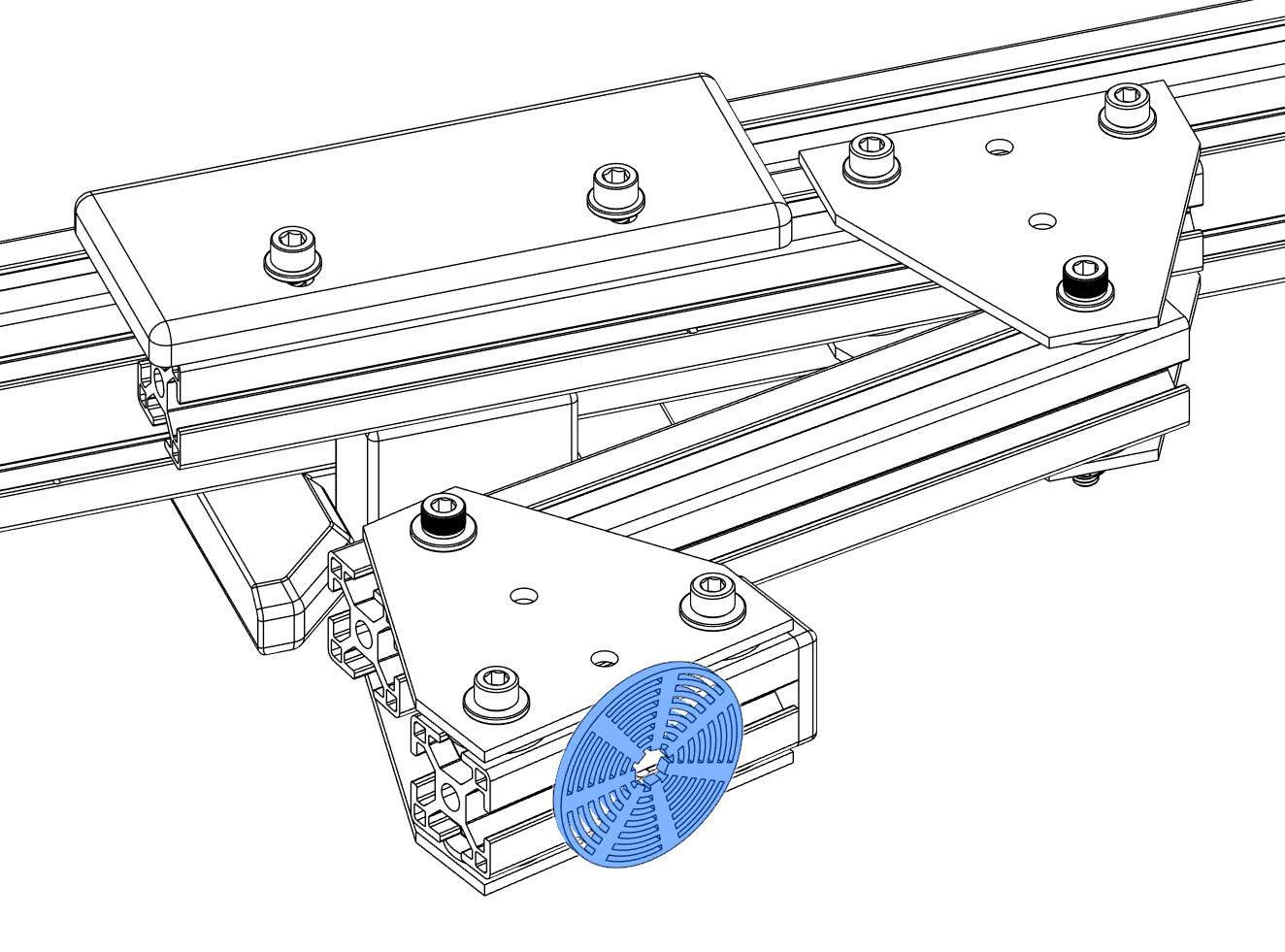
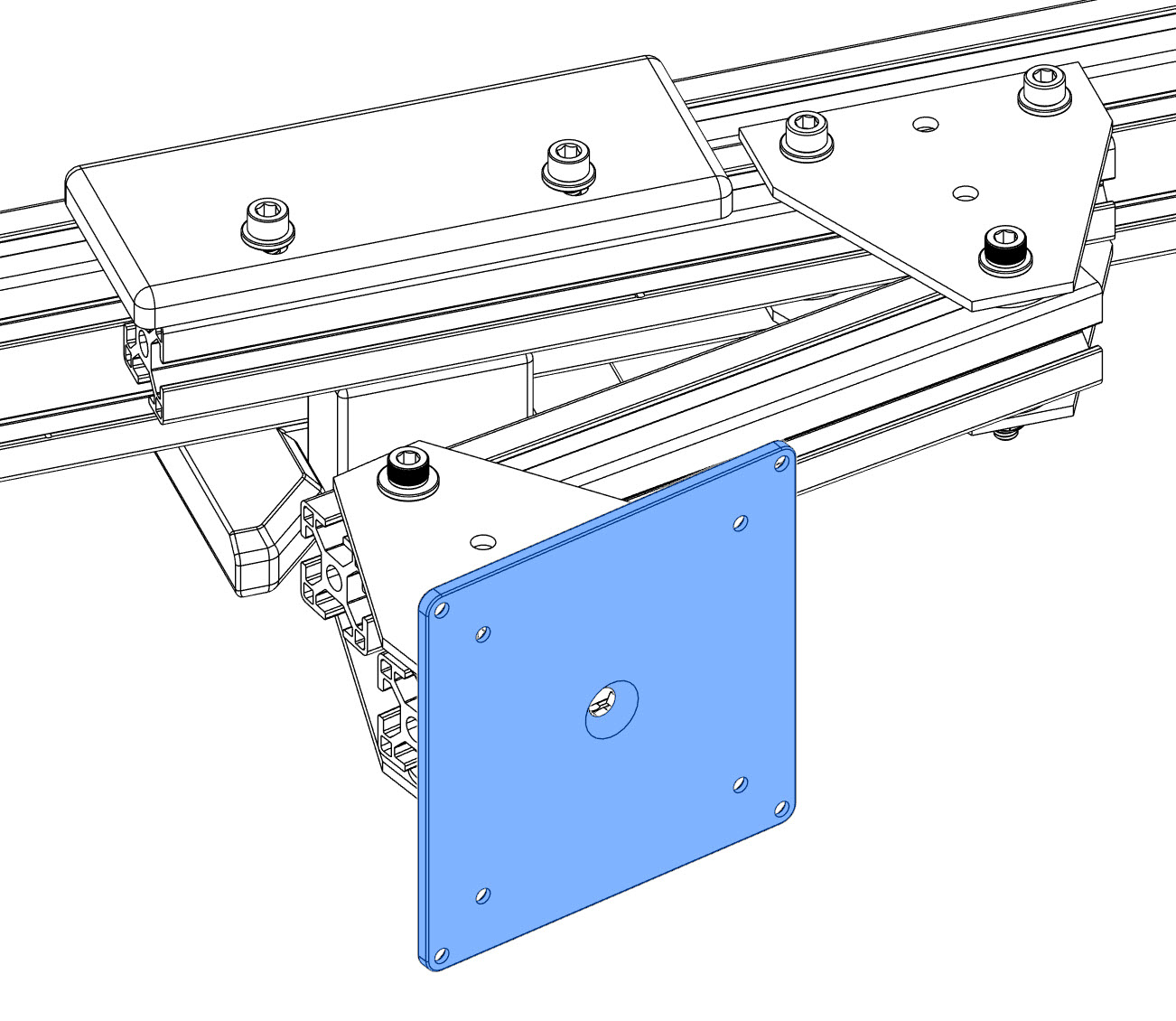
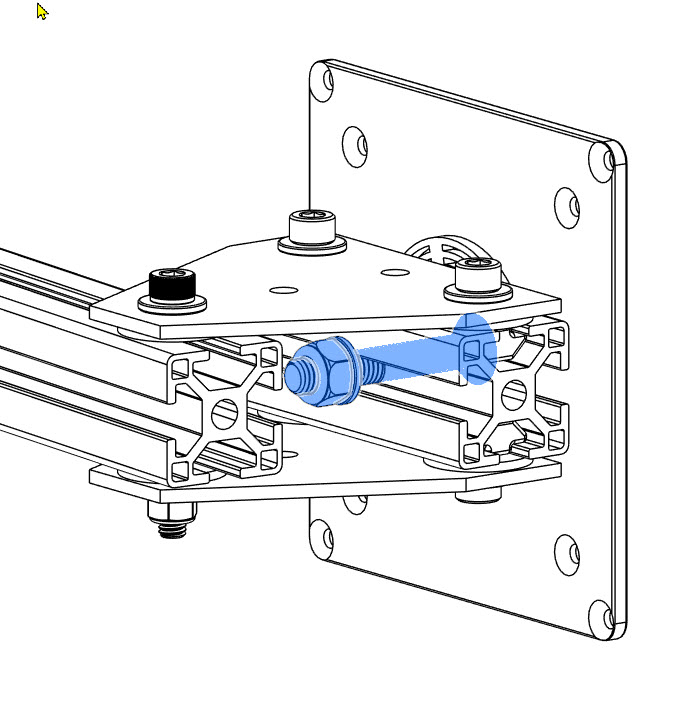
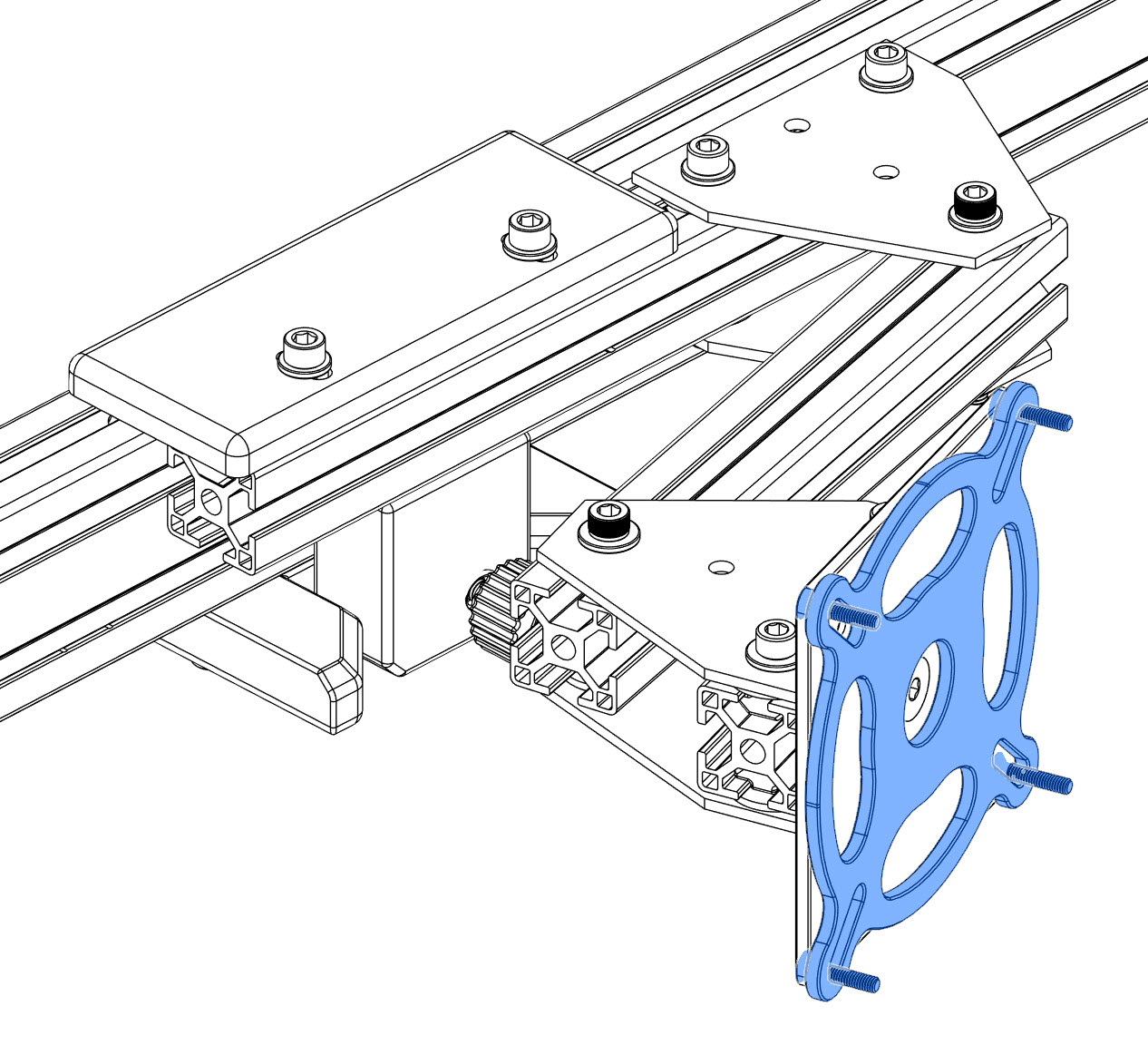
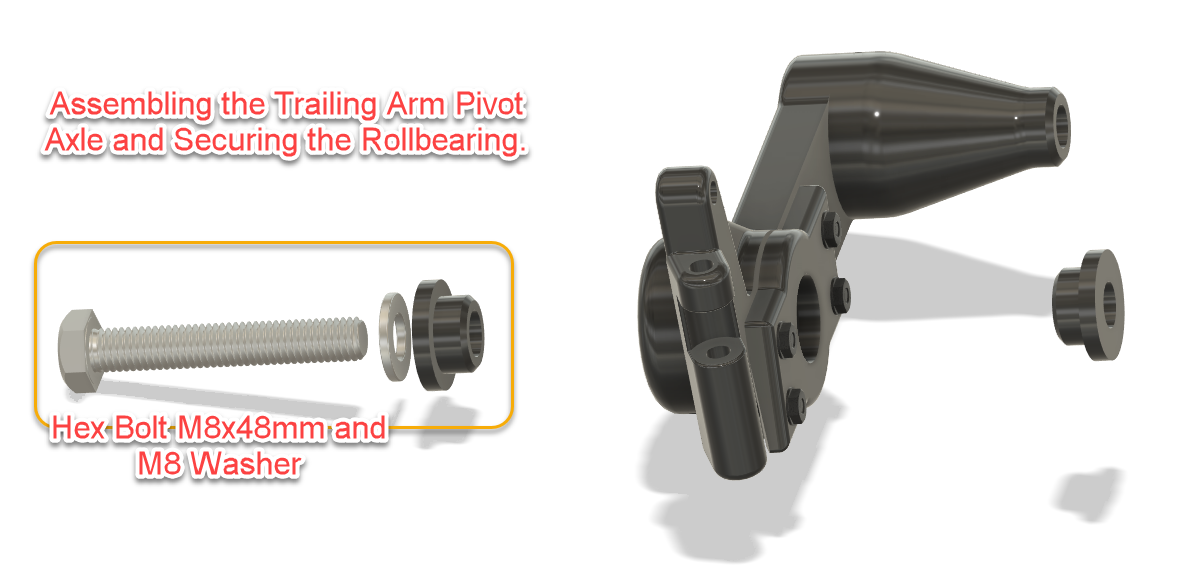
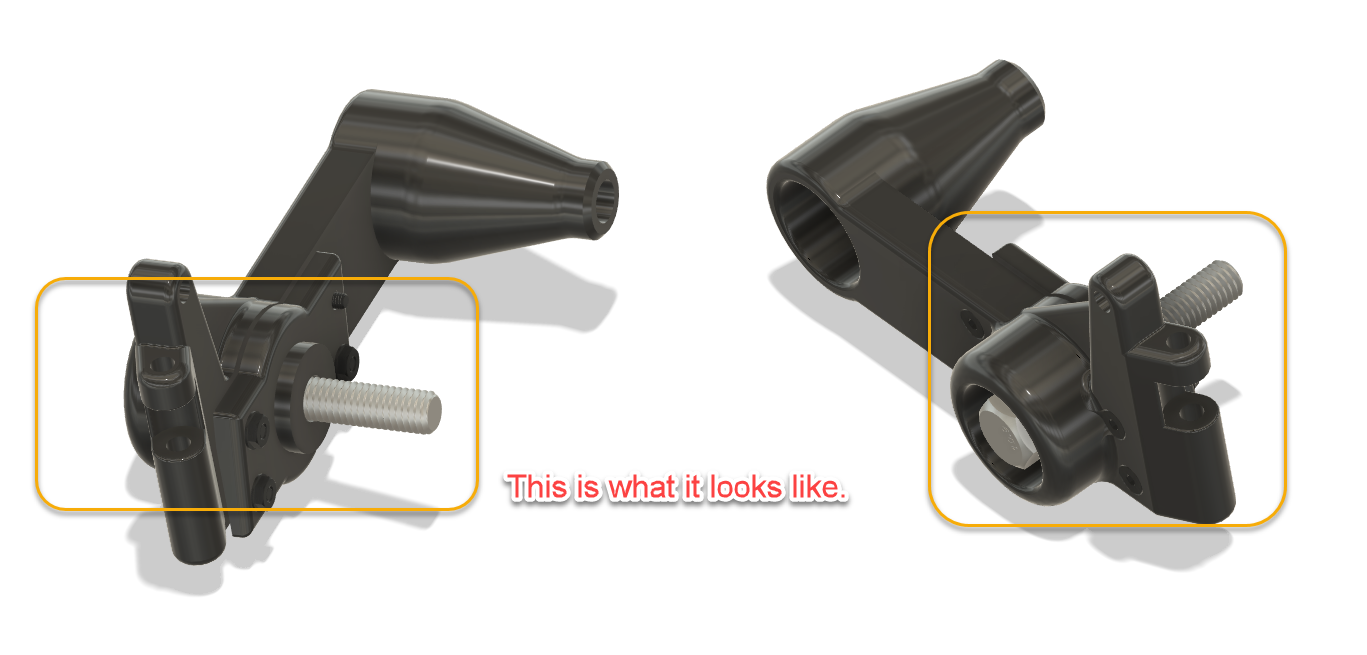
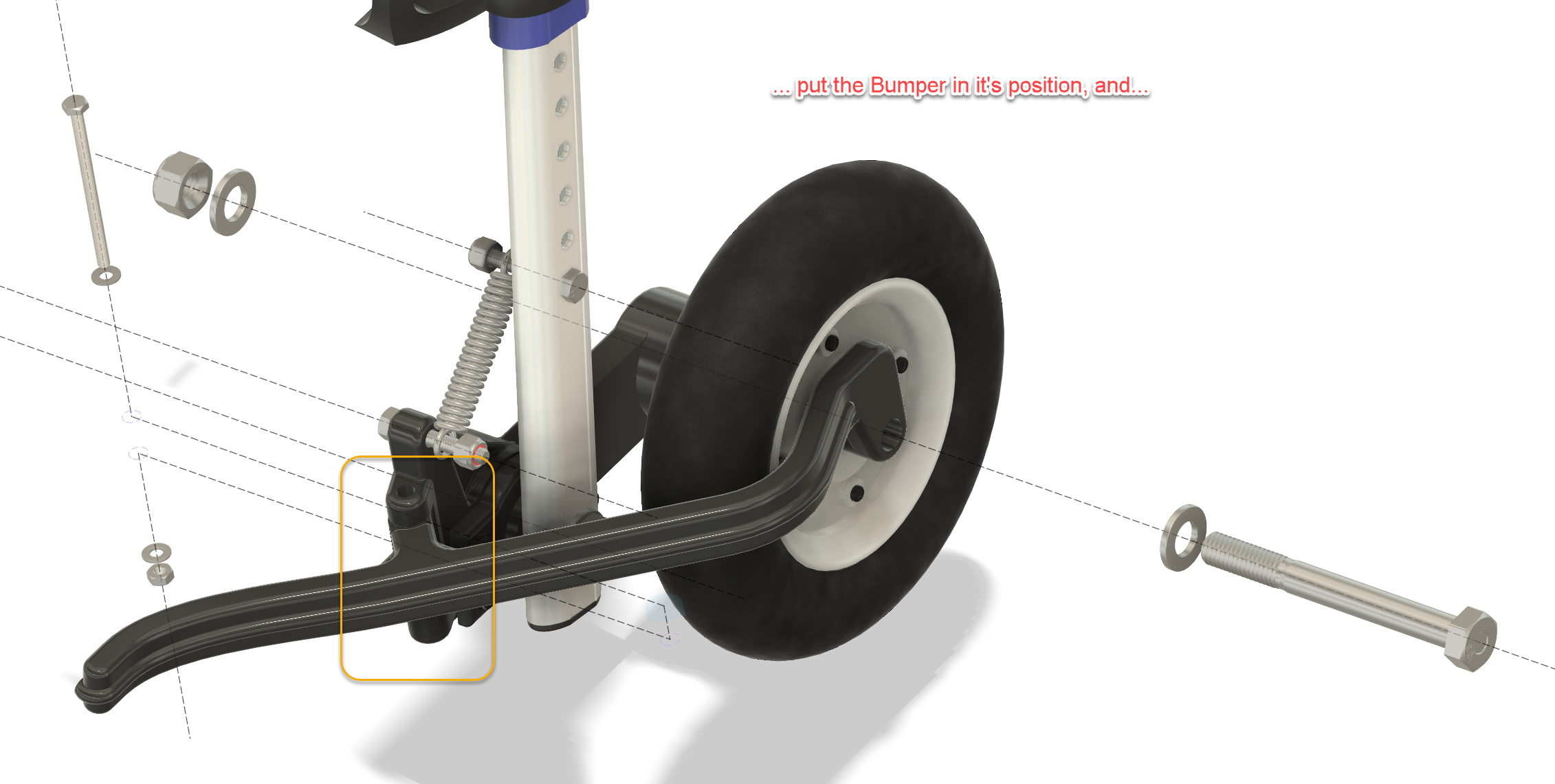
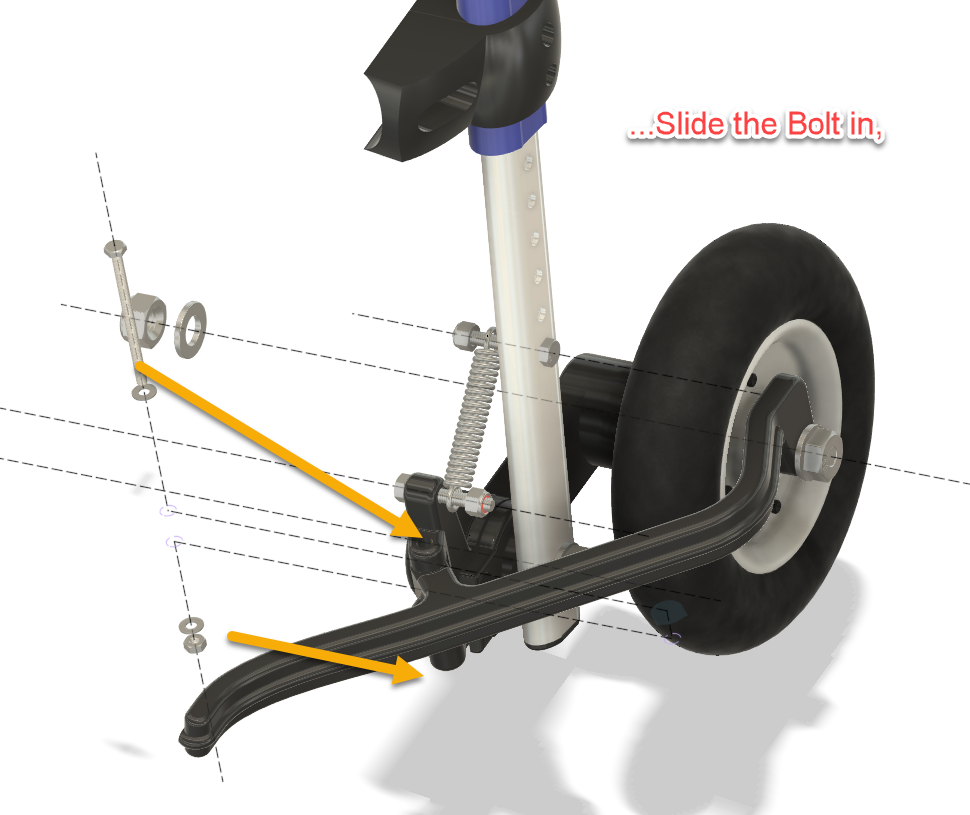
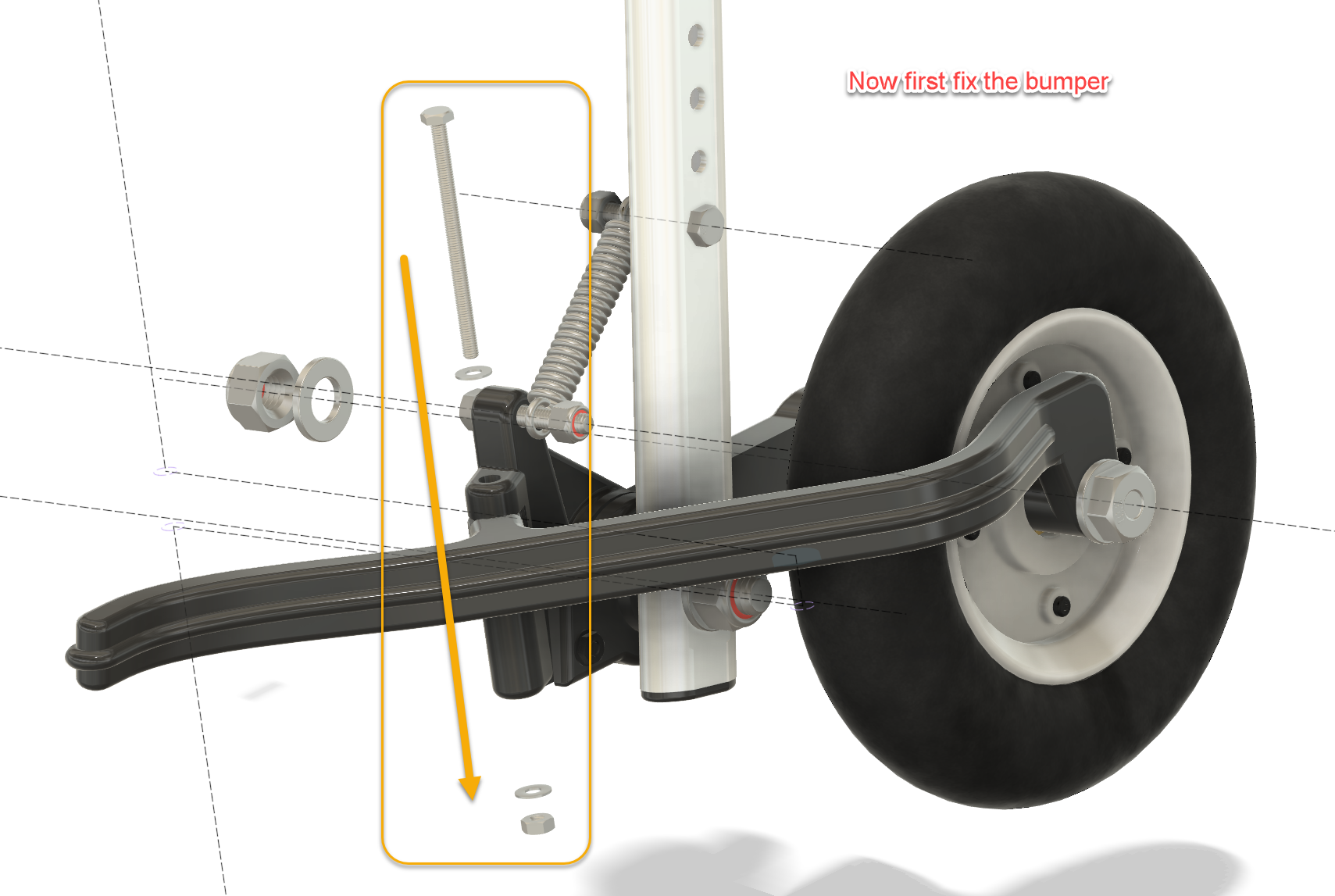
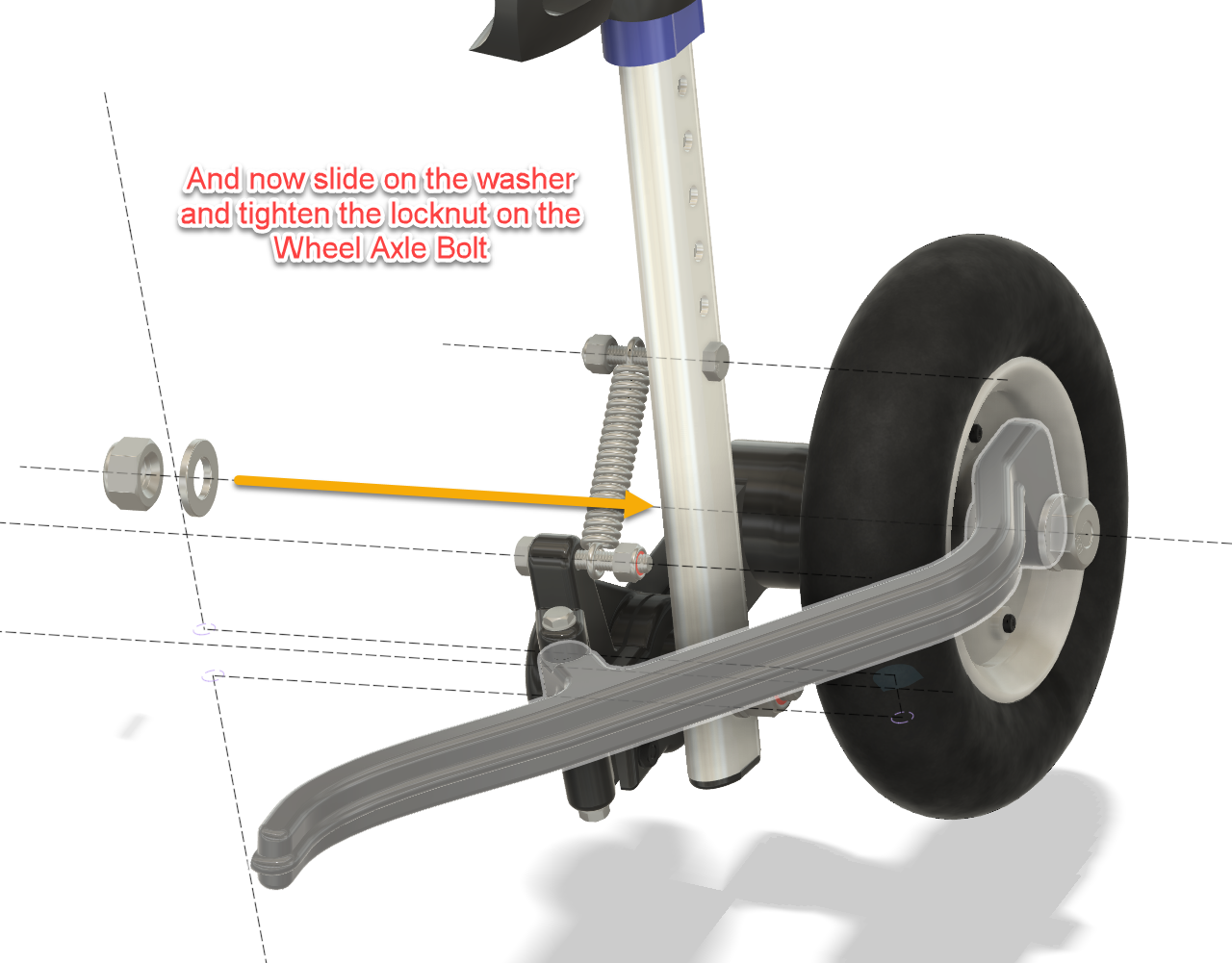
Please follow the assembling instructions in the pictures below.
Dog Wheelchair Mods
Dog Wheelchair Mods
Dog Wheelchair Mods
Dog Wheelchair Mods
Dog Wheelchair Mods
Dog Wheelchair Mods
Dog Wheelchair Mods
Dog Wheelchair Mods
Dog Wheelchair Mods
Dog Wheelchair Mods
Dog Wheelchair Mods
Dog Wheelchair Mods
Dog Wheelchair Mods
Dog Wheelchair Mods
Dog Wheelchair Mods
Dog Wheelchair Mods
Dog Wheelchair Mods
Dog Wheelchair Mods
Dog Wheelchair Mods
Dog Wheelchair Mods
Dog Wheelchair Mods
Dog Wheelchair Mods
Dog Wheelchair Mods
Dog Wheelchair Mods
Dog Wheelchair Mods
Dog Wheelchair Mods
Dog Wheelchair Mods
Dog Wheelchair Mods
Dog Wheelchair Mods
Dog Wheelchair Mods
Dog Wheelchair Mods
Dog Wheelchair Mods
Dog Wheelchair Mods
Dog Wheelchair Mods
Dog Wheelchair Mods
Dog Wheelchair Mods
Dog Wheelchair Mods
Dog Wheelchair Mods
Dog Wheelchair Mods
Dog Wheelchair Mods
Dog Wheelchair Mods
Dog Wheelchair Mods
Dog Wheelchair Mods
Dog Wheelchair Mods
Dog Wheelchair Mods
Dog Wheelchair Mods
Dog Wheelchair Mods
Dog Wheelchair Mods
Dog Wheelchair Mods
Dog Wheelchair Mods
Dog Wheelchair Mods
Dog Wheelchair Mods
1/1
The result
What started as an attempt to make the wheels turn a little easier ended up becoming a fairly substantial redesign of the rear wheel assembly.
Very much a case of:
“I’ll just improve this one small thing…”
Several CAD sessions, bearings, springs, bolts, prototypes and 3D prints later, the wheelchair had independent suspension.
But the important part is much simpler.
For our dachshund, it worked.
The wheels roll more freely, the suspension absorbs small shocks instead of transferring them directly into his back, and the guards prevent the wheels from catching abruptly on obstacles.
That made his walks easier and more comfortable — and gave him more opportunity to get outside and explore again.
And ultimately, that’s what this project was for.
Files included
The downloadable project contains the 3D-printable parts, a Bill of Materials for the required bearings, springs and fasteners, and illustrated assembly instructions showing the modifications and assembly sequence.
Feel free to adapt the design to your own situation. A button for downloading the original CAD file is added above. Dog wheelchairs, dogs and injuries differ, so consider this a starting point rather than a universal medical solution. Check the fit carefully, make sure nothing restricts or rubs against the dog, and adjust the suspension conservatively.
If you build one, I’d genuinely love to hear how it worked out.
Happy making — and, more importantly, happy walking.
Ready for some fun?
Does your dog hate rain?
→ The Dog TukTuk
Why let a little rain ruin a perfectly good walk? Add a roof, a bit of aerodynamic styling and suddenly your dog has its own all-weather transport. The Dog TukTuk keeps the worst of the weather out while maintaining that essential “my human may have taken this project slightly too far” look.
Is your dog extremely fast and in need of more downforce through the corners?
→ The Max Verstappen-worthy Rear Wing
When your dachshund starts suffering from high-speed oversteer, there is really only one sensible solution: more downforce.
F1 Rear Wing
F1 Rear Wing
F1 Rear Wing
Inspired by Formula 1, this completely unnecessary rear wing adds serious racing credentials to the wheelchair. And because ordinary downforce clearly wasn’t enough, there is even a DRS version for those crucial overtaking manoeuvres on the way to the food bowl.
Wind-tunnel tested? No.
FIA approved? Definitely not.
Does it make the wheelchair faster? Jerry thinks so.
For now, the images below are presented as a preview of what is coming. A complete write-up covering the design process, reverse engineering techniques, challenges and lessons learned will be added in the near future.
All STL files used to create the model will eventually be made available for download, allowing others to build their own version.
CONCEPT, soon to arrive. Already built and tested, busy publishing.
Design and Development
From Reference Photos to a Digital Launch Complex
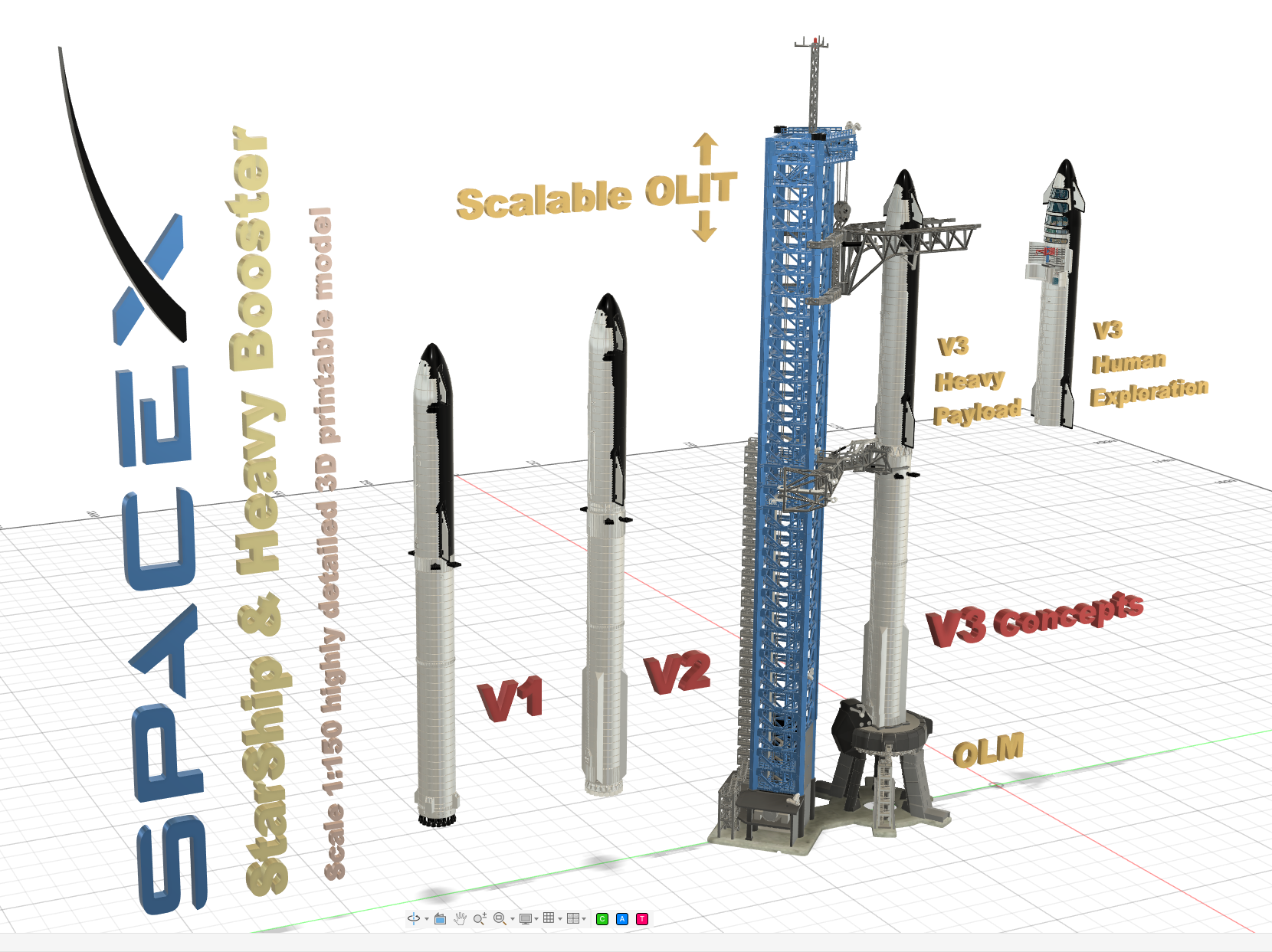
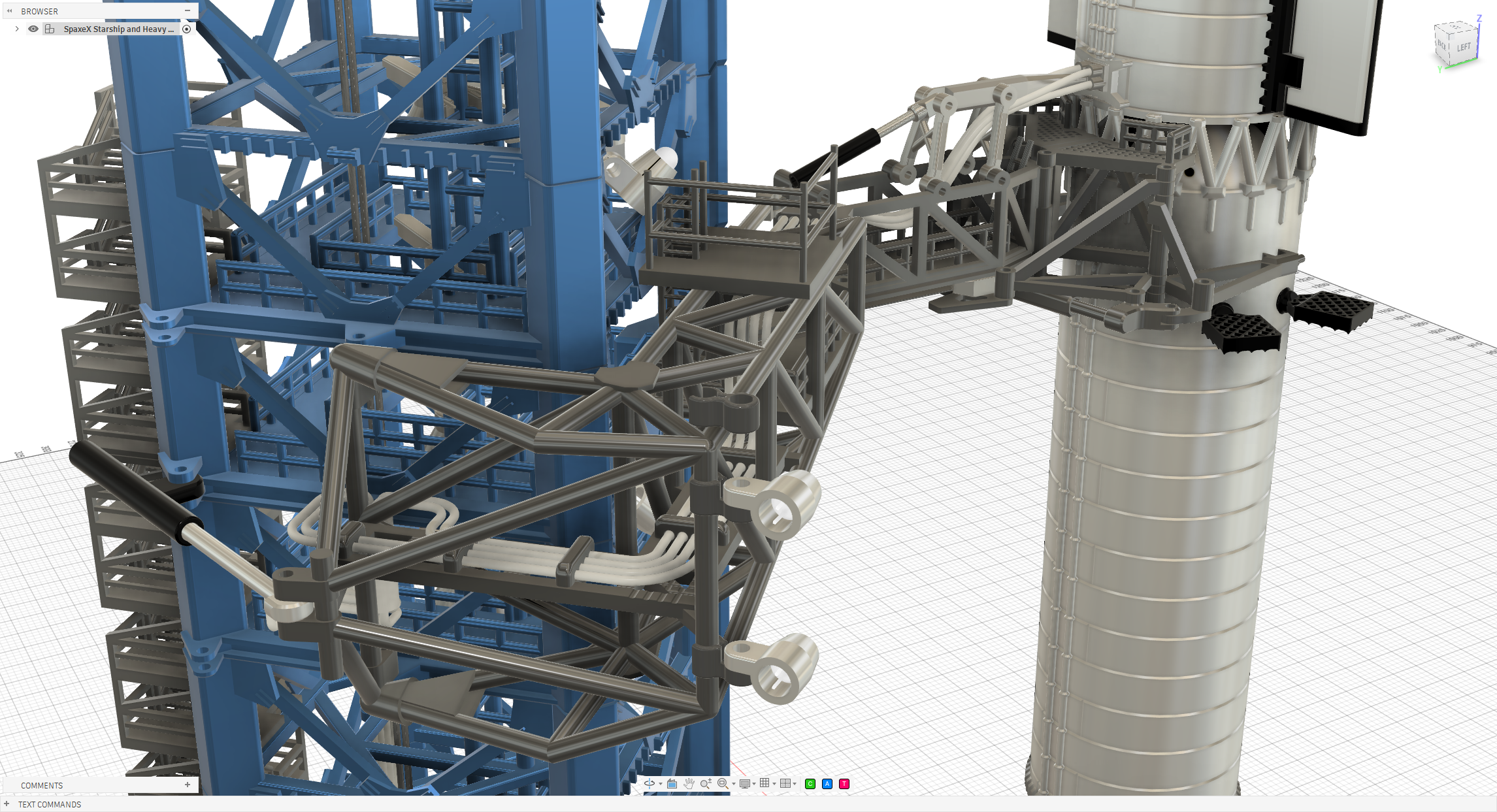
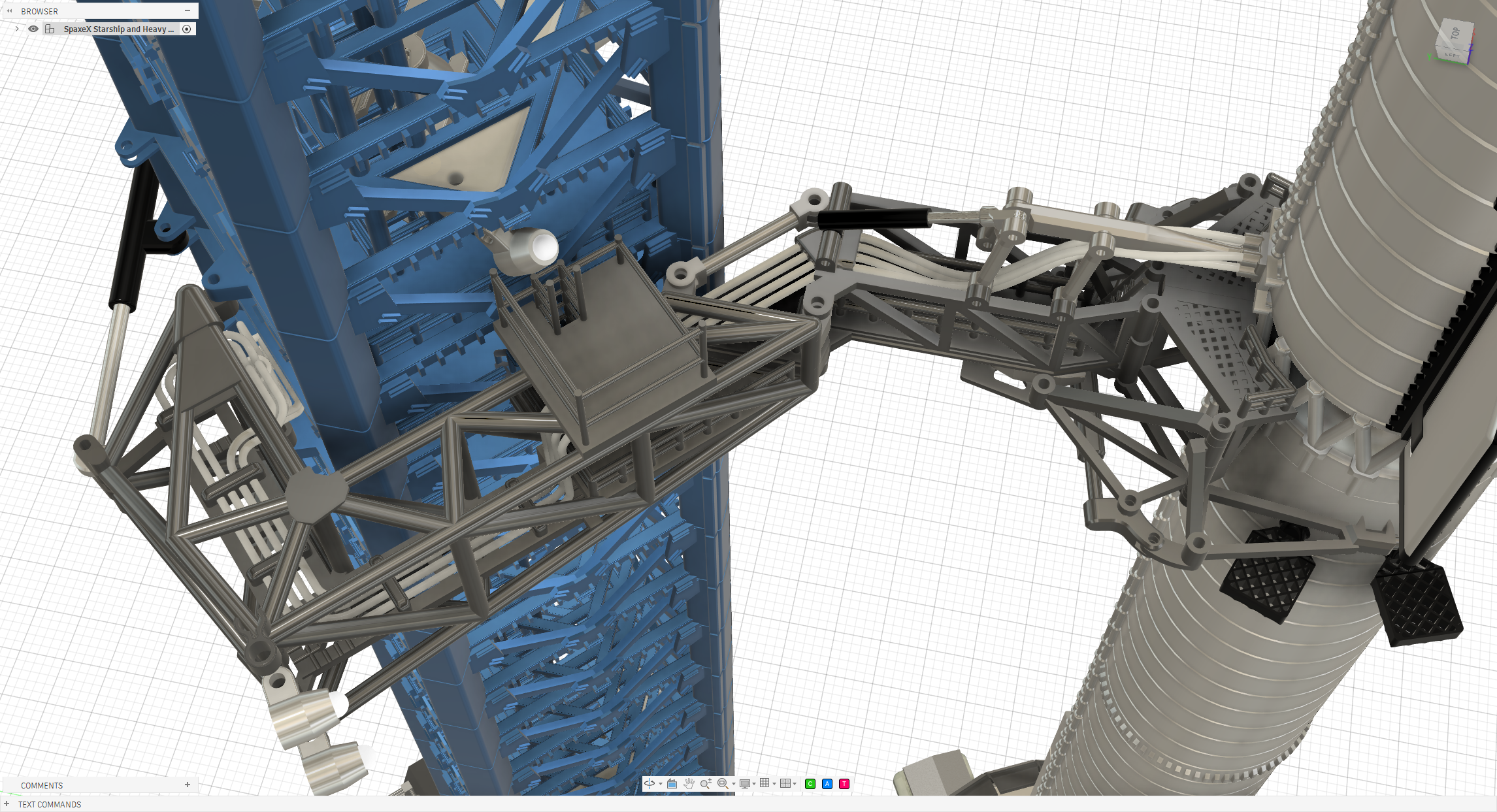
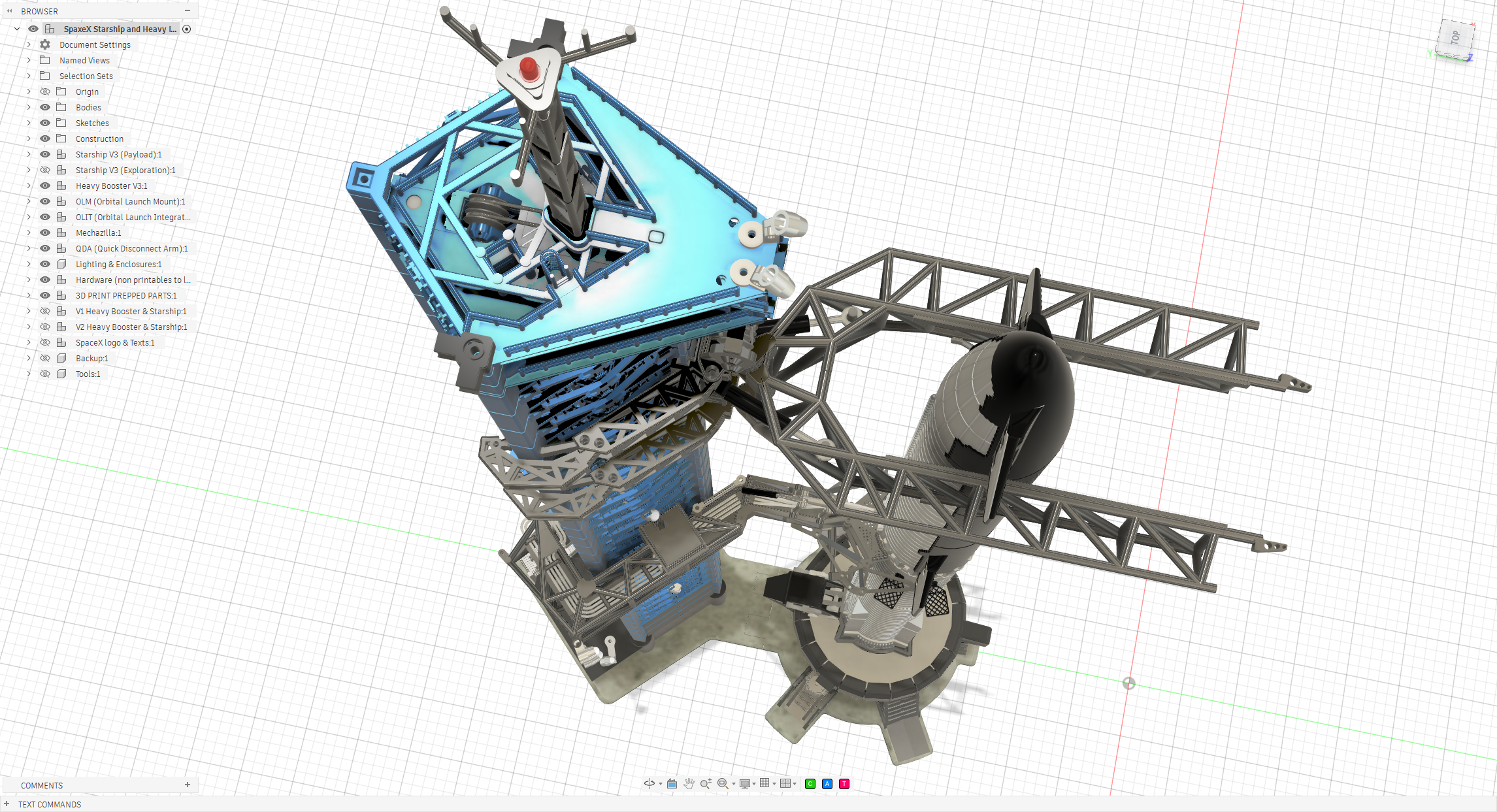
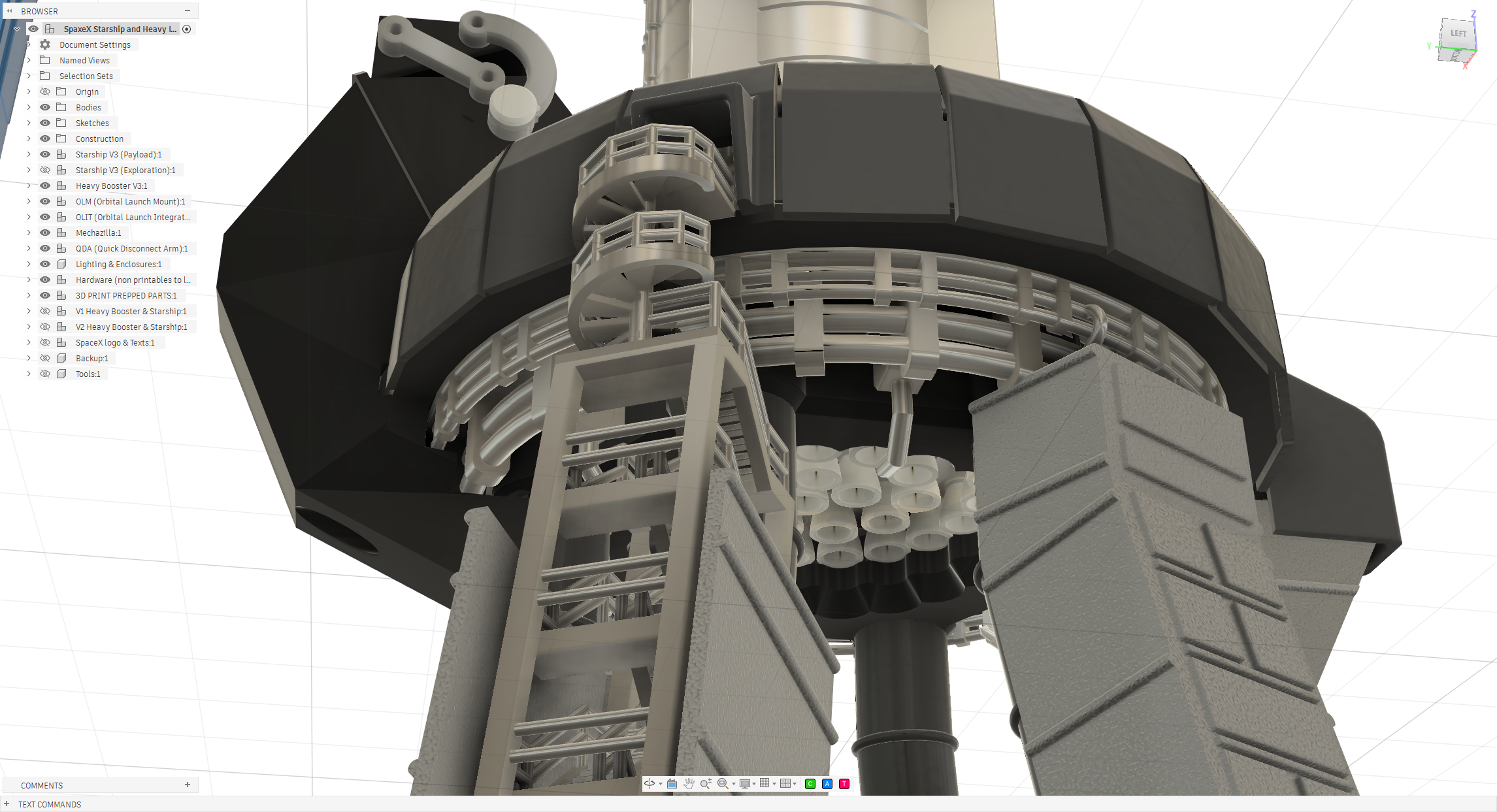
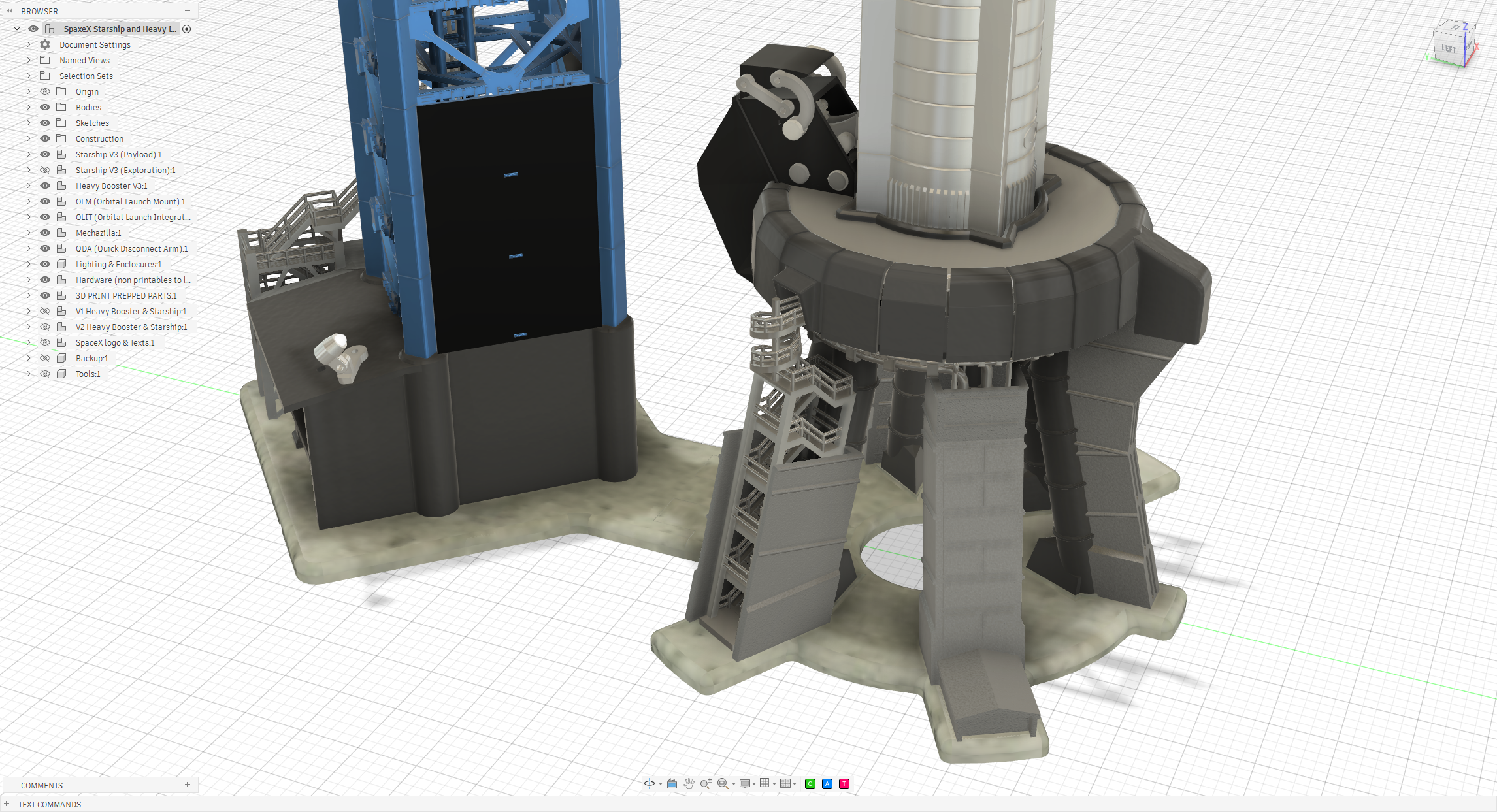
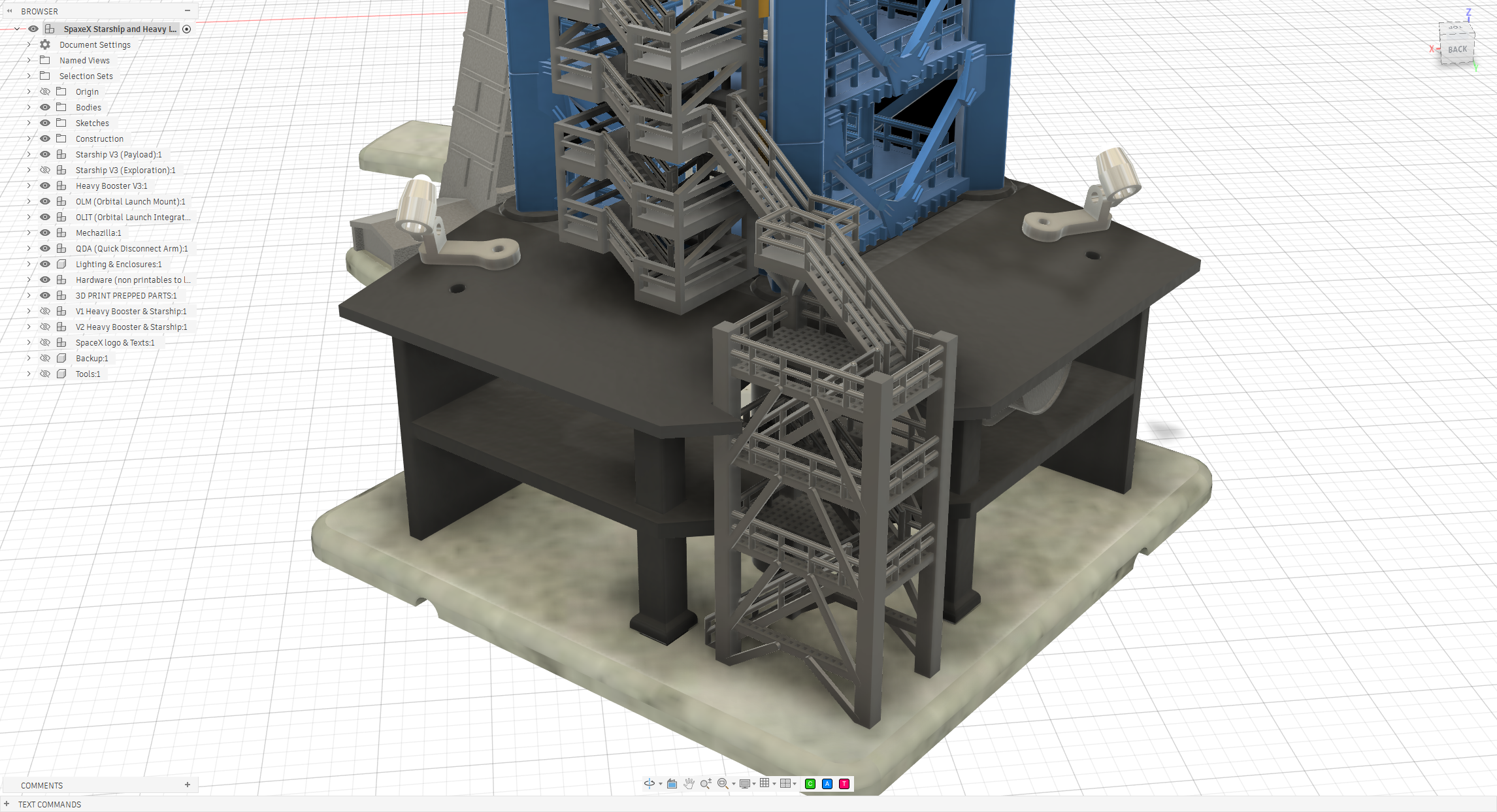
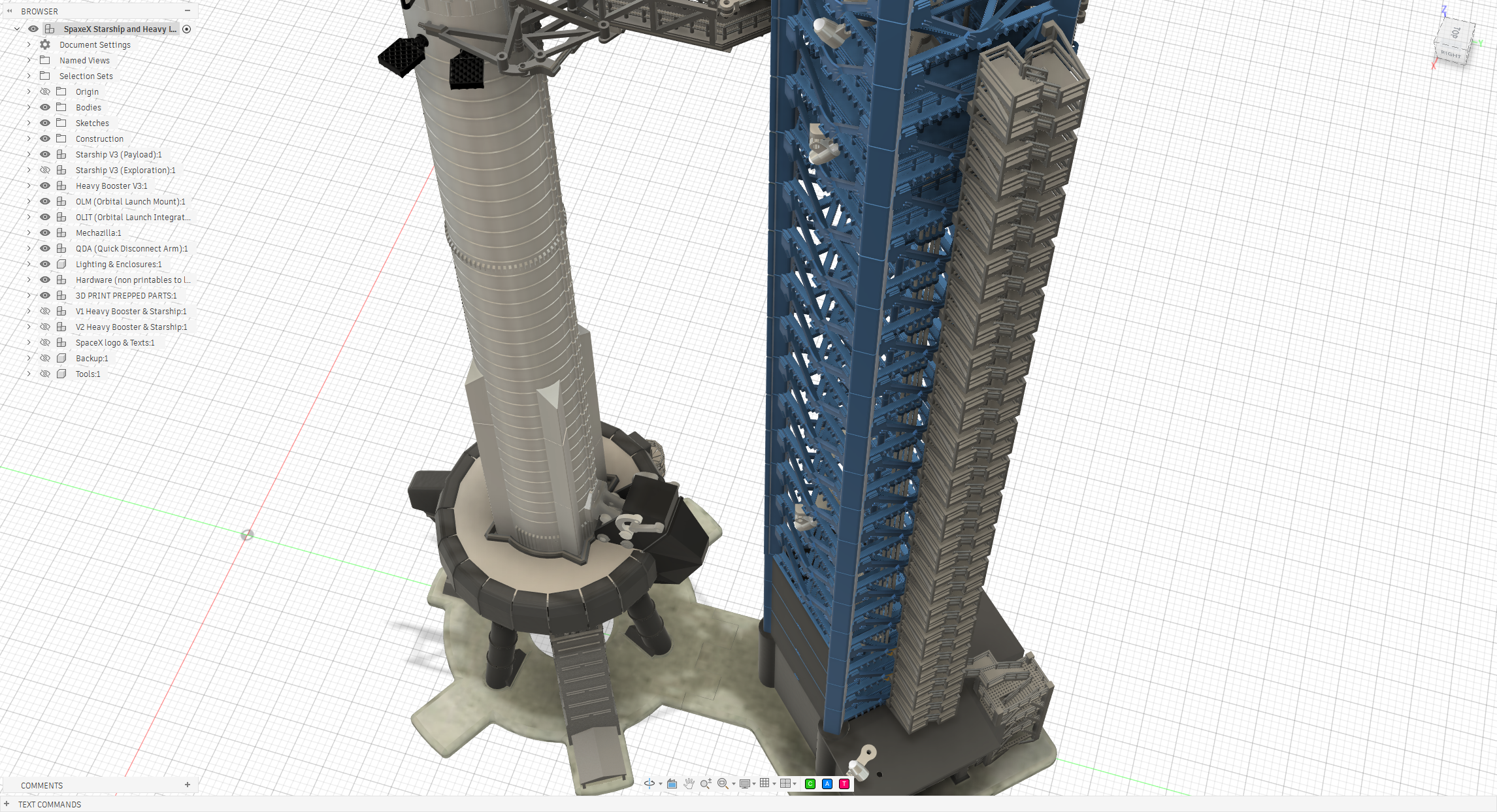
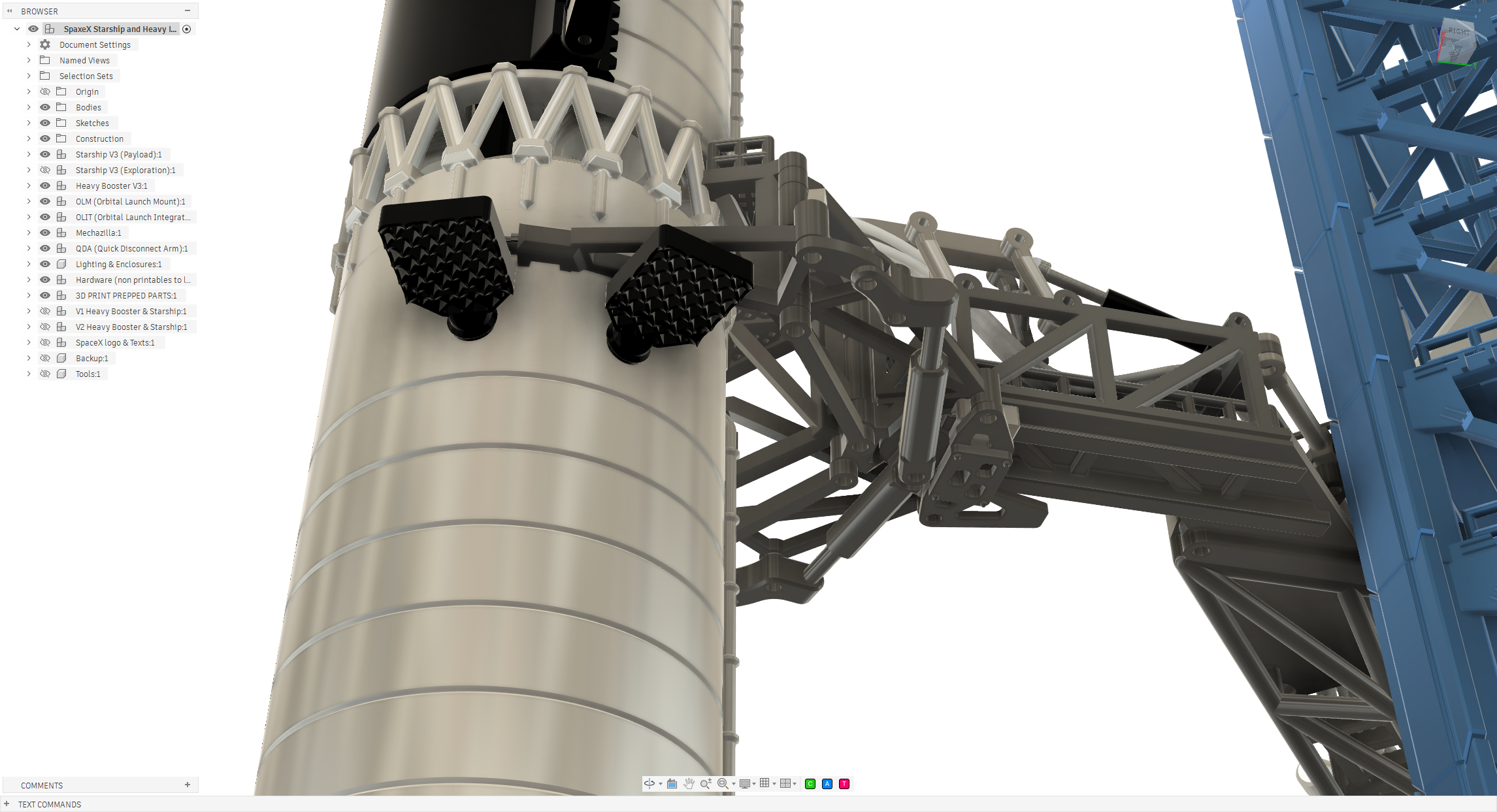
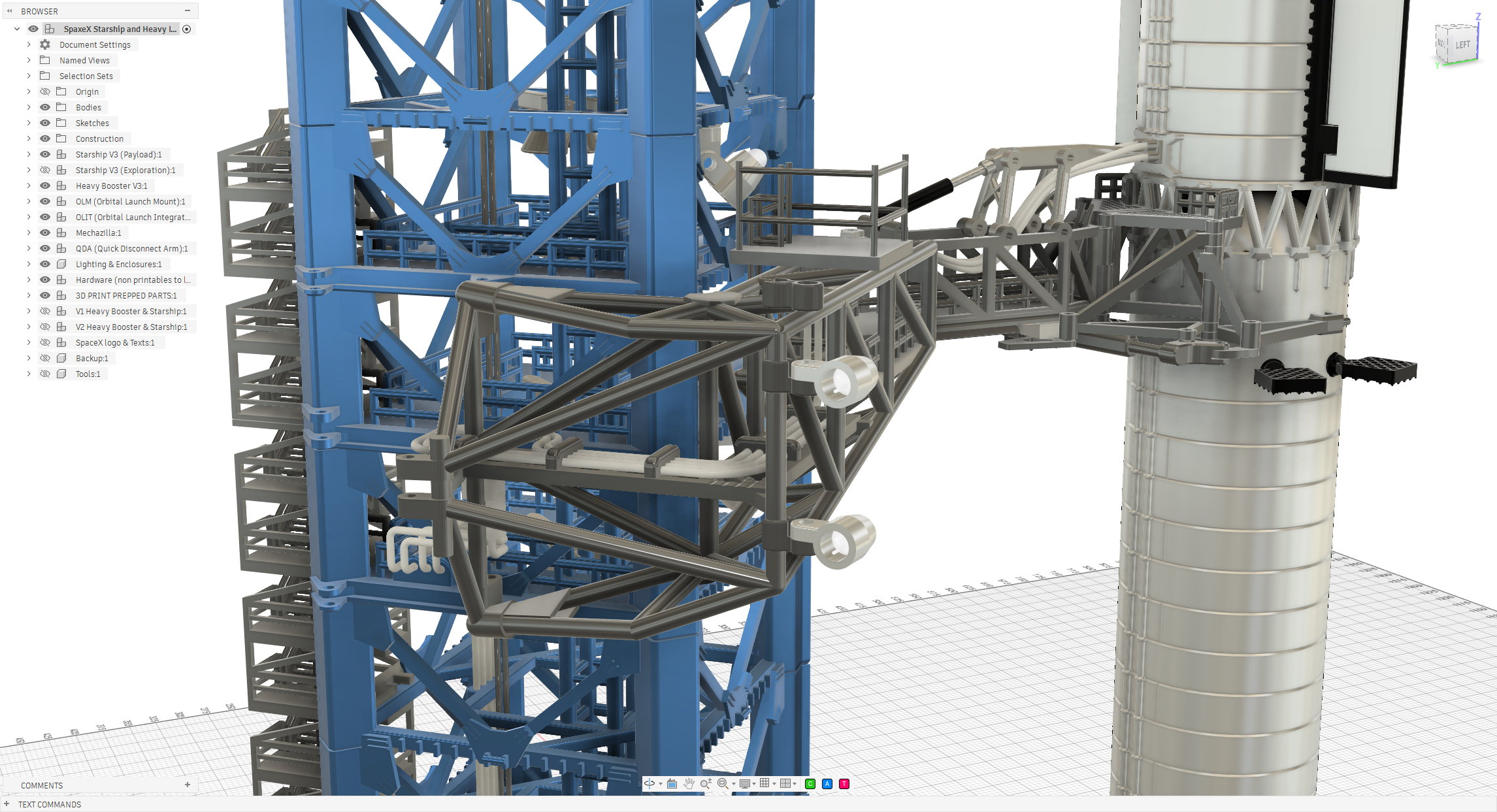
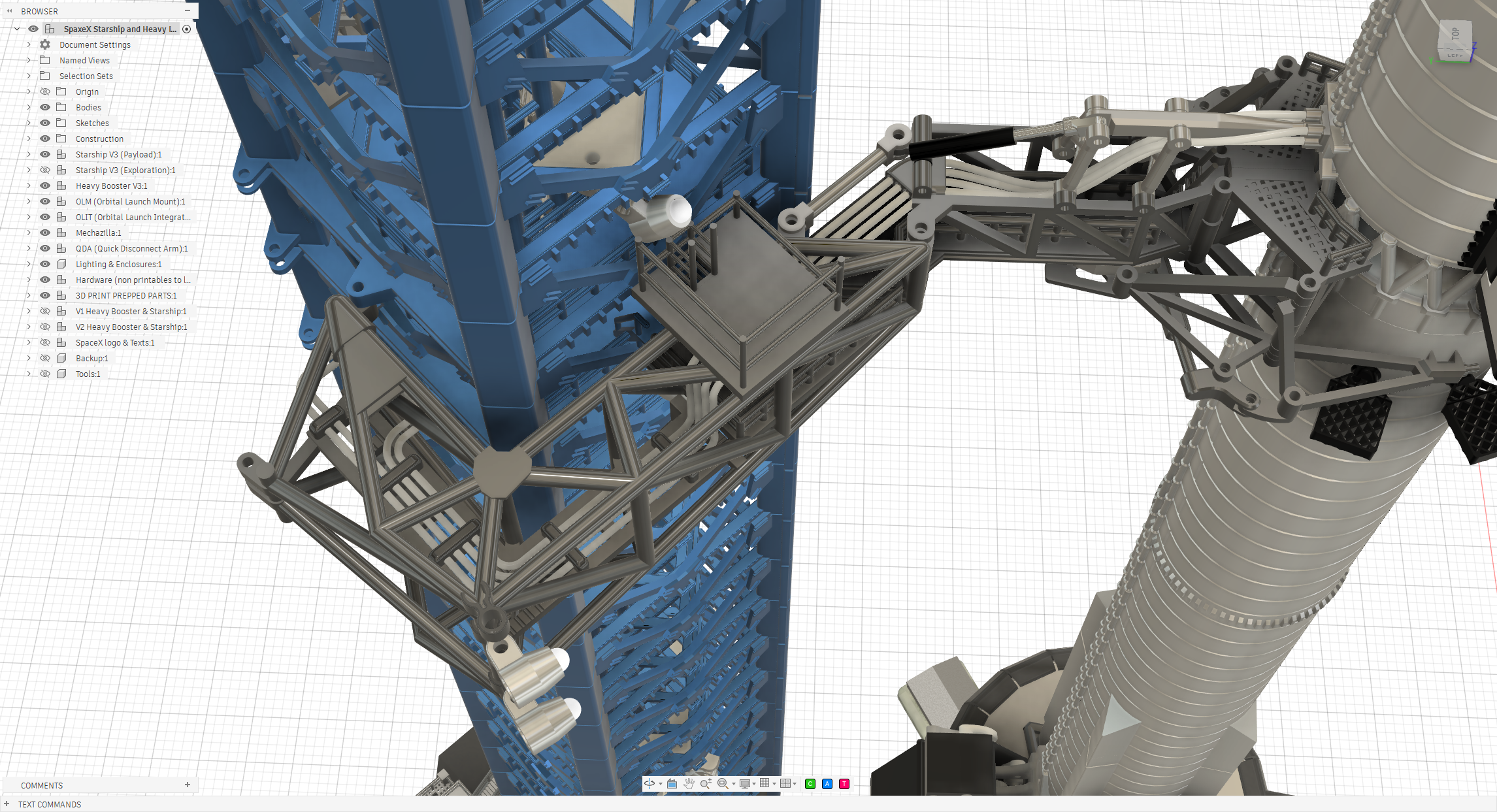
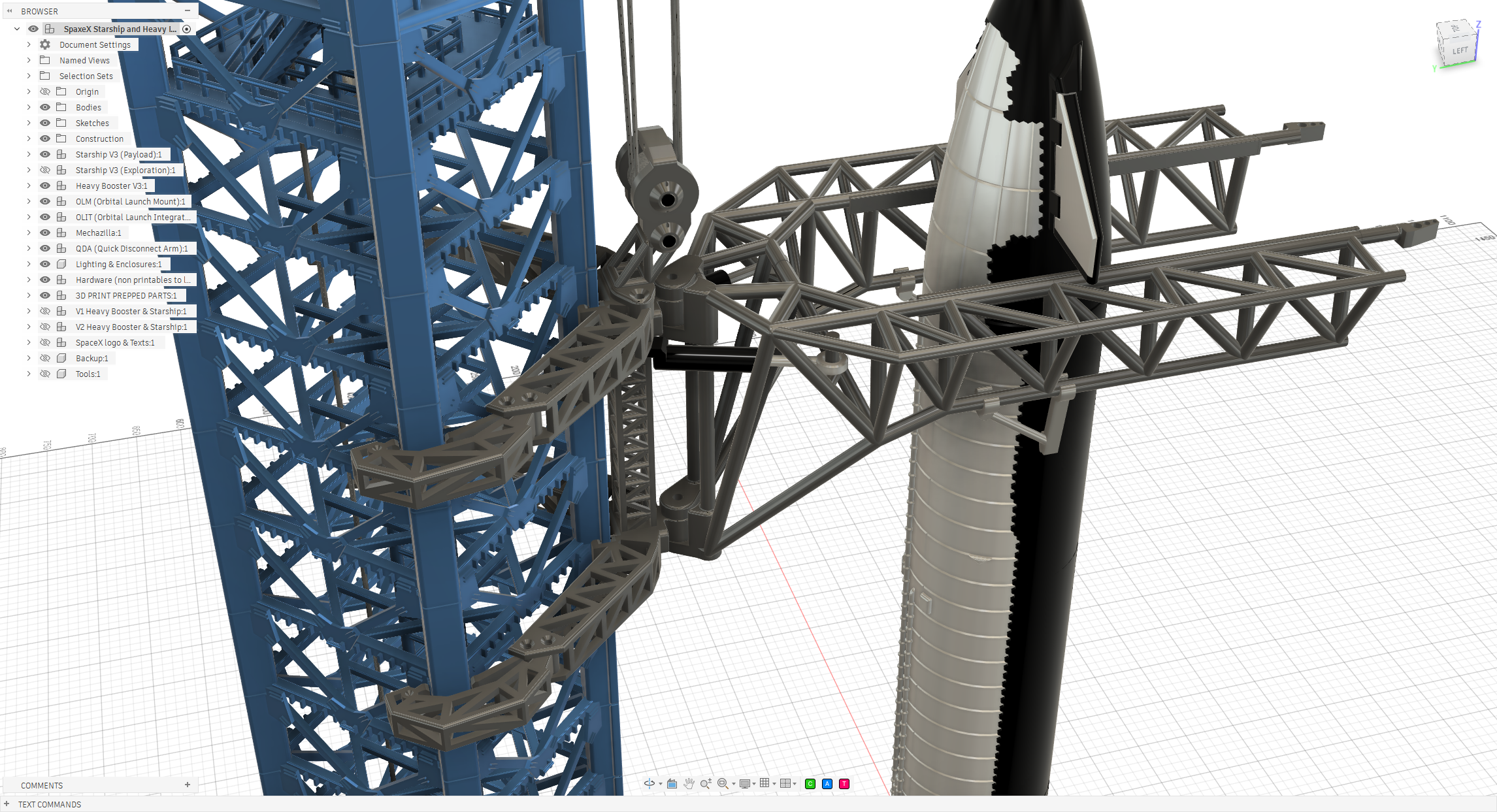
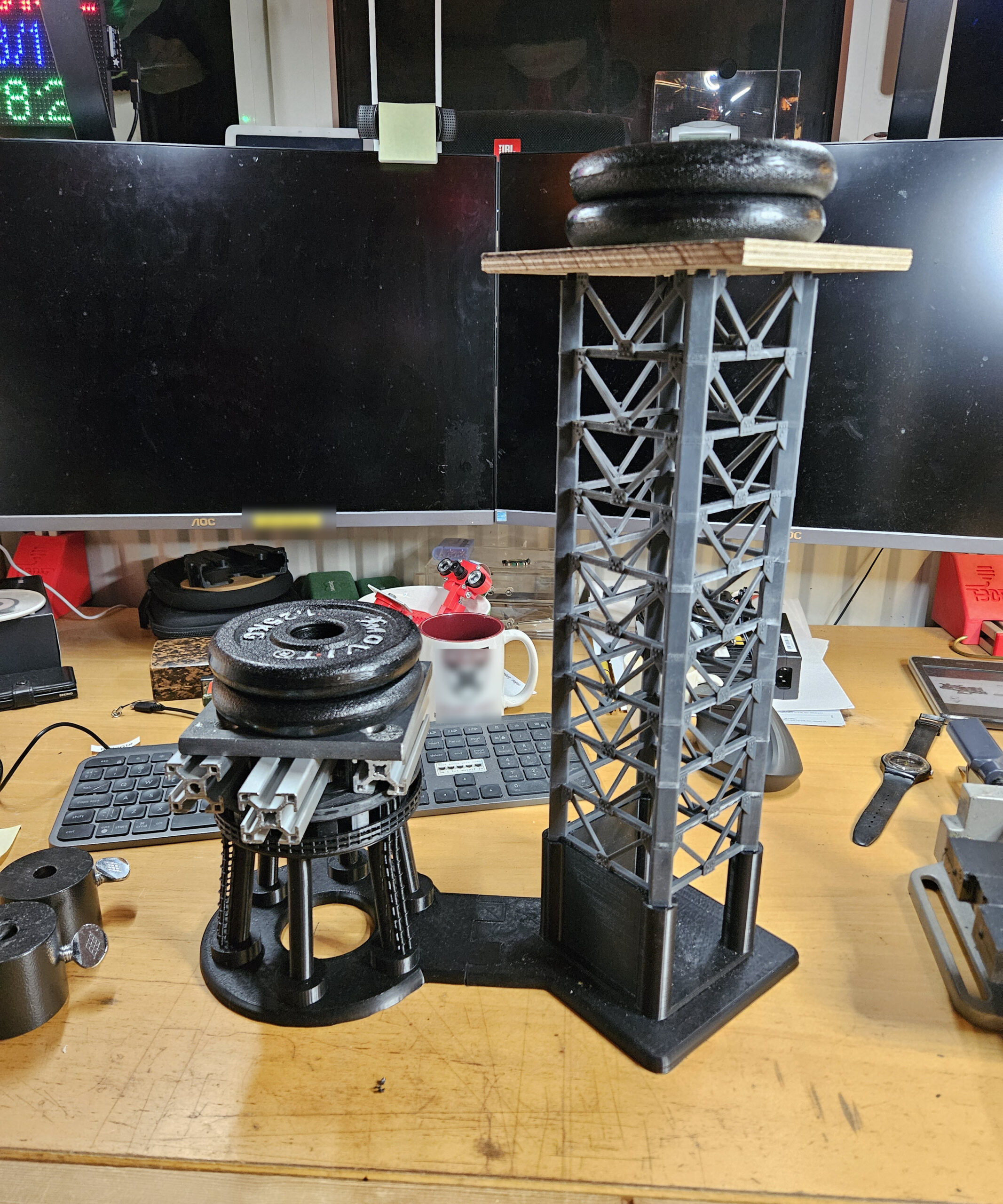
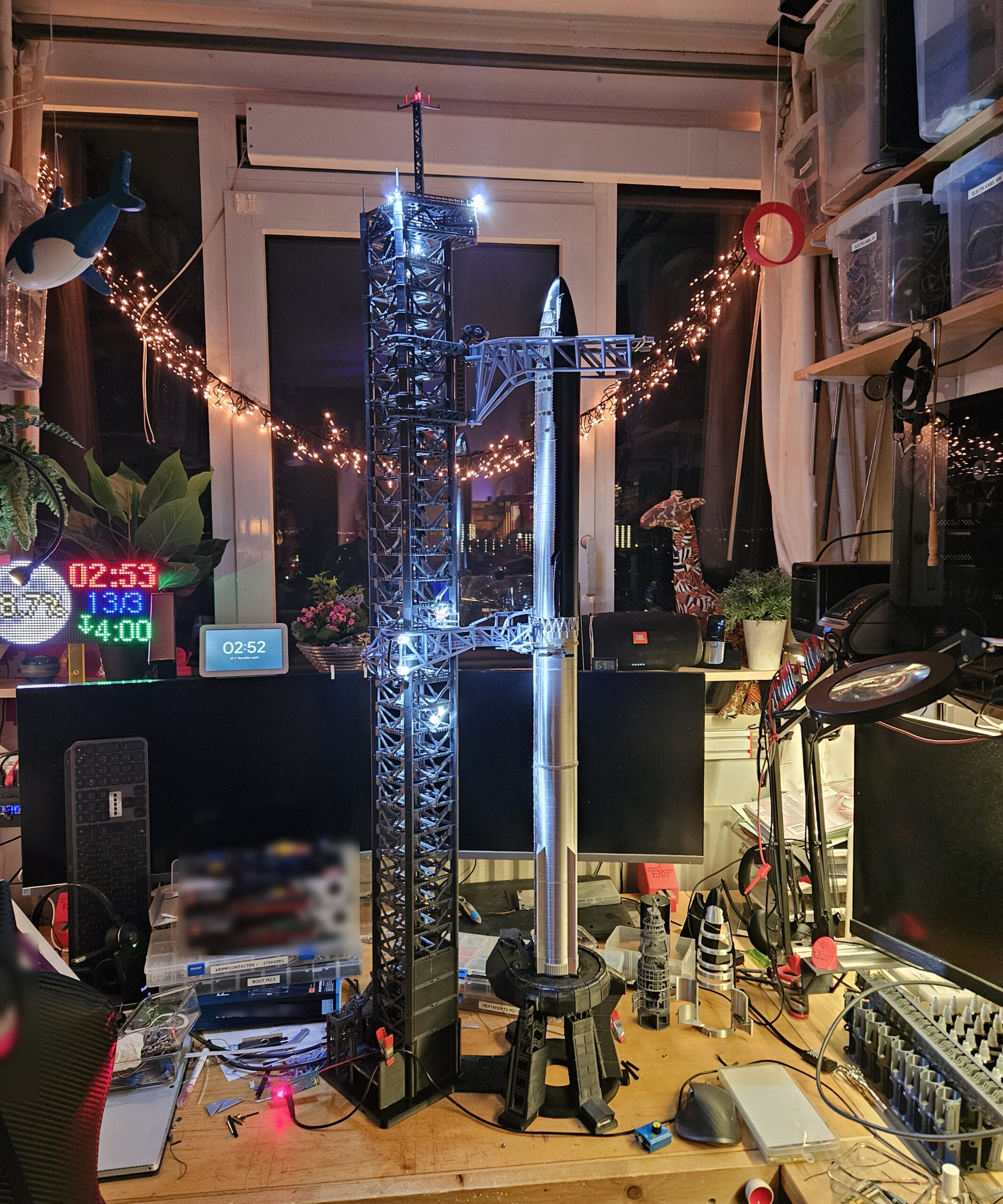
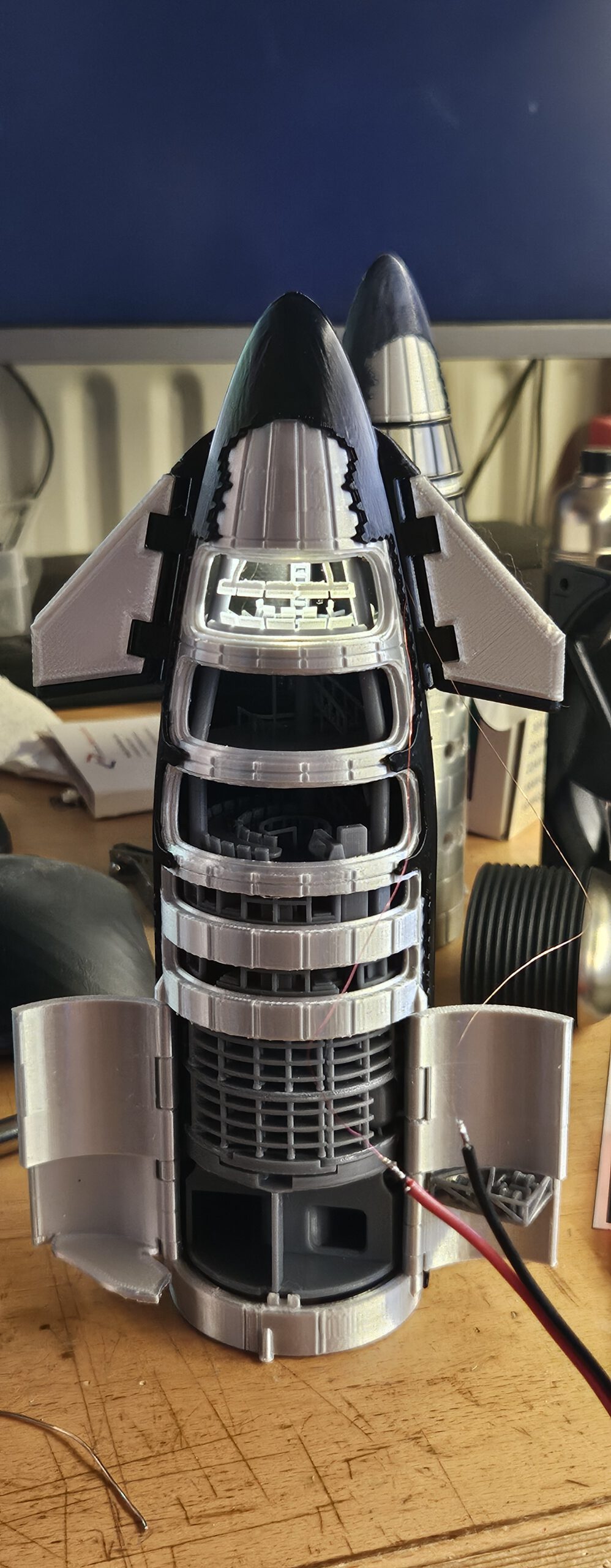
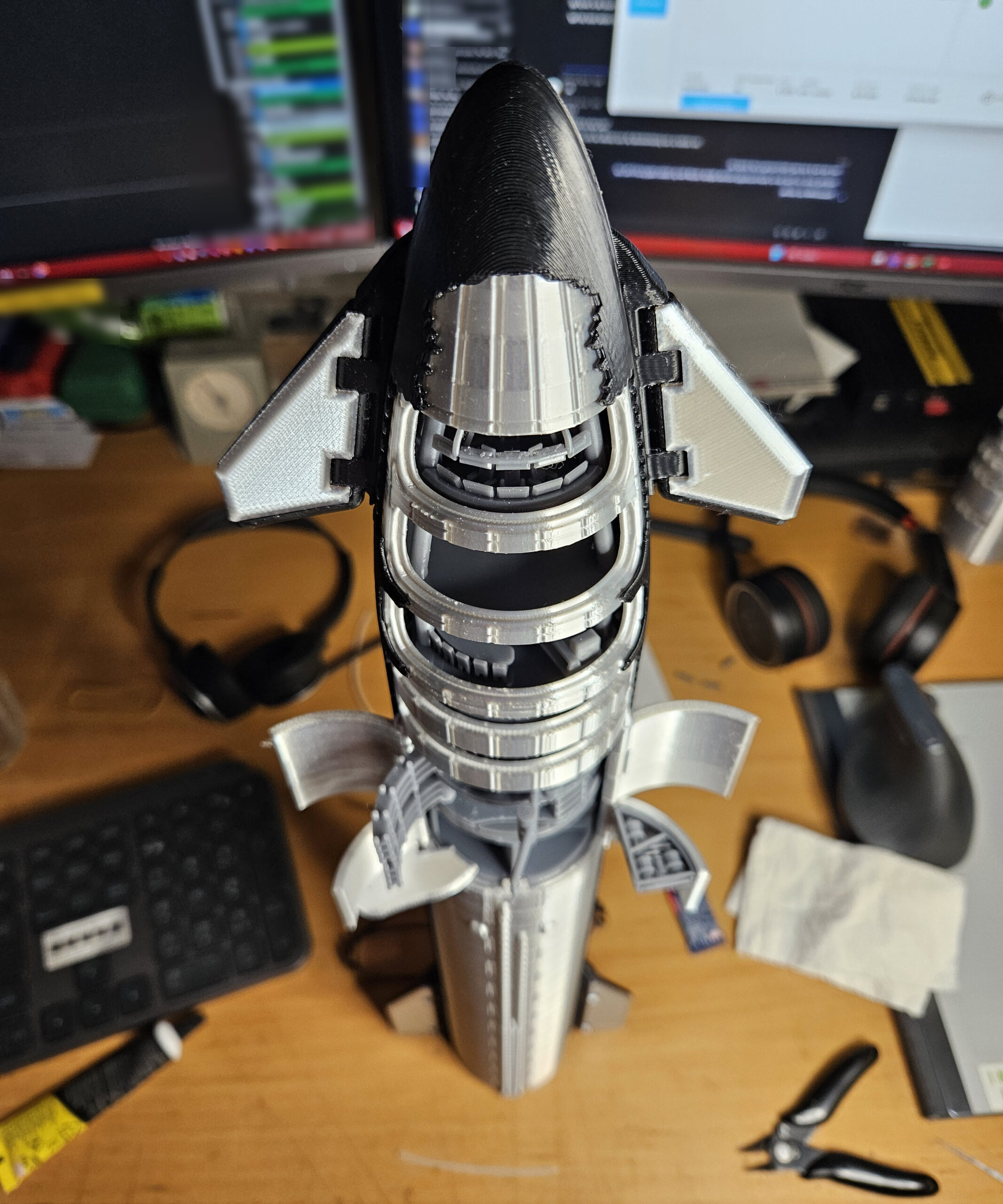
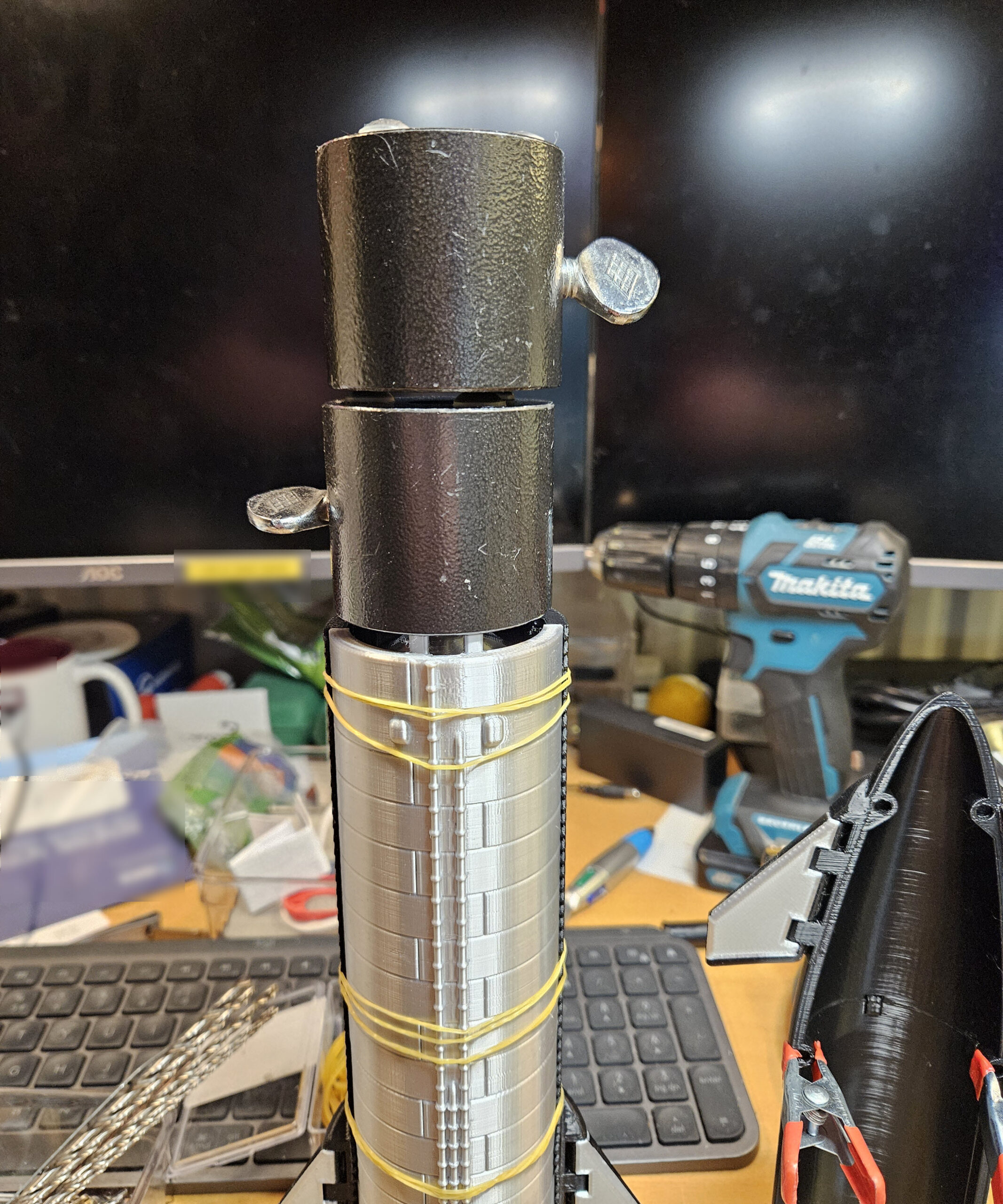
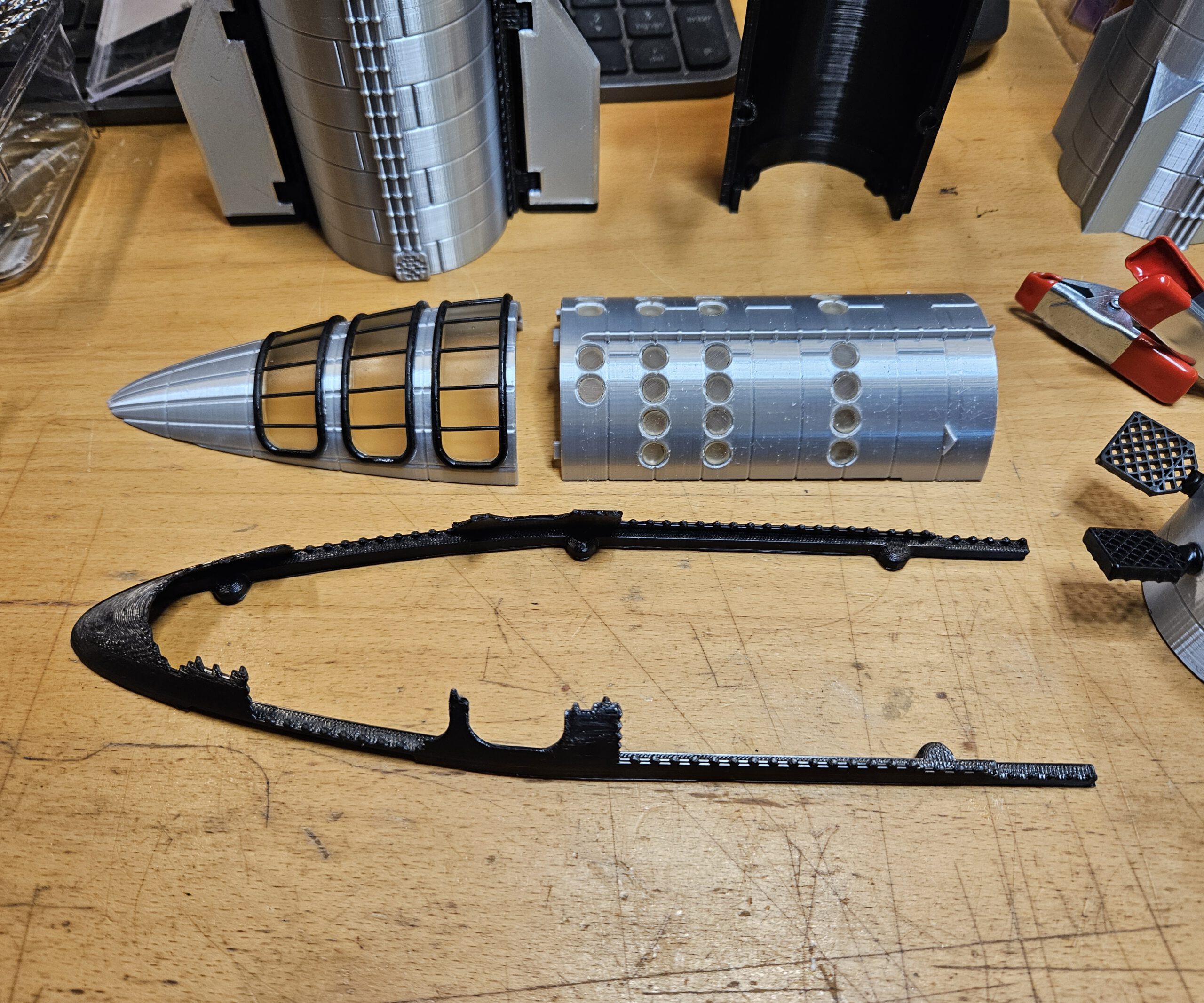
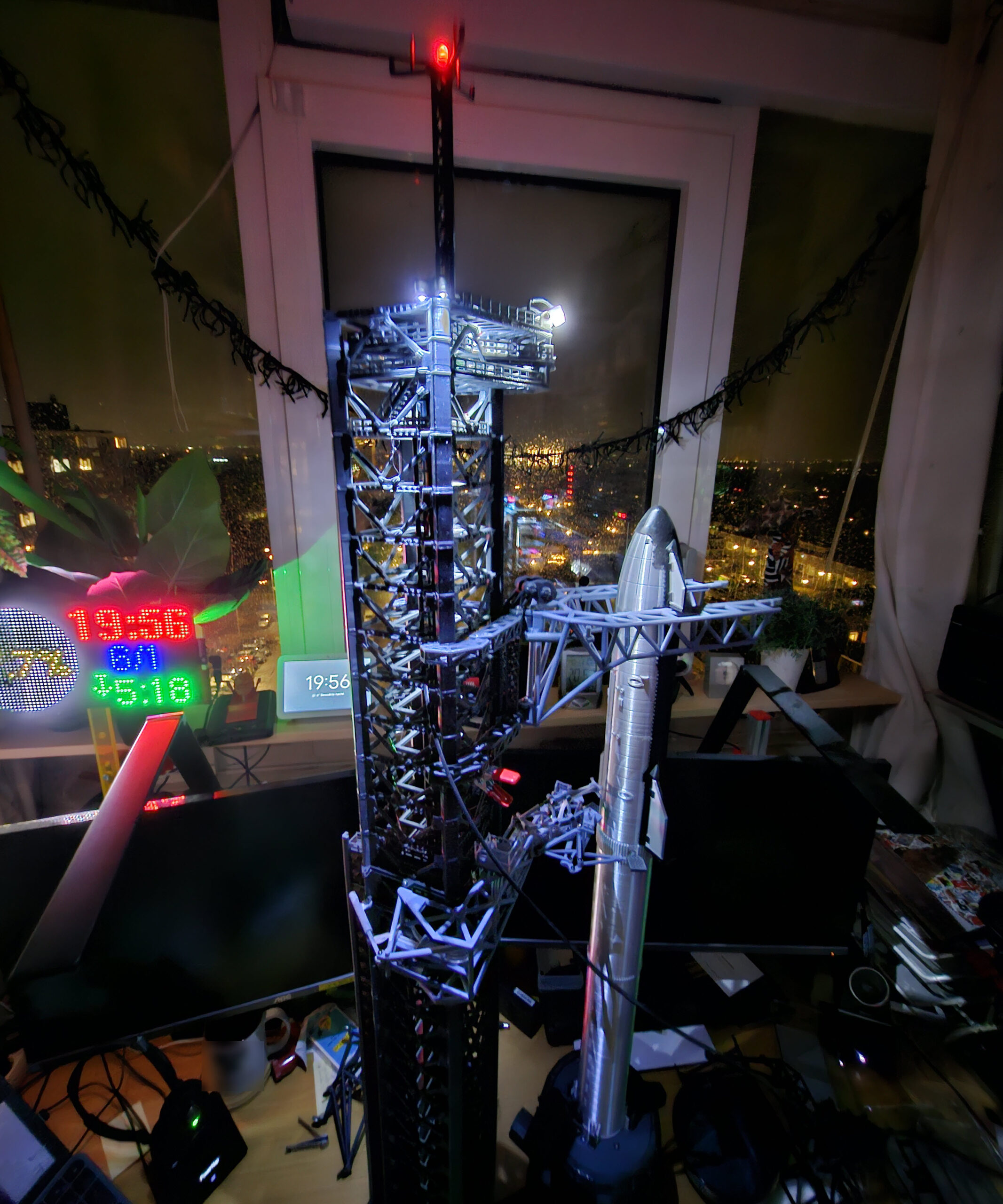
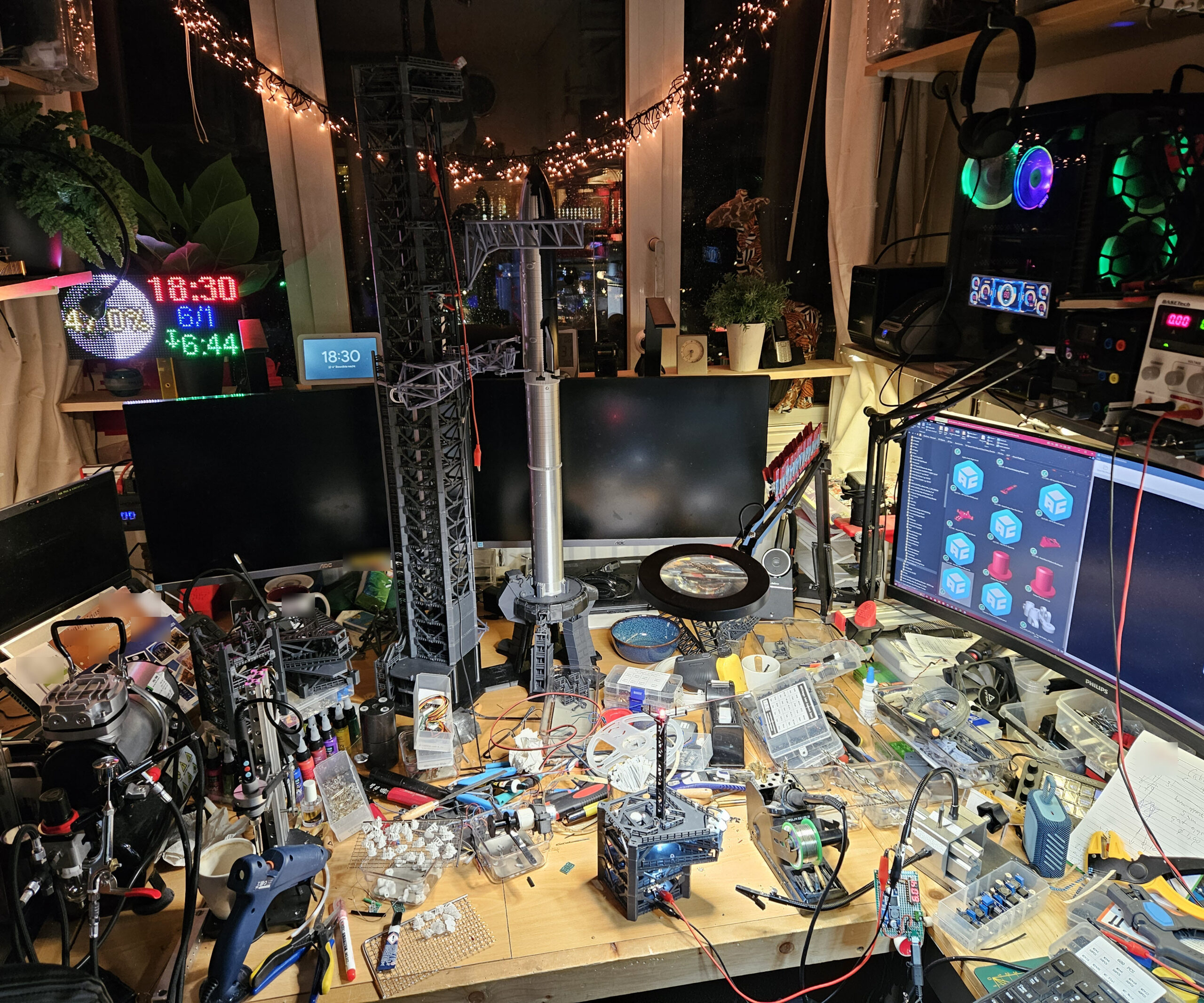
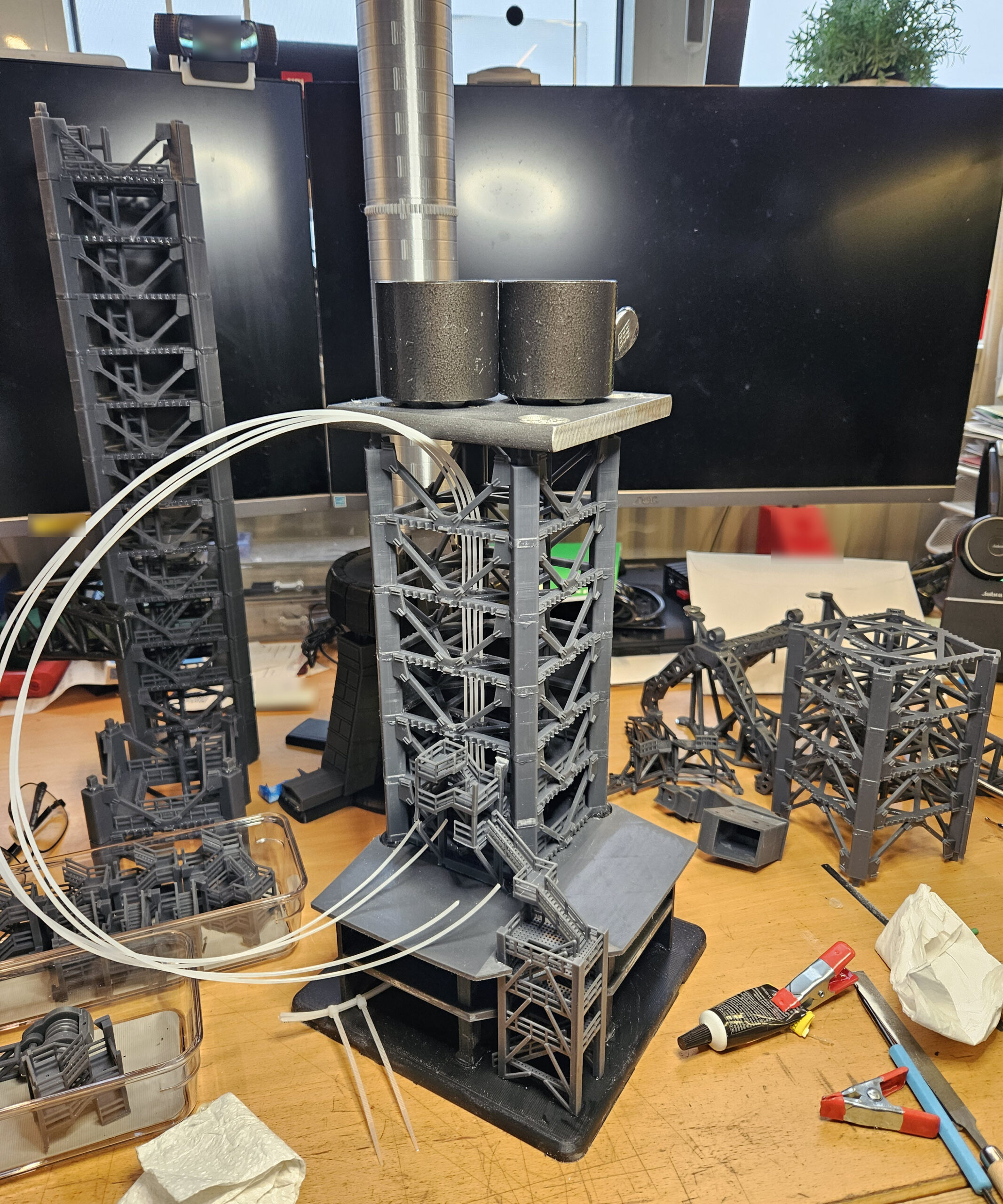
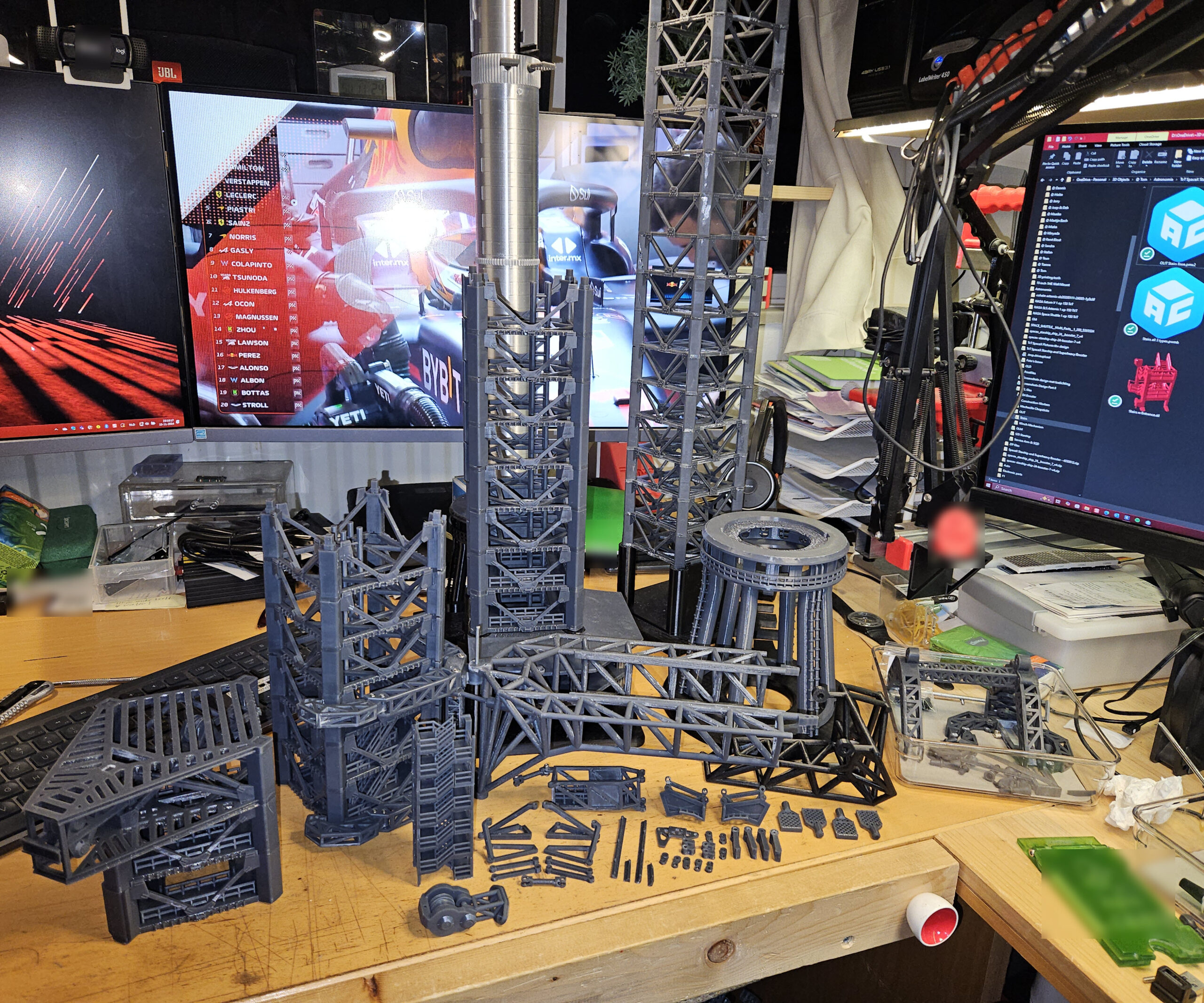
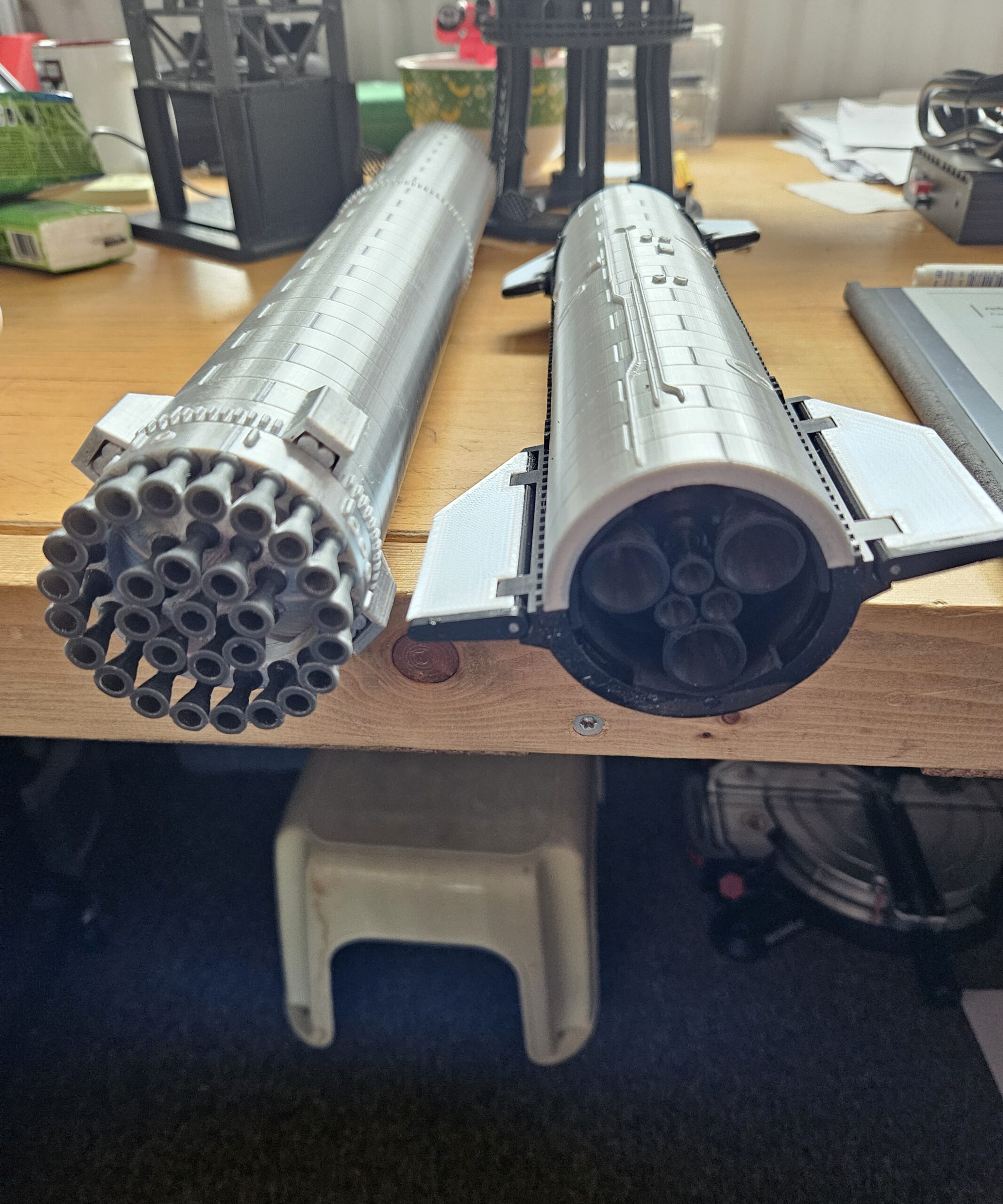
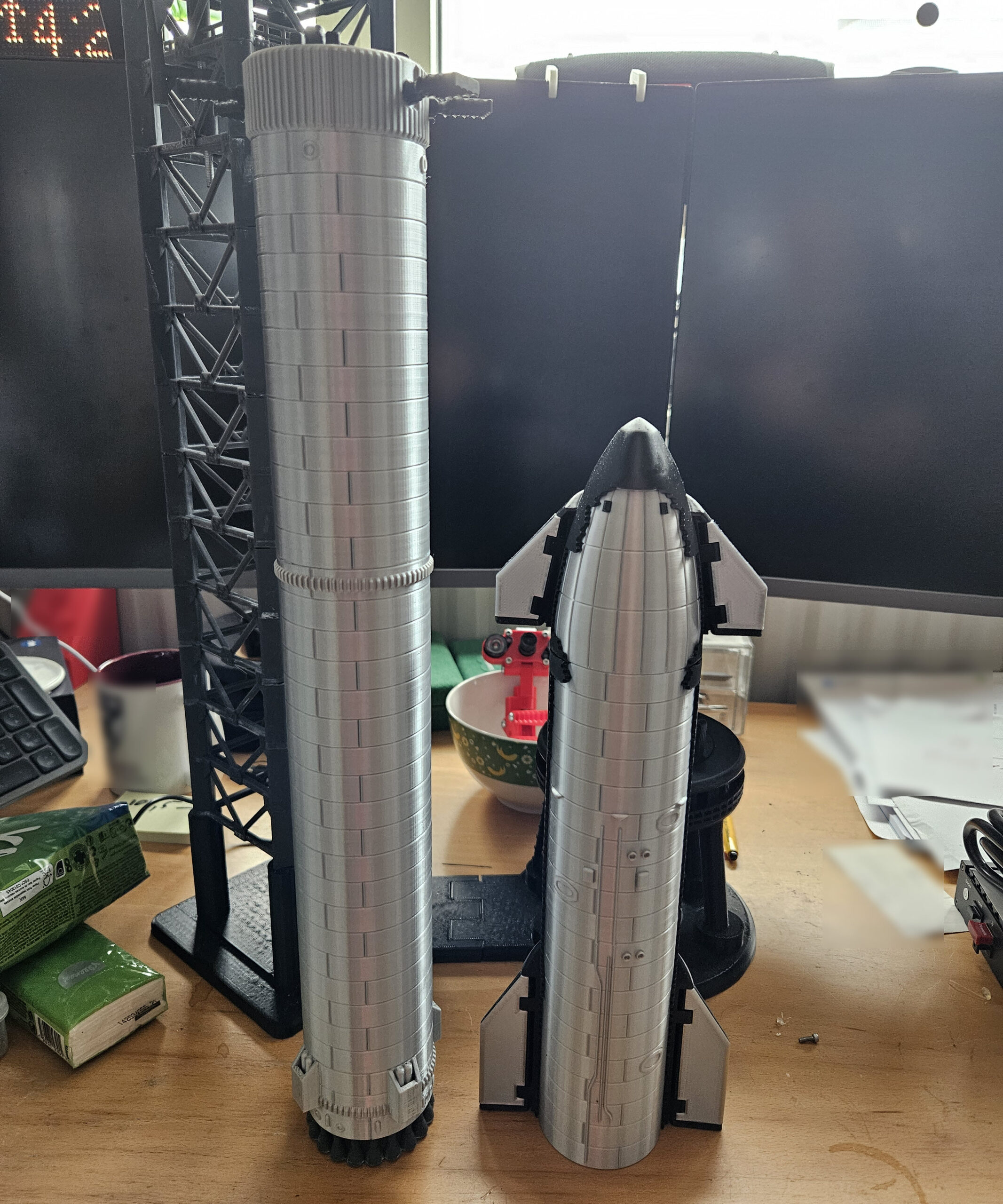
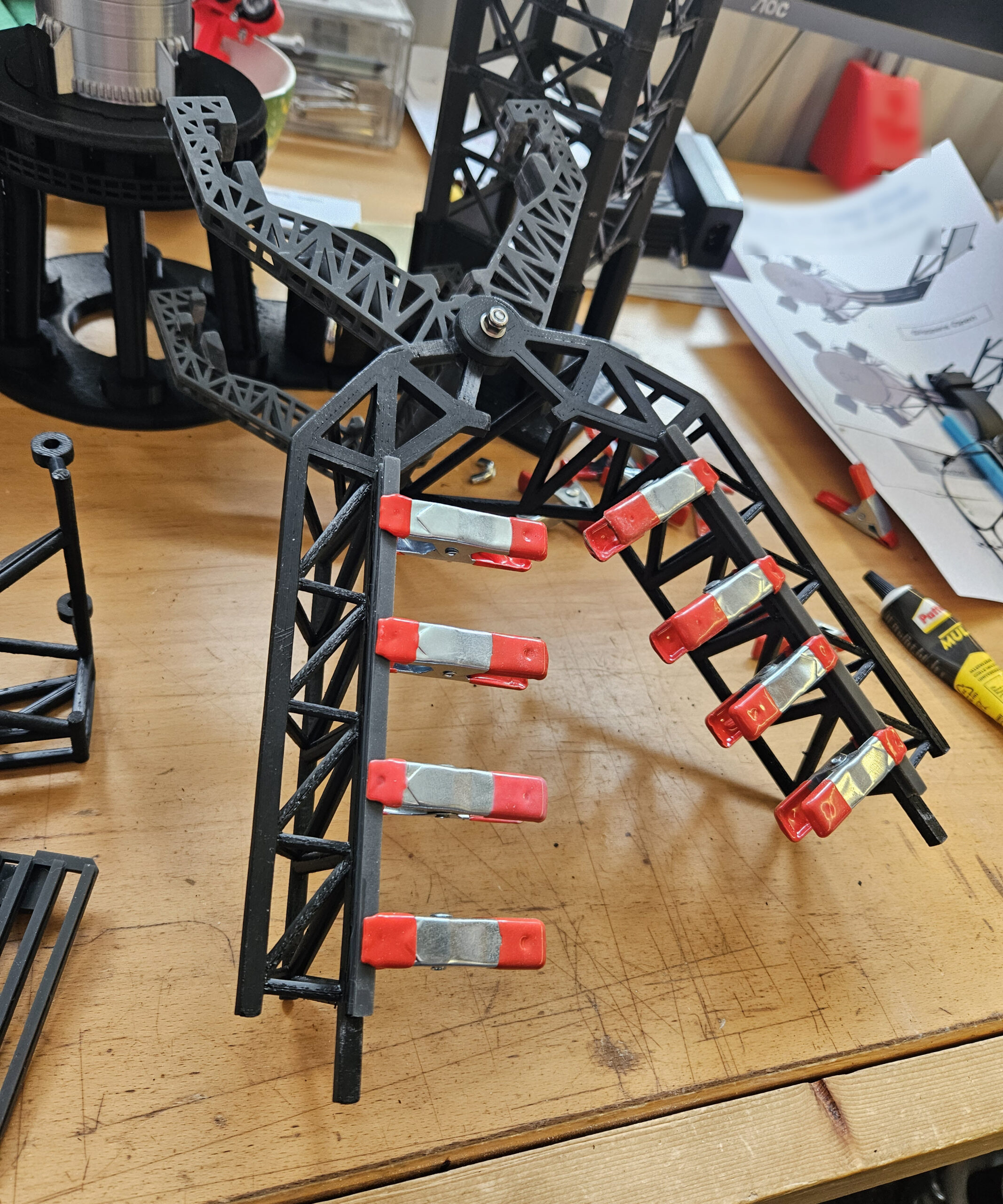
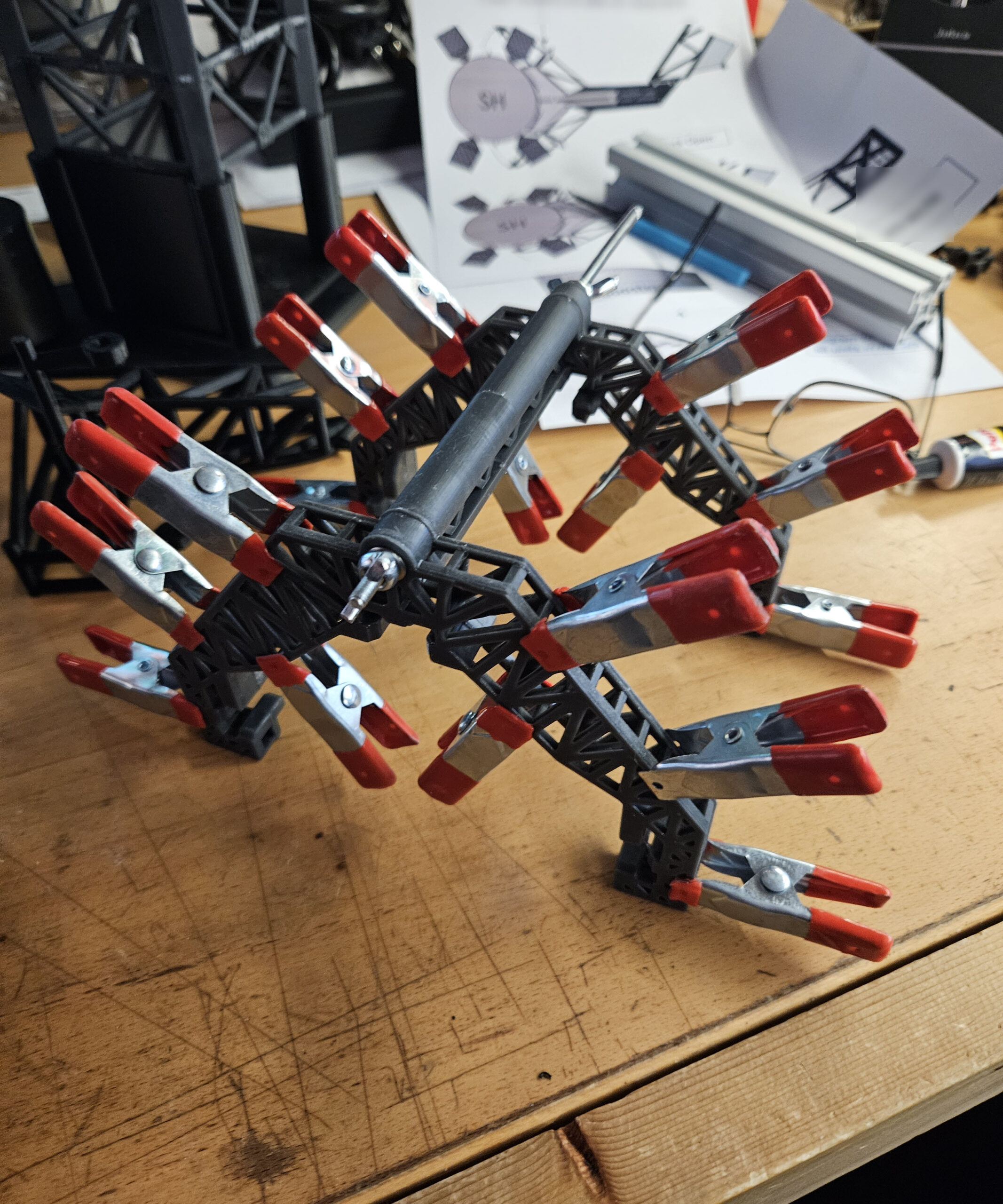
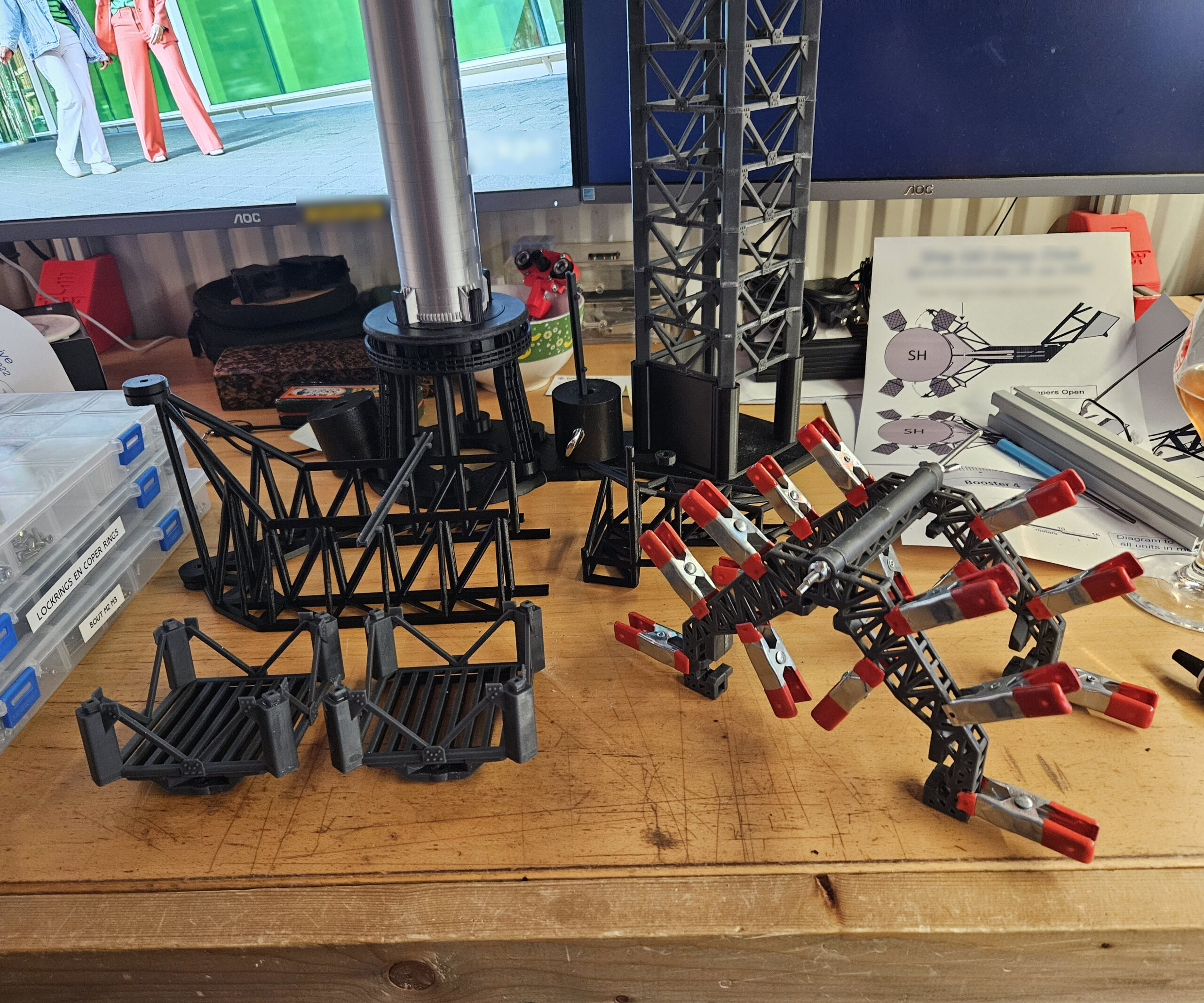
What you see here are some of the design stages of my fully 3D-printed SpaceX Starship launch tower project. Over the course of roughly six months, every major component was designed from scratch, including the tower sections, chopsticks, Quick Disconnect Arm, tank farm, booster and Starship.
The entire model was developed using approximately 150 reference photographs collected from the internet. Since SpaceX does not publish detailed engineering drawings, this is not a perfect one-to-one reproduction. Instead, it is my own interpretation, carefully designed to match the real hardware as closely as possible based on the available imagery.
Many dimensions, structures and mechanisms had to be reverse-engineered from photographs, making this project as much an engineering exercise as it is a scale model.
1/1
Bringing Hundreds of Parts Together
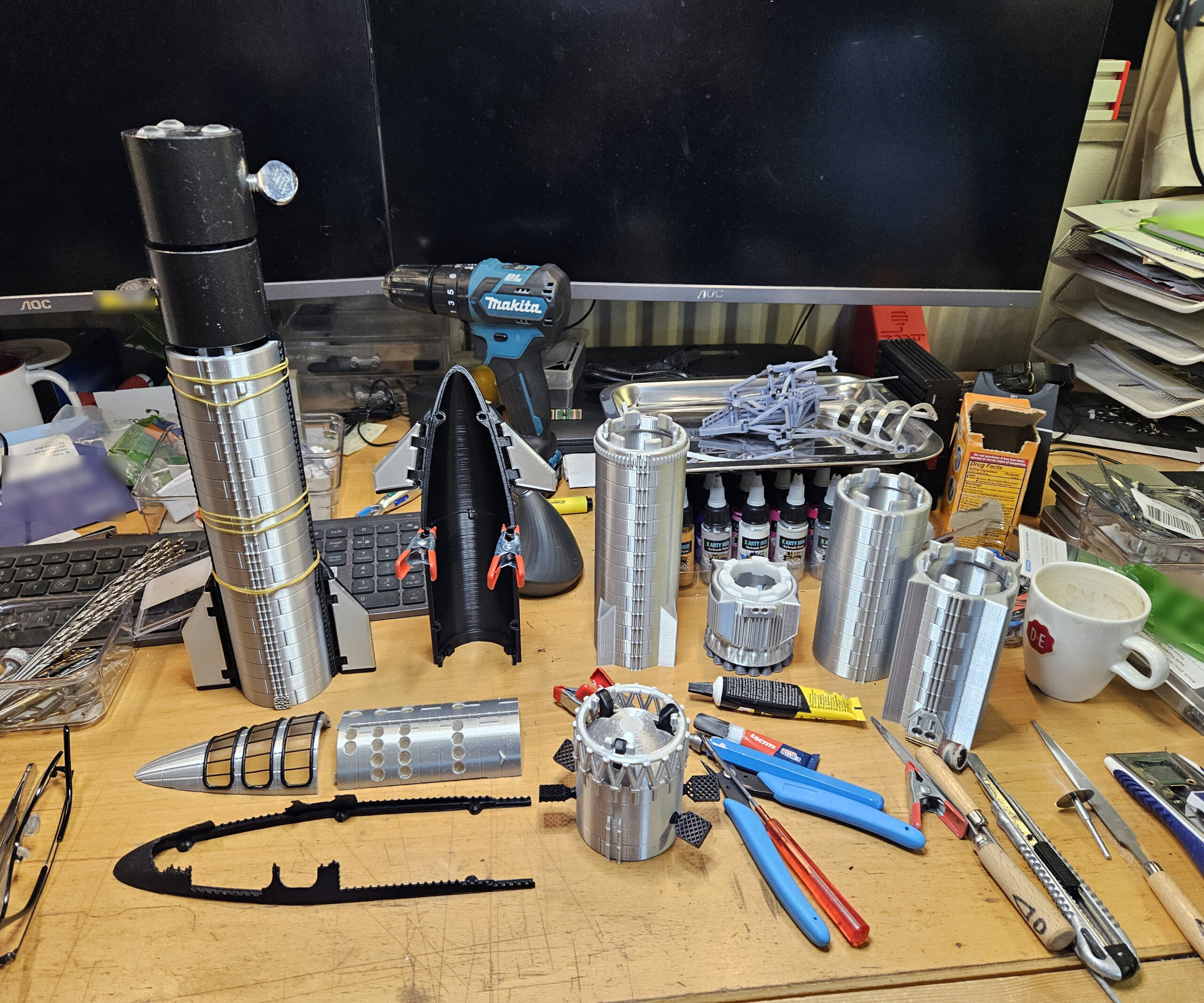
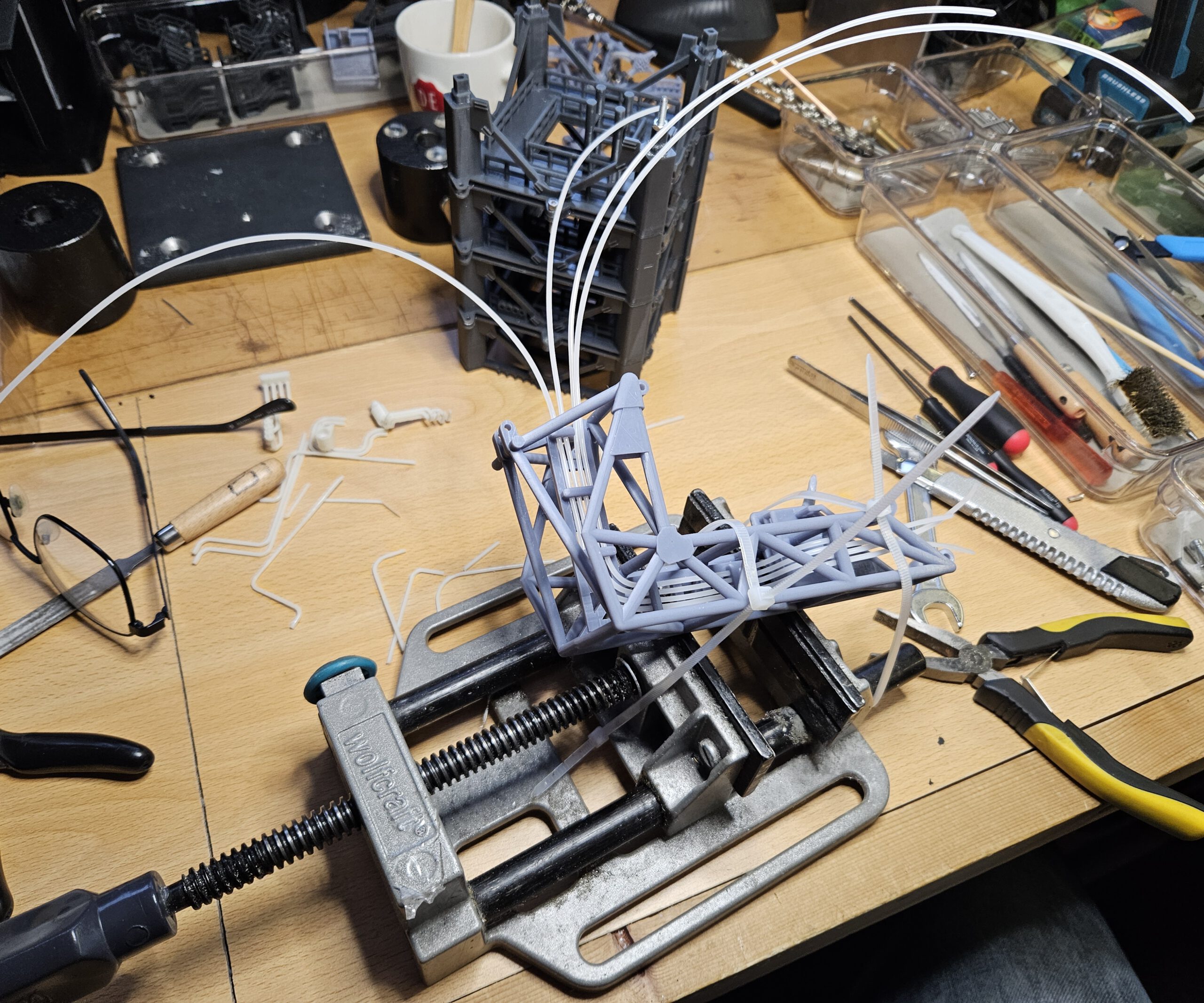
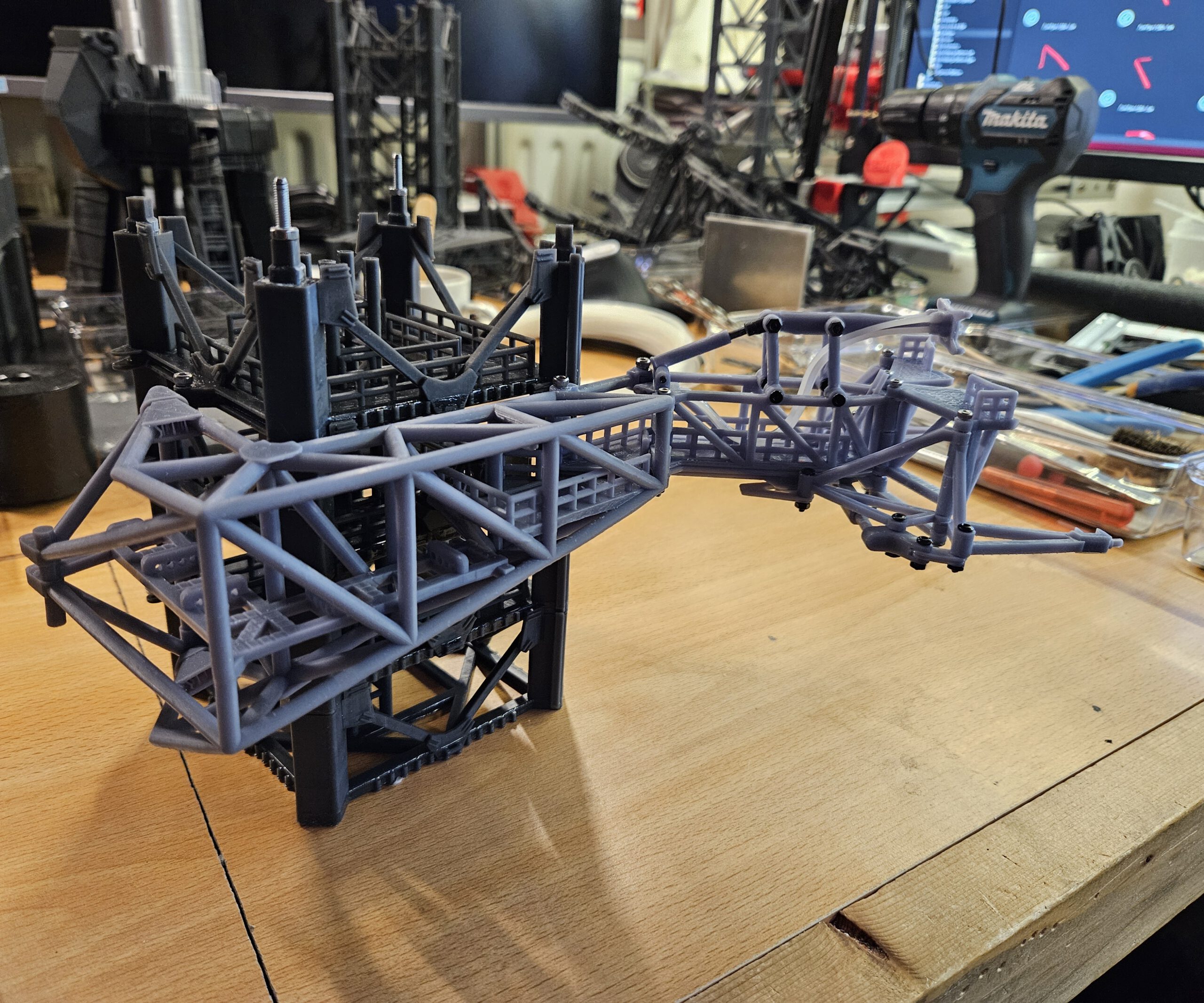
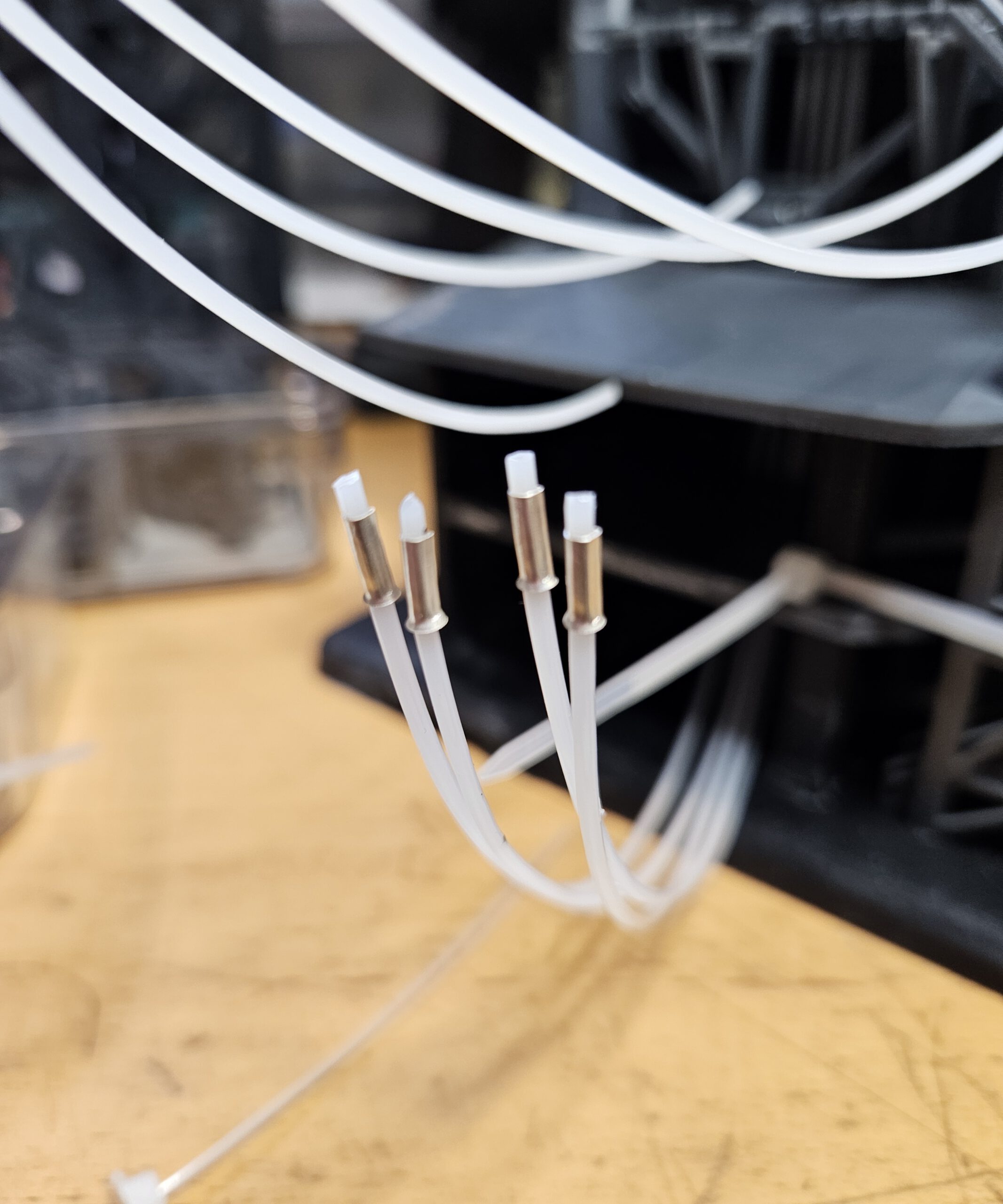
These photographs document the actual construction of the model. Over a period of roughly six months, hundreds of individually printed parts were produced, tested, redesigned and assembled into what eventually became a highly detailed representation of the Starship launch complex.
The pictures show various stages of the build, including tower sections, the Super Heavy booster, Starship, the moving chopsticks, the Quick Disconnect Arm, lighting systems, wiring and numerous test assemblies. Many components went through several iterations before achieving the desired combination of strength, detail and functionality.
The model itself has been finished for well over six months. Only now have I finally found the time to start documenting the project properly and give it the place it deserves on this website. These photographs are therefore intended both as a preview and as a way to add some substance to what is still a relatively new website.
A complete project write-up is coming soon.
Over the coming months, this page will be expanded with a detailed build log, technical information, close-up photographs and practical tips for those who would like to build their own version.
This Starship tower is only the beginning. My intention is to gradually document and publish all of the projects I have created over the past six to seven years, turning this website into a showcase of the things I design and build.
Every project will be accompanied by detailed design notes, construction logs and assembly instructions. In addition, all STL files and any other data required to reproduce my designs will eventually be made available for download, allowing others to build and modify the projects themselves.
So, if you enjoy making things, feel free to bookmark this site and drop by from time to time. There is much more to come.
This is a compact, high-strength 3D-printed desktop vise designed for model making, electronics, 3D printing and other precision work.
The main feature of this design is its mechanically synchronized dual lead-screw drive.
Desktop Vise
Desktop Vise
Desktop Vise
Desktop Vise
Desktop Vise
Instead of moving the jaw with a single lead screw, this vise uses two T8 lead screws, one on each side of the moving jaw. A single handwheel drives both lead screws simultaneously through a three-gear transmission.
Because both sides are mechanically linked, they always travel together. This prevents the moving jaw from twisting or skewing and keeps the jaws parallel throughout their entire range of motion, even when a workpiece is clamped off-centre.
The video demonstrates the mechanism in operation.
How it works
The centre gear is connected to the handwheel and drives the two outer gears simultaneously. These drive the two T8 lead screws at exactly the same rate.
Two 8 mm steel guide rods provide additional guidance and rigidity for the moving jaw.
The result is a very simple mechanical system:
one handwheel → three synchronized gears → two lead screws → one parallel-moving jaw
No belts, electronics or separate adjustments are required.
Designed for strength
Although most of the vise is 3D printed, the parts carrying the main mechanical loads are steel rods, T8 lead screws, bearings and conventional fasteners.
The design can therefore be made considerably stronger than its appearance might suggest.
How strong it becomes depends heavily on the material and print settings used. I printed the vise using FormFutura TitanX with three walls/perimeters.
For heavier use, I recommend increasing the number of walls/perimeters rather than relying primarily on a very high infill percentage.
Print orientation is also important. Structural parts should preferably be oriented so that the main clamping forces do not try to separate the printed layers.
Obviously, this is still a predominantly 3D-printed desktop vise — it isn’t intended to replace the 20 kg lump of cast iron bolted to your workbench. 🙂
No Caption
No Caption
No Caption
No Caption
No Caption
No Caption
Linear bearings
The moving jaw runs on two 8 mm guide rods.
Printable linear-bearing components are included with the model, so commercial linear bearings are not strictly required.
However, I found that standard 8 mm metal linear ball bearings provide better stability and smoother movement, so I recommend using them if possible.
Gear grip
The three gears transfer the force through the bearing assemblies.
If you experience slipping under higher clamping loads, thin rubber rings or O-rings can be placed between the gears and the outer races of the ball bearings to increase friction.
Additional hardware required
Besides the printed parts, you will need:
3× deep-groove ball bearing — 15 × 32 × 9 mm
2× T8 lead screw — 8 mm × 125 mm
4× brass T8 trapezoidal lead-screw nut
2× 8 mm steel guide rod — 172 mm
2× 8 mm linear ball bearing — optional; printable alternatives are included
2× M8 threaded rod/stud — 215 mm
4× M8 nut
2× M3 × 20 mm socket-head screw
3× M3 × 15 mm socket-head screw
10× M3 × 10 mm socket-head screw
12× M4 × 30 mm socket-head screw
2× M4 × 10 mm socket-head screw
Standard washers and/or small adjustment hardware visible in the assembly may also be required depending on tolerances and the exact hardware used.
Printing
My original vise was printed primarily on a Voron 2.4 using ABS filament
Some smaller parts were produced using the Anycubic Photon Mono X 6K resin printer using “ABS-like” resin.
The design does not depend on these particular printers. Any reasonably well-calibrated FDM printer capable of producing mechanically strong parts should be suitable.
The vise was primarily designed for smaller precision work such as model building, electronics, PCB work, assembling 3D-printed parts and general maker projects.
The synchronized mechanism is particularly useful when working with parts that need to remain accurately aligned between the jaws.
Designed in Fusion 360 and built to answer a simple question:
How much of a proper precision desktop vise can you make with a 3D printer?